







Question: please help im stuck, i need to select an image from the dropdown menu. my image is not populating. this is my code DOCTYPE html
selectionName
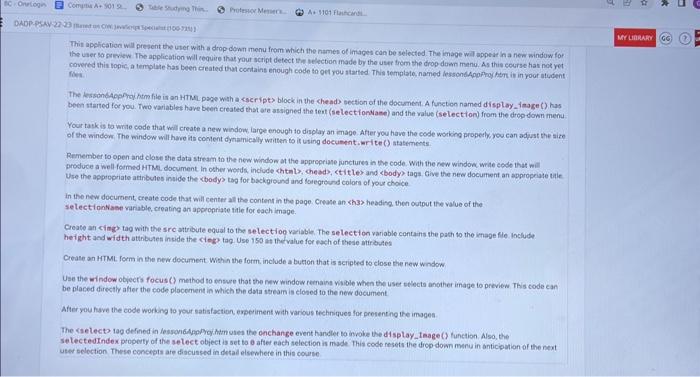
");Thit apelieation will present the user with a drop down menu from which the names of imsges can be selected. The image will appear in a new window for the uner sa griview The application will cequire that your script detect trip belecton made by the user frem the drop duan manu. As this ecerse hai noe ret covered this topic, a template has been created that contains enough code th oct rou started This temptate, named lessondepprino hiem if in roor atudent fiver. The dessondepoing himfile is an HTMe page with a cseript) block in the che ado section of the document. A functon named display - inage () has been started for you. Two variables have been created that ate assigned the tent (selectfonNaee) and the ralue (seliection) from the drep down menu. Your takk is ta wnte code that weil create a new window, large enough to display an image. After you have the code working properly. yeu can adyst the size of the window, The window wil have its content dynainicaly wetten to if using docuinent. or ite () atastments. Remember to open and close the data stream th the new window at the apprepriage functures in the code. With the raw window. write cede that will. Droduce a well-foimed HTM. document. In other woeds. include chtals; che ads, t it les and ebody tags, Cive the nere document an appropriate tate Use the apprepriate atinbules inside the kbody> tbg for tackground and loregresrd colors of your choice. in the new docurnent, create code that will center all the content in the page. Crease an sh3> headira. then outbut the value of the selectiontaan wariable, creating an appeonriase tifle for each image. Create an cinge tag with the src attribute equal to the setect too variable. The serlect on variable contains the path to the imape fle. Include height and wid th atthbules incide the cheg? tag. Use 150 itt the value for each of thede attributes Crease an HTML. form in the nevi document Weh n the form, include a button that is scripted to close the new window. Use the window obyecrs focus (?) method to onsure that the riw window reenaing wible when the user stects andither irnage to preview This code can be placed direstly alier the code plocement in which the data stream is closed to the new document. After you have the code working to your satisfaction, experiment with various techniques for present ing the images selectedindex ptoperty of the select object is set to 0 after each selection is made This codo nesets the drop down merua in anticipation of the next user sclection. These concepts are discused in detad elsewhere in this course
Step by Step Solution
There are 3 Steps involved in it

Get step-by-step solutions from verified subject matter experts
 Study Help