







Question: Please help me Im using MATLAB Program The output needs to look like the boxes in the (2nd picture) and OPTIONAL display the images (3rd
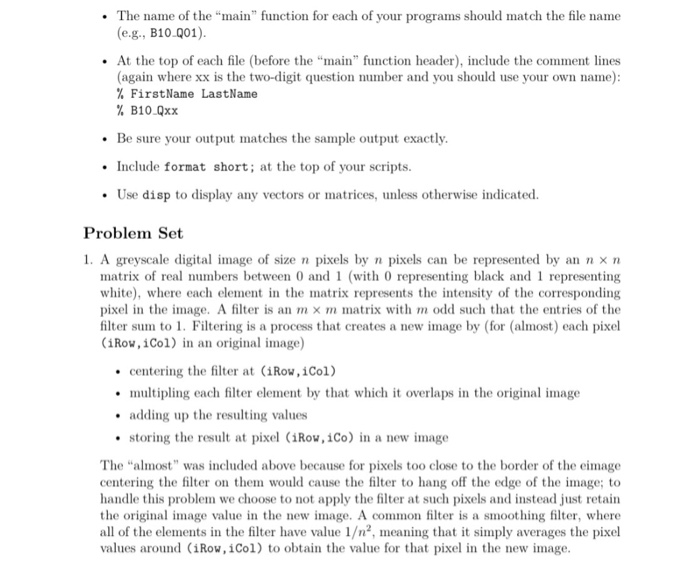
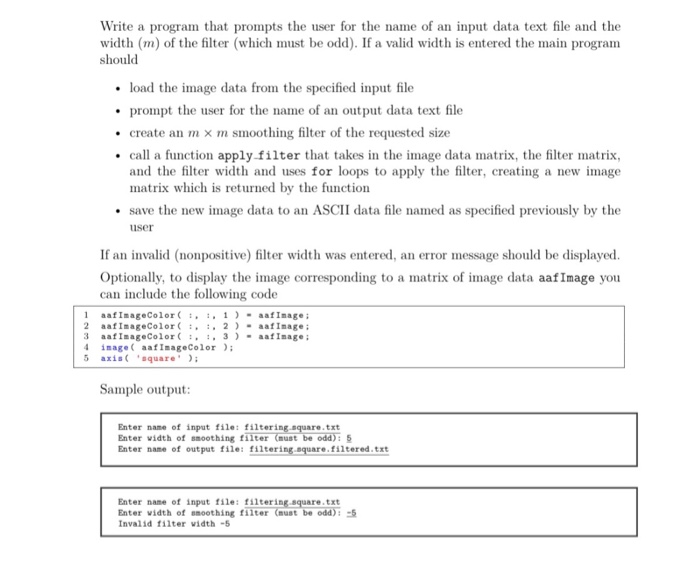
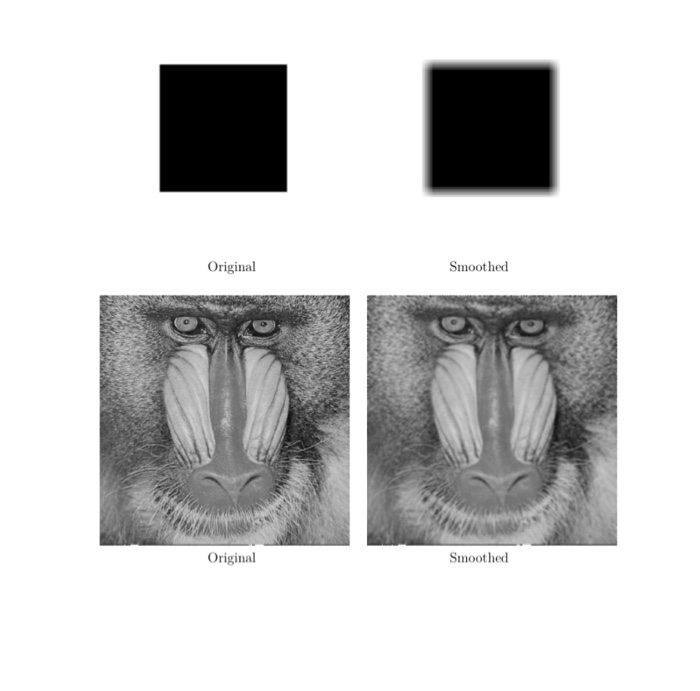
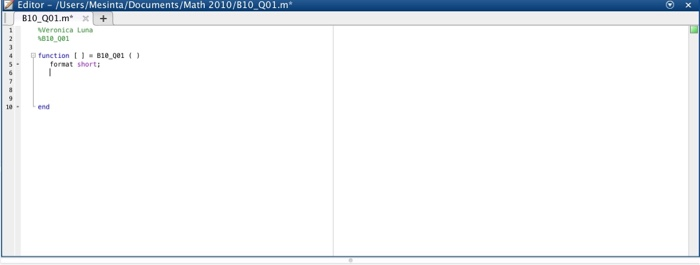
. The name of the "mn" function for each f your programs should match the file name (e.g., B10.001) At the top of each file (before the "main" function header), include the comment lines (again where xx is the two-diit question number and you should use your own name) % FirstName LastName % B10.Qxx Be sure your output matches the sample output exactly Include format short; at the top of your scripts. Use disp to display any vectors or matrices, unless otherwise indicated. Problem Set 1. A greyscale digital nnage of size n pixels by n pixels can be represented by an n n matrix of real numbers between 0 and 1 (with 0 representing black and 1 representing white), where each element in the matrix represents the intensity of the corresponding pixel in the image. A filter is an m m matrix with m odd such that the entries of the filter sum to 1. Filtering is a process that creates a new image by (for (almost) each pixel (iRov, iCol) in an original image) centering the filter at (iRow,iCol) multipling each filter element by that which it overlaps in the original image adding up the resulting values storing the result at pixel (iRow,iCo) in a new image The'almost" was included above because for pixels too close to the border of the emage centering the filter on them would cause the filter to hang off the edge of the image; to handle this problem we choose to not apply the filter at such pixels and instead just retain the original mage value in the new image. A common filter is a smoothing filter, where all of the elements i the filter have value 12, meaning that it simply averages the pixel values around (iRow,iCol) to obtain the value for that pixel in the new image
Step by Step Solution
There are 3 Steps involved in it

Get step-by-step solutions from verified subject matter experts
 Study Help