







Question: Please help me with this question with python In your project file, make a function called draw_my_shape with parameters x, y, and win, in that
Please help me with this question with python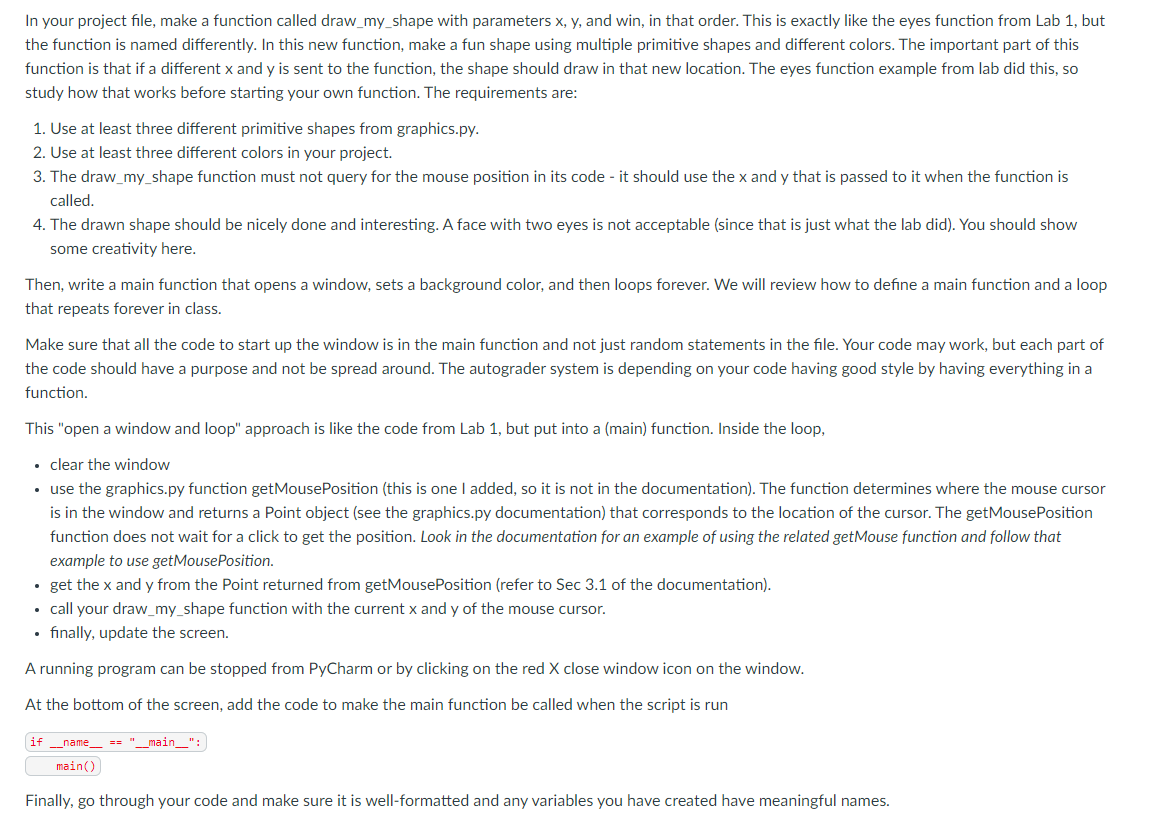
In your project file, make a function called draw_my_shape with parameters x, y, and win, in that order. This is exactly like the eyes function from Lab 1, but the function is named differently. In this new function, make a fun shape using multiple primitive shapes and different colors. The important part of this function is that if a different x and y is sent to the function, the shape should draw in that new location. The eyes function example from lab did this, so study how that works before starting your own function. The requirements are: 1. Use at least three different primitive shapes from graphics.py. 2. Use at least three different colors in your project. 3. The draw_my_shape function must not query for the mouse position in its code - it should use the x and y that is passed to it when the function is called. 4. The drawn shape should be nicely done and interesting. A face with two eyes is not acceptable (since that is just what the lab did). You should show some creativity here. Then, write a main function that opens a window, sets a background color, and then loops forever. We will review how to define a main function and a loop that repeats forever in class. Make sure that all the code to start up the window is in the main function and not just random statements in the file. Your code may work, but each part of the code should have a purpose and not be spread around. The autograder system is depending on your code having good style by having everything in a function. This "open a window and loop" approach is like the code from Lab 1, but put into a (main) function. Inside the loop, clear the window use the graphics.py function getMousePosition (this is one I added, so it is not in the documentation). The function determines where the mouse cursor is in the window and returns a Point object (see the graphics.py documentation) that corresponds to the location of the cursor. The getMousePosition function does not wait for a click to get the position. Look in the documentation for an example of using the related getMouse function and follow that example to use getMousePosition. get the x and y from the Point returned from getMousePosition (refer to Sec 3.1 of the documentation). call your draw_my_shape function with the current x and y of the mouse cursor. finally, update the screen. A running program can be stopped from PyCharm or by clicking on the red X close window icon on the window. At the bottom of the screen, add the code to make the main function be called when the script is run if _name = _main__": main() Finally, go through your code and make sure it is well-formatted and any variables you have created have meaningful names
Step by Step Solution
There are 3 Steps involved in it

Get step-by-step solutions from verified subject matter experts
 Study Help