







Question: Please help me with visual Studio C# assignment! Terms parameterized query Master/Detail form Build the Customer Maintenance application Exercise 19-1 This exercise will guide you
Please help me with visual Studio C# assignment!
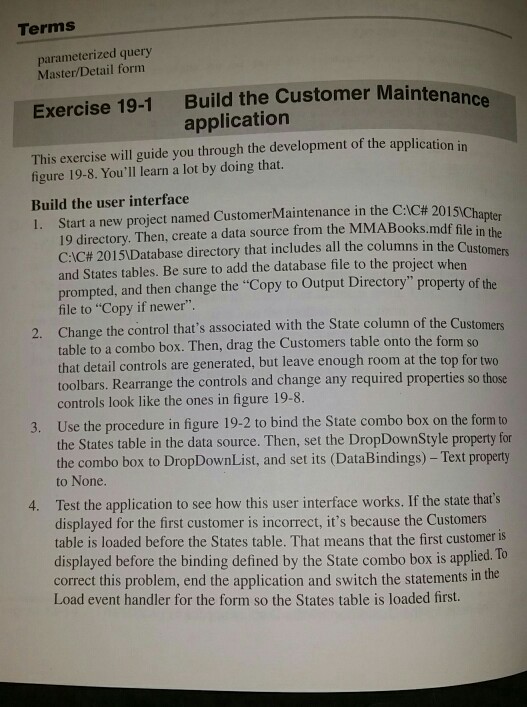
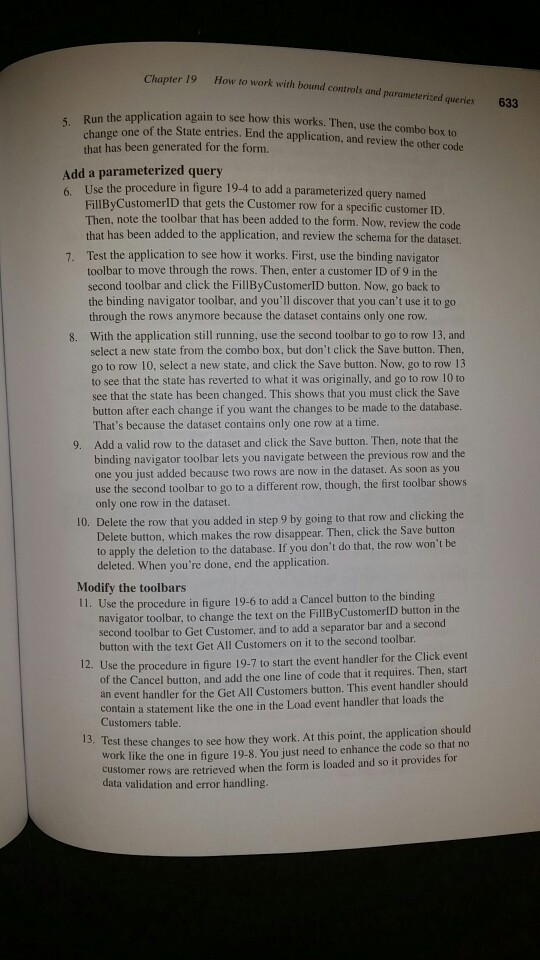
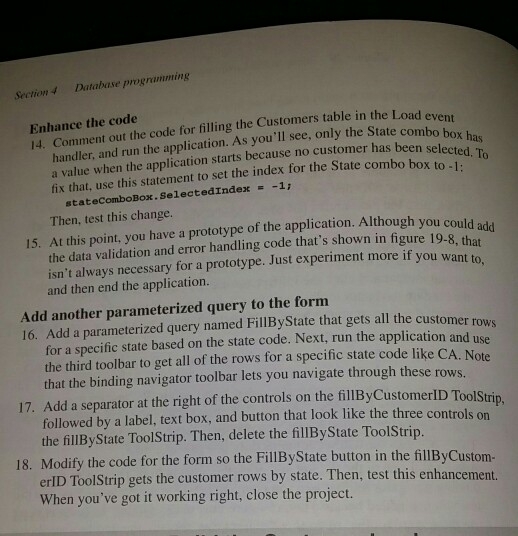
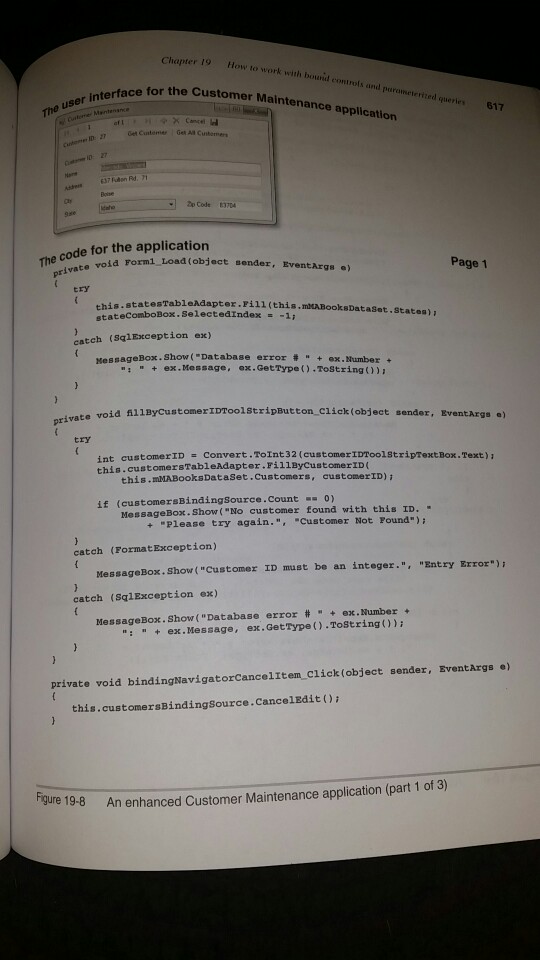
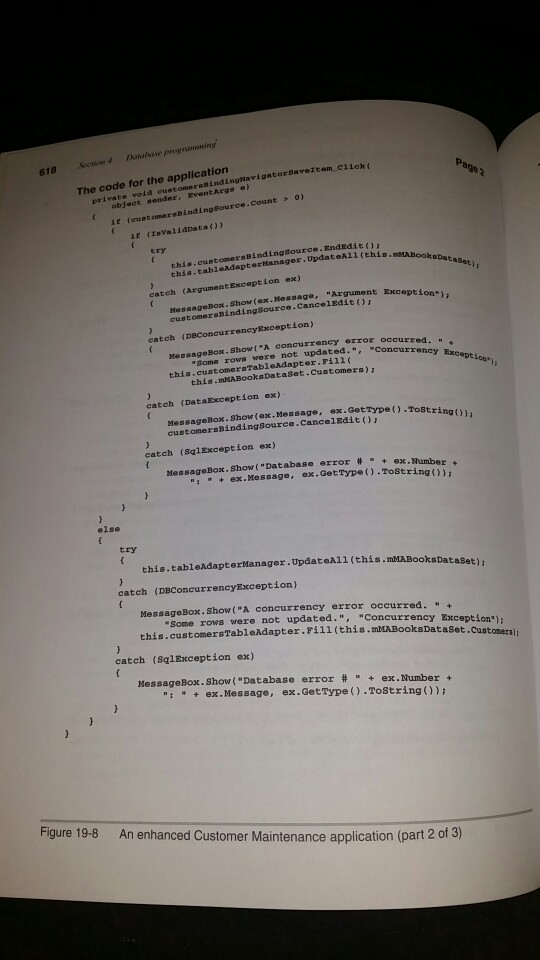
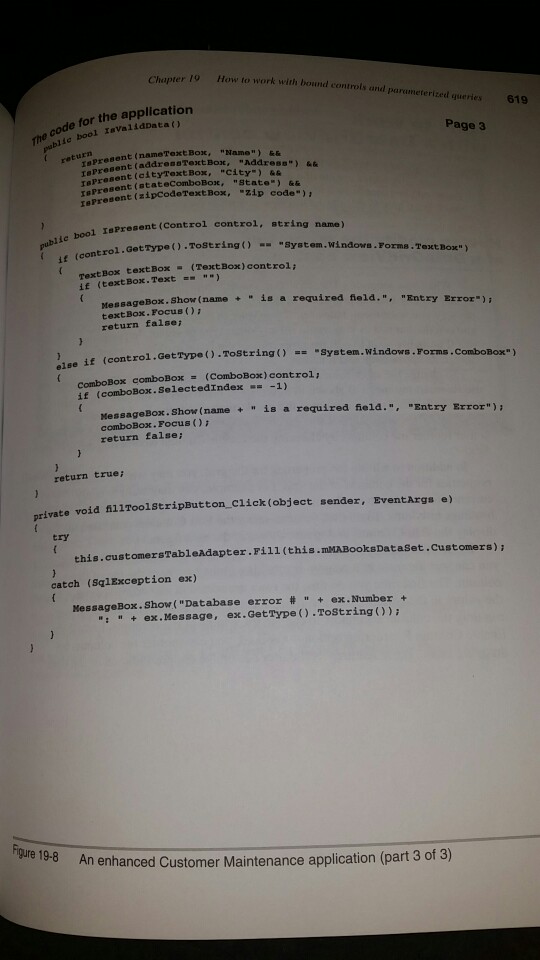
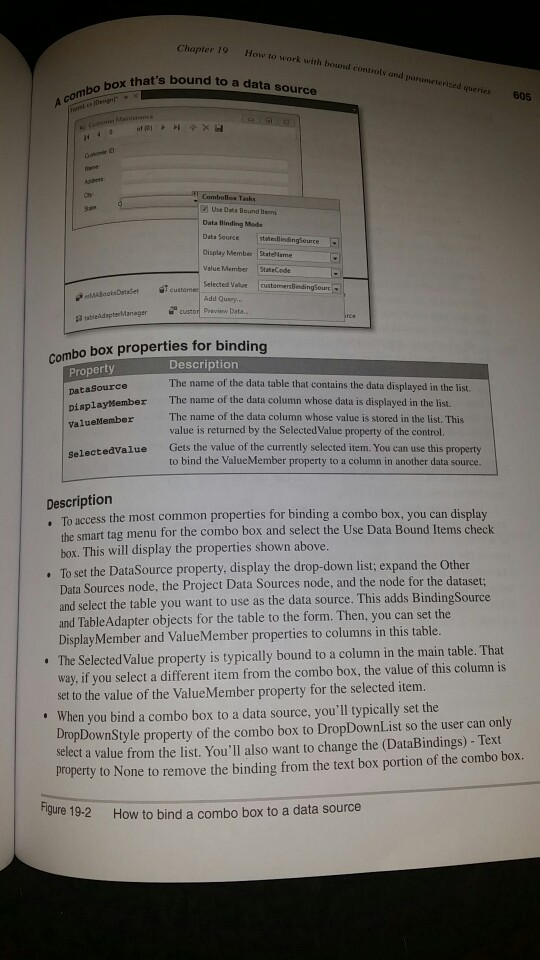
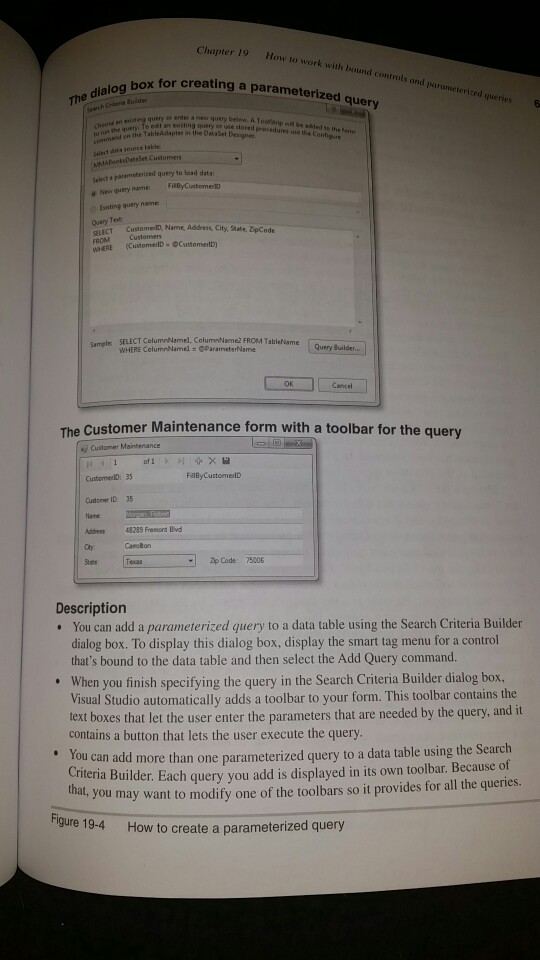
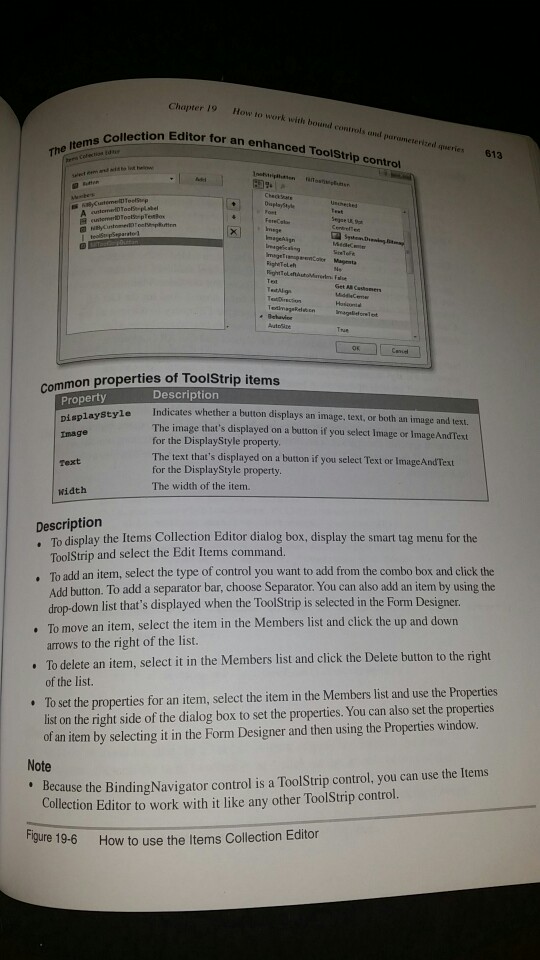
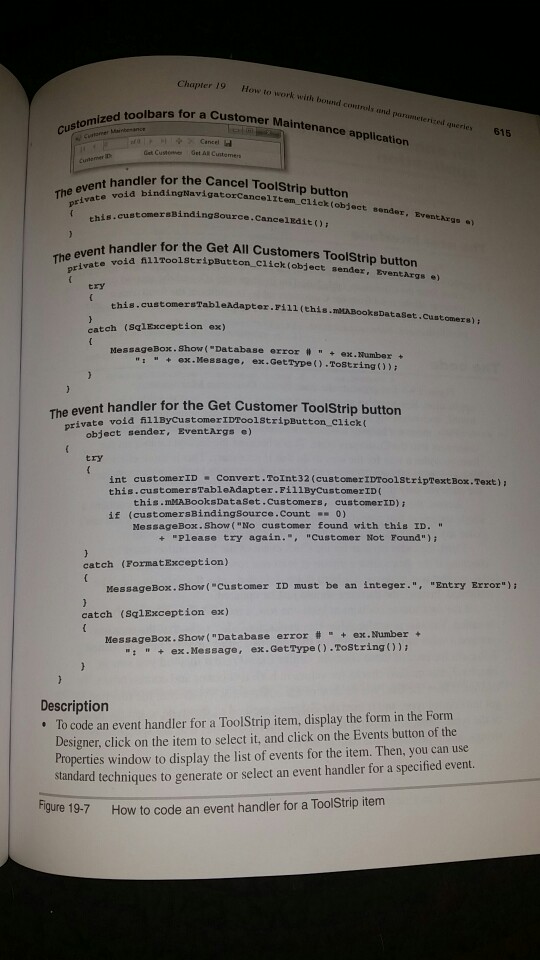
Terms parameterized query Master/Detail form Build the Customer Maintenance application Exercise 19-1 This exercise will guide you through the development of the application i figure 19-8. You'll learn a lot by doing that. Build the user interface I. Start a new project named CustomerMaintenance in the CIC# 2015 apter 19 directory. Then, create a data source from the MMABooks.mdf file in CAC# 2015|Database directory that includes all the columns and States tables. Be sure to add the database file to the project when prompted, and then change the "Copy to Output Directory" property of file to "Copy if newer". Change the control that's associated with the State column of table to a combo box. Then, drag the Customers table onto the form so that detail controls toolbars. Rearrange the controls and change any required properties so those controls look like the ones in figure 19-8 Use the procedure in figure 19-2 to bind the State combo box on the form to the States table in the data source. Then, set the DropDownStyle property for the combo box to DropDownList, and set its (DataBindings)- Text property to None in the Customers the 2. the Customers are generated, but leave enough room at the top for two 3. Test the application to see how this user interface works. If the state that's displayed for the first customer is incorrect, it's because the Customers table is loaded before the States table. That means that the first customer is displayed before the binding defined by the State combo box is applied. To correct this problem, end the application and switch the statements in the Load event handler for the form so the States table is loaded first. 4. Terms parameterized query Master/Detail form Build the Customer Maintenance application Exercise 19-1 This exercise will guide you through the development of the application i figure 19-8. You'll learn a lot by doing that. Build the user interface I. Start a new project named CustomerMaintenance in the CIC# 2015 apter 19 directory. Then, create a data source from the MMABooks.mdf file in CAC# 2015|Database directory that includes all the columns and States tables. Be sure to add the database file to the project when prompted, and then change the "Copy to Output Directory" property of file to "Copy if newer". Change the control that's associated with the State column of table to a combo box. Then, drag the Customers table onto the form so that detail controls toolbars. Rearrange the controls and change any required properties so those controls look like the ones in figure 19-8 Use the procedure in figure 19-2 to bind the State combo box on the form to the States table in the data source. Then, set the DropDownStyle property for the combo box to DropDownList, and set its (DataBindings)- Text property to None in the Customers the 2. the Customers are generated, but leave enough room at the top for two 3. Test the application to see how this user interface works. If the state that's displayed for the first customer is incorrect, it's because the Customers table is loaded before the States table. That means that the first customer is displayed before the binding defined by the State combo box is applied. To correct this problem, end the application and switch the statements in the Load event handler for the form so the States table is loaded first. 4
Step by Step Solution
There are 3 Steps involved in it

Get step-by-step solutions from verified subject matter experts
 Study Help