







Question: Please Help Need ASAP I need Step 2 Java In this case study, you are tasked with creating an online store application in Java. The
Please Help Need ASAP I need Step 2
Java 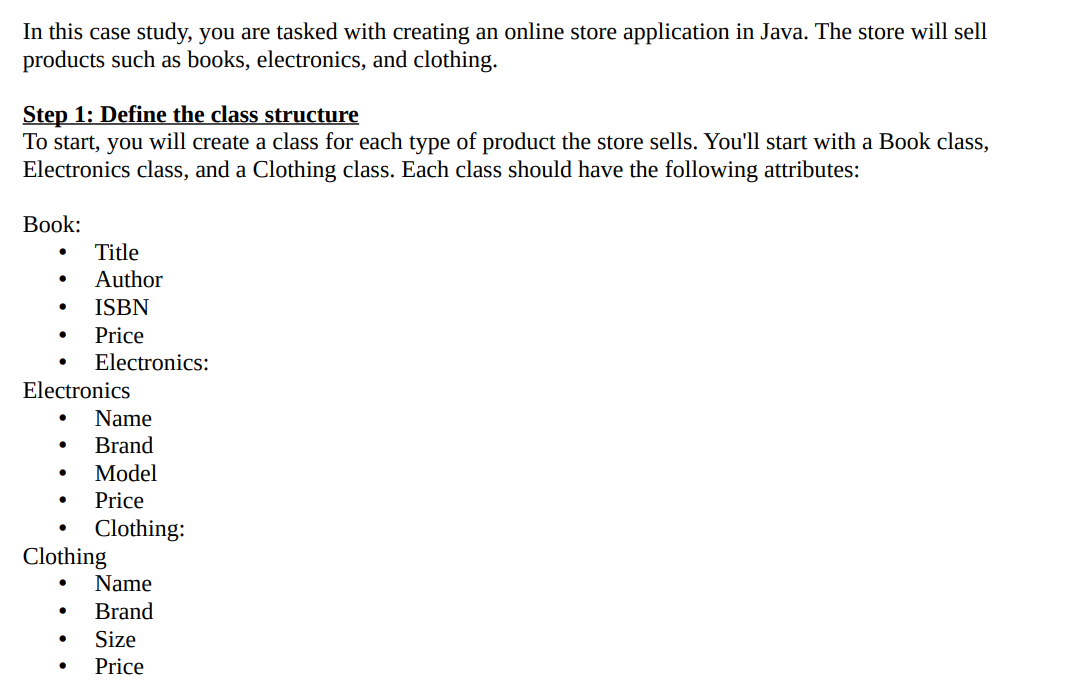
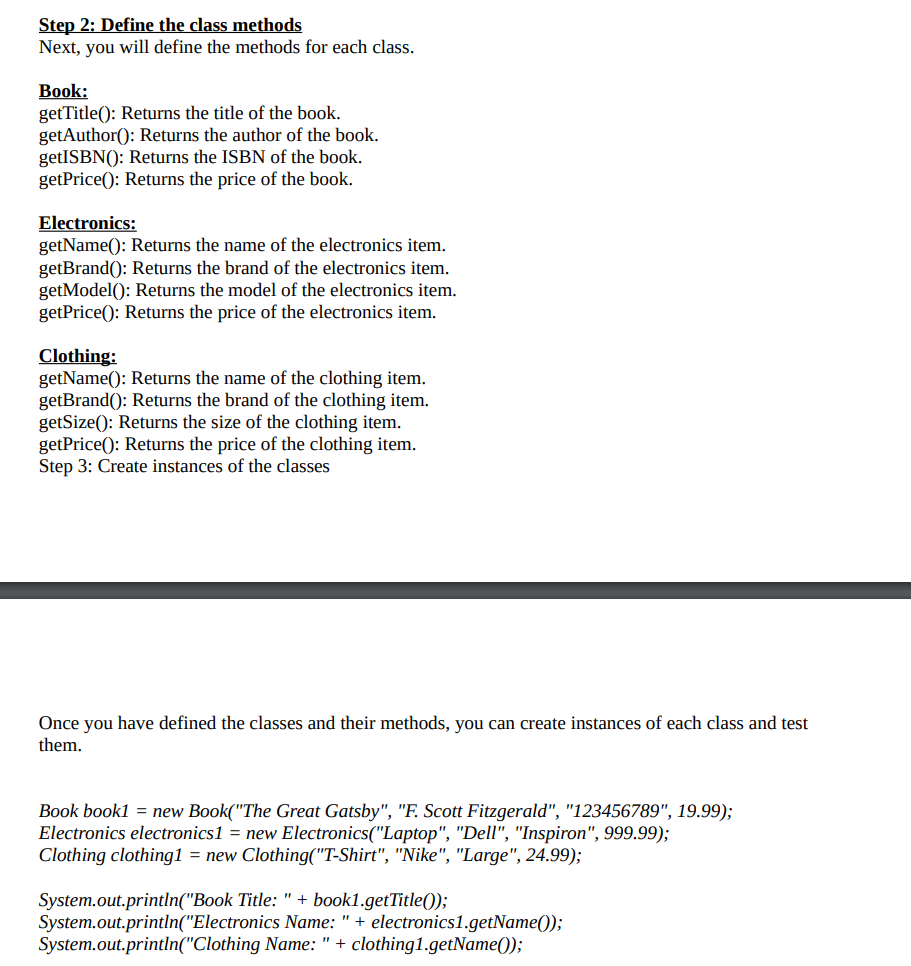
In this case study, you are tasked with creating an online store application in Java. The store will sell products such as books, electronics, and clothing. Step 1: Define the class structure To start, you will create a class for each type of product the store sells. You'll start with a Book class, Electronics class, and a Clothing class. Each class should have the following attributes: Book: - Title - Author - ISBN - Price - Electronics: Electronics - Name - Brand - Model - Price - Clothing: Clothing - Name - Brand - Size Step 2: Define the class methods Next, you will define the methods for each class. Book: getTitle(): Returns the title of the book. getAuthor(): Returns the author of the book. getISBN(): Returns the ISBN of the book. getPrice(): Returns the price of the book. Electronics: getName(): Returns the name of the electronics item. getBrand(): Returns the brand of the electronics item. getModel(): Returns the model of the electronics item. getPrice(): Returns the price of the electronics item. Clothing: getName(): Returns the name of the clothing item. getBrand(): Returns the brand of the clothing item. getSize(): Returns the size of the clothing item. getPrice(): Returns the price of the clothing item. Step 3: Create instances of the classes Once you have defined the classes and their methods, you can create instances of each class and test them. Book book1 = new Book("The Great Gatsby", "F. Scott Fitzgerald", "123456789", 19.99); Electronics electronics1 = new Electronics("Laptop", "Dell", "Inspiron", 999.99); Clothing clothing1 = new Clothing("T-Shirt", "Nike", "Large", 24.99); System.out.println("Book Title: " + book1.getTitle()); System.out.println("Electronics Name: " + electronics1.getName()); System.out.println("Clothing Name: " + clothing1.getName())
Step by Step Solution
There are 3 Steps involved in it

Get step-by-step solutions from verified subject matter experts
 Study Help