







Question: please help! using JES program or python. INF 120-Project #6 (Worth 200 pts) The purposr of this programming assignment is to gie you practice in
please help! using JES program or python.
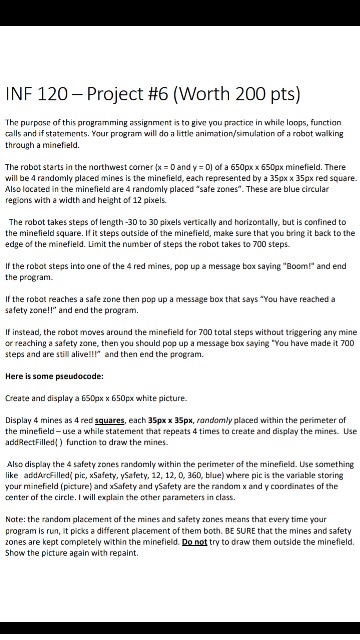
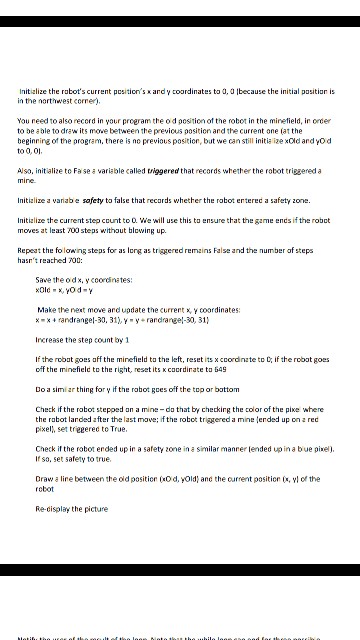
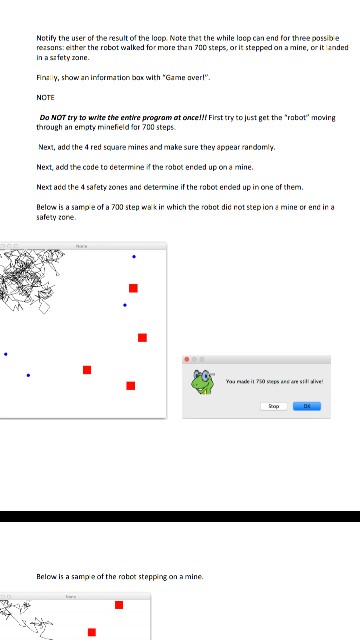
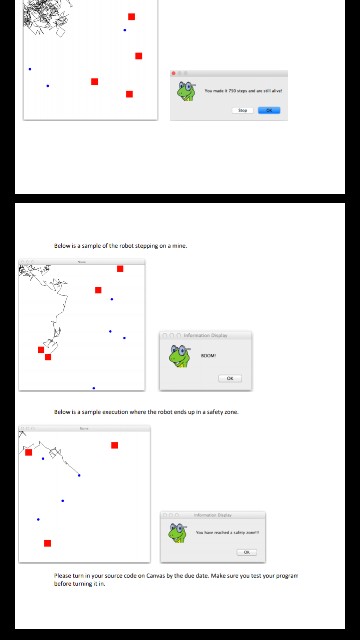
INF 120-Project #6 (Worth 200 pts) The purposr of this programming assignment is to gie you practice in while loops, function alls and if statements. Your program will do a little animation/simulation of a robot walking through a minefield The robot starts in the northwest corner {x = 0 and y-0) of a 650px x 650px minefield. There will be 4 randomly placed mines is the minefield, each represented by a 35px x 35px red square. Also lacated in the minefield are 4 randomly placed "safe zones". These are blue circular regions with a width and height of 12 pixels. The robot takes steps of length-30 to 30 pixels vertically and horizontally, but is confined to the minefield square. If it steps outside of the minefield, make sure that you bring it back to the edge of the minefield. Limit the number of steps the robot takes to 700 steps. If the rotat steps into one of the 4 red mines, pop up a message box saying "Boom! and end the program If the rotat reaches a safe zone then pop up a message box that says "You have reached a safety zone!!" and end the program. If instead, the rabot moves around the minefield for 700 total steps without triggering any mine or reaching a safety zane, then you should pop up a message box saying "You have made it 700 steps and are still alive!!!" and then end the program Here is some pseudocode: Create and display a 6S0px x 650px white picture. Display 4 mines as 4 red squares, each 35px x 35px, randomly placed within the perimeter of the minefield- use a while statement that repeats 4 times to create and display the mines. Use addRectFilled) furnction to draw the mines. Also display the 4 safety zones randomly within the perimeter of the minefield. Use something like addArcFilledi pic, xSafety, ySafety, 12, 12, 0, 360, blue) where pic is the variable storing your minefield (picture) and xSafety and ySafety are the random x and y coordinates of the center of the circle. I will explain the other parameters in class. Nate: the random placement af the mines and safety zones means that every time your program is run, it picks a different placement of them both. BE SURE that the mines and safety zones are kept completely within the minefield. Do not try to draw them outside the minefield. Show the picture again with repaint
Step by Step Solution
There are 3 Steps involved in it

Get step-by-step solutions from verified subject matter experts
 Study Help