







Question: Please help with Linux Command short question. 5. First type script at the command prompt. This will allow for the entire interaction that you will
Please help with Linux Command short question.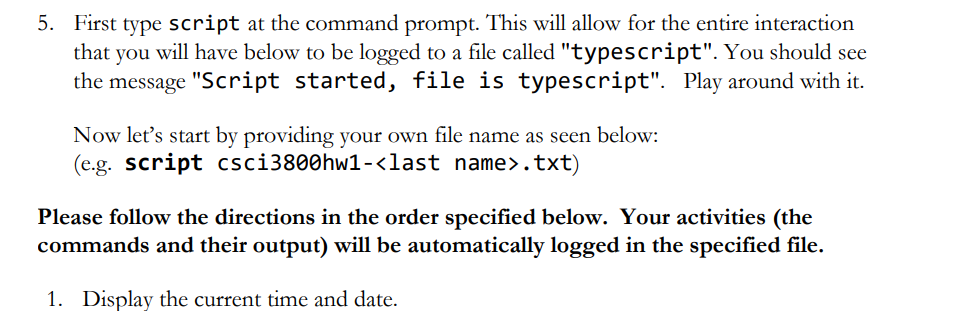
5. First type script at the command prompt. This will allow for the entire interaction that you will have below to be logged to a file called "typescript". You should see the message "Script started, file is typescript". Play around with it. Now let's start by providing your own file name as seen below: (e.g. script csci3800hw1-
Step by Step Solution
There are 3 Steps involved in it
1 Expert Approved Answer
Step: 1 Unlock

Question Has Been Solved by an Expert!
Get step-by-step solutions from verified subject matter experts
Step: 2 Unlock
Step: 3 Unlock
 Study Help