







Question: Please I need a matlab code. Create a matrix m that is the correct size (5 by 50) using zeros or ones The number of
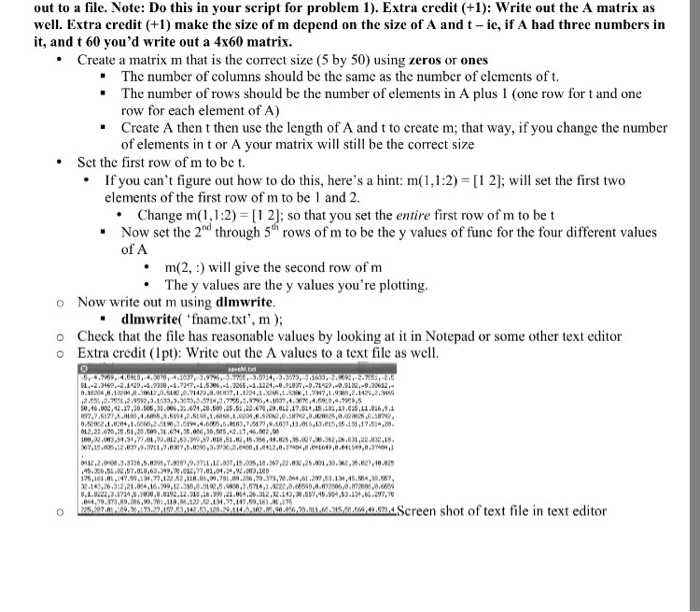
Create a matrix m that is the correct size (5 by 50) using zeros or ones The number of columns should be the same as the number of elements of t. The number of rows should be the number of elements in A plus 1 (one row for t and one row for each element of A) Create A then t then use the length of A and t to create m; that way, if you change the number of elements in t or A your matrix will still be the correct size bullet Set the first row of m to be t. bullet If you can't figure out how to do this, here's a Change m(1, 1:2) = [1 2]; so that you set the entire first row of m to be t Now set the 2^nd through 5th rows of m to be the y values of func for the four different values of A bullet m (2, :) will give the second row of m bullet The y values are the y values you're plotting. Now write out m using dlmwrite. dlmwrite('fname.txt', m); Check that the file has reasonable values by looking at it in Notepad or some other text editor Write out the A values to a text file as well. Screen shot of text file in text editor Create a matrix m that is the correct size (5 by 50) using zeros or ones The number of columns should be the same as the number of elements of t. The number of rows should be the number of elements in A plus 1 (one row for t and one row for each element of A) Create A then t then use the length of A and t to create m; that way, if you change the number of elements in t or A your matrix will still be the correct size bullet Set the first row of m to be t. bullet If you can't figure out how to do this, here's a Change m(1, 1:2) = [1 2]; so that you set the entire first row of m to be t Now set the 2^nd through 5th rows of m to be the y values of func for the four different values of A bullet m (2, :) will give the second row of m bullet The y values are the y values you're plotting. Now write out m using dlmwrite. dlmwrite('fname.txt', m); Check that the file has reasonable values by looking at it in Notepad or some other text editor Write out the A values to a text file as well. Screen shot of text file in text editor
Step by Step Solution
There are 3 Steps involved in it

Get step-by-step solutions from verified subject matter experts
 Study Help