







Question: please i need Excel formla sheet too Build a loan calculator subroutine that will display the total amount paid (interest and principal) over the life
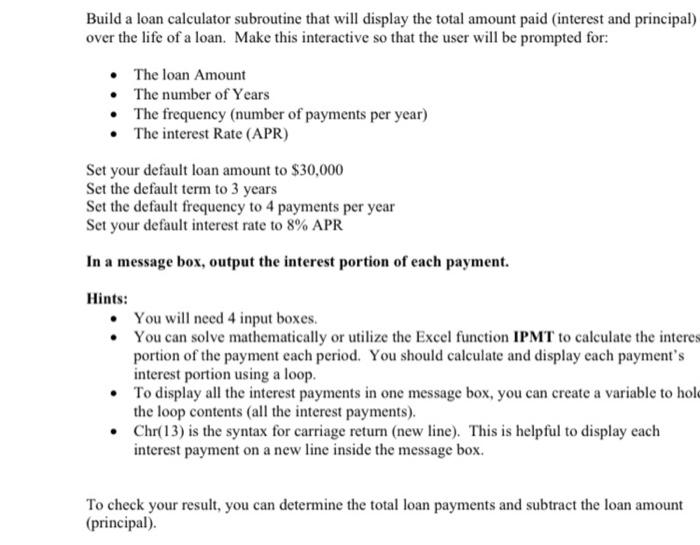
Build a loan calculator subroutine that will display the total amount paid (interest and principal) over the life of a loan. Make this interactive so that the user will be prompted for: - The loan Amount - The number of Years - The frequency (number of payments per year) - The interest Rate (APR) Set your default loan amount to $30,000 Set the default term to 3 years Set the default frequency to 4 payments per year Set your default interest rate to 8% APR In a message box, output the interest portion of each payment. Hints: - You will need 4 input boxes. - You can solve mathematically or utilize the Excel function IPMT to calculate the interes portion of the payment each period. You should calculate and display each payment's interest portion using a loop. - To display all the interest payments in one message box, you can create a variable to hol the loop contents (all the interest payments). - Chr(13) is the syntax for carriage return (new line). This is helpful to display each interest payment on a new line inside the message box. To check your result, you can determine the total loan payments and subtract the loan amount (principal)
Step by Step Solution
There are 3 Steps involved in it

Get step-by-step solutions from verified subject matter experts
 Study Help