







Question: Please implement the image resizing function in Matlab with the instructions provided below: In this lab, you will implement a function that resizes a grayscale
Please implement the image resizing function in Matlab with the instructions provided below:
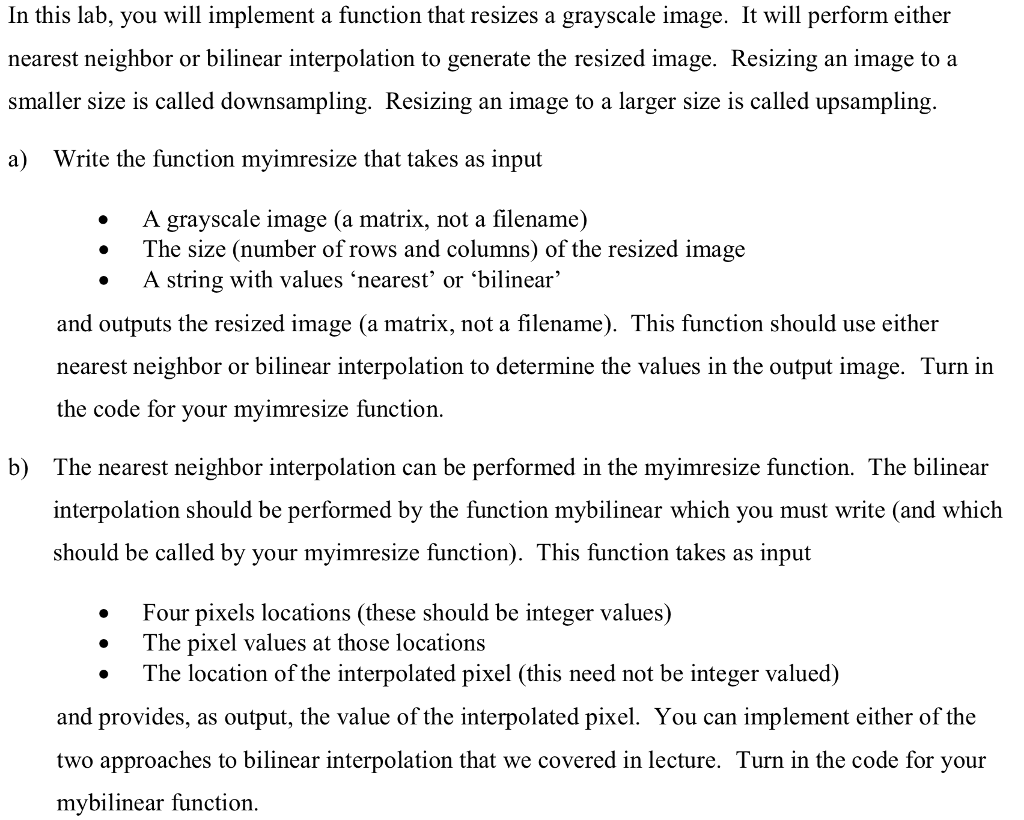
In this lab, you will implement a function that resizes a grayscale image. It will perform either nearest neighbor or bilinear interpolation to generate the resized image. Resizing an image to a smaller size is called downsampling. Resizing an image to a larger size is called upsampling. a) Write the function myimresize that takes as input A grayscale image (a matrix, not a filename) The size (number of rows and columns) of the resized image A string with values nearest' or bilinear' * and outputs the resized image (a matrix, not a filename). This function should use either nearest neighbor or bilinear interpolation to determine the values in the output image. Turn in the code for your myimresize function. The nearest neighbor interpolation can be performed in the myimresize function. The bilinear interpolation should be performed by the function mybilinear which you must write (and which should be called by your myimresize function). This function takes as input b) Four pixels locations (these should be integer values) . The pixel values at those locations sel (this need not be integer valued) and provides, as output, the value of the interpolated pixel. You can implement either of the two approaches to bilinear interpolation that we covered in lecture. Turn in the code for your mybilinear function. In this lab, you will implement a function that resizes a grayscale image. It will perform either nearest neighbor or bilinear interpolation to generate the resized image. Resizing an image to a smaller size is called downsampling. Resizing an image to a larger size is called upsampling. a) Write the function myimresize that takes as input A grayscale image (a matrix, not a filename) The size (number of rows and columns) of the resized image A string with values nearest' or bilinear' * and outputs the resized image (a matrix, not a filename). This function should use either nearest neighbor or bilinear interpolation to determine the values in the output image. Turn in the code for your myimresize function. The nearest neighbor interpolation can be performed in the myimresize function. The bilinear interpolation should be performed by the function mybilinear which you must write (and which should be called by your myimresize function). This function takes as input b) Four pixels locations (these should be integer values) . The pixel values at those locations sel (this need not be integer valued) and provides, as output, the value of the interpolated pixel. You can implement either of the two approaches to bilinear interpolation that we covered in lecture. Turn in the code for your mybilinear function
Step by Step Solution
There are 3 Steps involved in it

Get step-by-step solutions from verified subject matter experts
 Study Help