







Question: >>> Preferably Matlab , if not Python works too The goal of this assignment is to write an image filtering function and use it to
>>> Preferably Matlab, if not Python works too
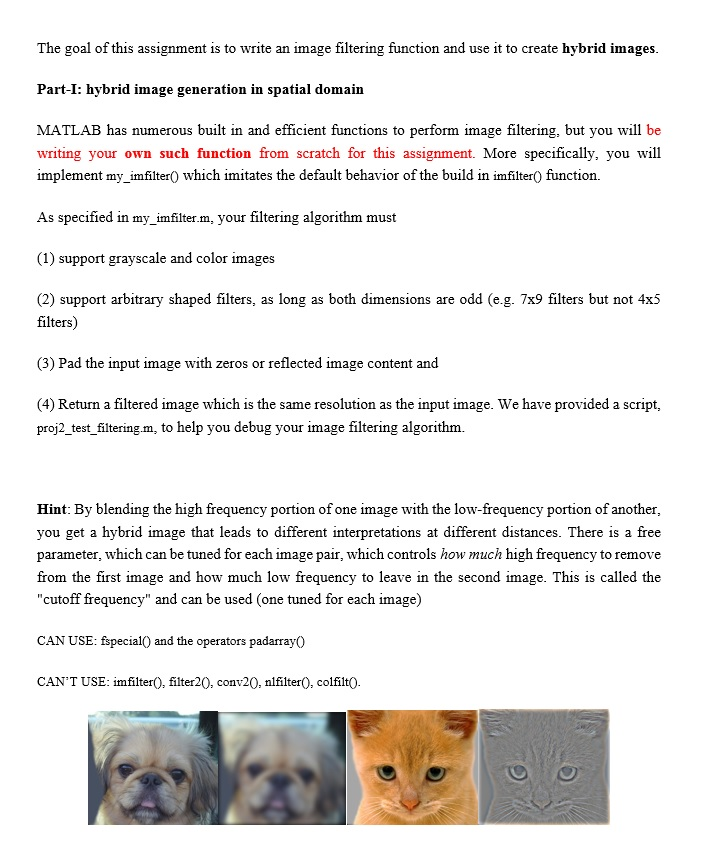
The goal of this assignment is to write an image filtering function and use it to create hybrid images. Part-I: hybrid image generation in spatial domain MATLAB has numerous built in and efficient functions to perform image filtering, but you will be writing your own such function from scratch for this assignment. More specifically, you will implement my_imfilter0 which imitates the default behavior of the build in imfilter) function. As specified in my_imfilter.m, your filtering algorithm must (1) support grayscale and color imag es (2) support arbitrary shaped filters, as long as both dimensions are odd (e.g. 7x9 filters but not 4x5 filters) (3) Pad the input image with zeros or reflcted image content and (4) Return a filtered image which is the same resolution as the input image. We have provided a script, proj2_test_filtering.m, to help you debug your image filtering algorithm. Hint: By blending the high frequency portion of one image with the low-frequency portion of another you get a hybrid image that leads to different interpretations at different distances. There is a free parameter, which can be tuned for each image pair, which controls how much high frequency to remove from the first image and how much low frequency to leave in the second image. This is called the "cutoff frequency" and can be used (one tuned for each image) CAN USE: fspecialO and the operators padarray0 CAN'T USE: imfilterO, filter20, conv20, nlfilter0, colfilt0. The goal of this assignment is to write an image filtering function and use it to create hybrid images. Part-I: hybrid image generation in spatial domain MATLAB has numerous built in and efficient functions to perform image filtering, but you will be writing your own such function from scratch for this assignment. More specifically, you will implement my_imfilter0 which imitates the default behavior of the build in imfilter) function. As specified in my_imfilter.m, your filtering algorithm must (1) support grayscale and color imag es (2) support arbitrary shaped filters, as long as both dimensions are odd (e.g. 7x9 filters but not 4x5 filters) (3) Pad the input image with zeros or reflcted image content and (4) Return a filtered image which is the same resolution as the input image. We have provided a script, proj2_test_filtering.m, to help you debug your image filtering algorithm. Hint: By blending the high frequency portion of one image with the low-frequency portion of another you get a hybrid image that leads to different interpretations at different distances. There is a free parameter, which can be tuned for each image pair, which controls how much high frequency to remove from the first image and how much low frequency to leave in the second image. This is called the "cutoff frequency" and can be used (one tuned for each image) CAN USE: fspecialO and the operators padarray0 CAN'T USE: imfilterO, filter20, conv20, nlfilter0, colfilt0
Step by Step Solution
There are 3 Steps involved in it

Get step-by-step solutions from verified subject matter experts
 Study Help