







Question: PLEASE INCLUDE AN EXPLANATION AND SCREENSHOTS 4.1.1 Initial setup You can start the single-host DETER setup using the buffer.ns file. It launches a single host
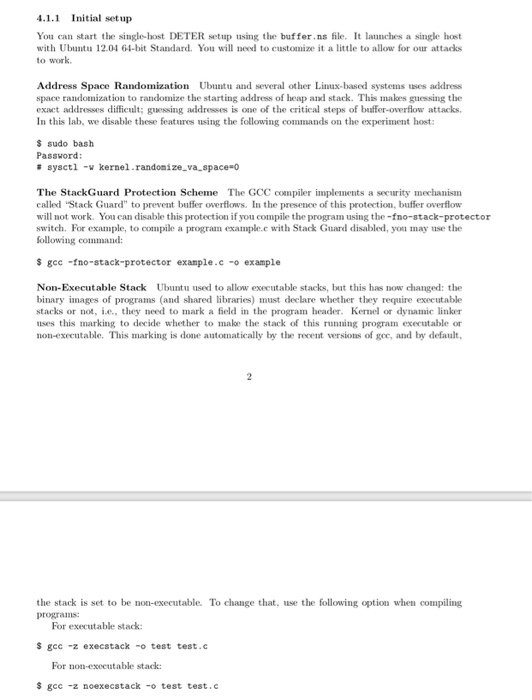
4.1.1 Initial setup You can start the single-host DETER setup using the buffer.ns file. It launches a single host with Ubutu 12.04 64-bit Standard. You will need to customize it a little to allow for our attacks to work Address Space Randomization Ubuntu and several other Linx-based systems uses address space randomization to randomize the starting address of heap and stack. This makes guessing the exact addresses difficult; guessing addresses is one of the critical steps of buffer-overflow attacks. In this lab, we disable these features using the following commands on the experiment host: s sudo bash # sysct1 -v kernel.randomize-va-space-o The StackGuard Protection Scheme The GCC compiler implements a security mechanism called Stack Guard" to prevent buffer overflows. In the presence of this protection, buffer overflow will not work. You can disable this protection if you compile the program using the -fno-stack-protector switch. For example, to compile a program example.c with Stack Guard disabled, you may use the $ gec -fno-stack-protector exanple.c-o example Non-Executable Stack Ubuntu used to allow executable stacks, but this has now changed: the binary images of programs (and shared libraries) must declare whether they require executable stacks or not, e., they need to mark a feld in the program header. Kernel or dynamic linker uses this marking to decide whether to make the stack of this running program executable or non-executable. This marking is done automatically by the recent versions of gce, and by default the stack is set to be non-executable. To change that, use the following option when compiling For executable stack S gec -z execstack-o test test.c For non-executable stack $ gcc -z noexecstack -o test test.c
Step by Step Solution
There are 3 Steps involved in it

Get step-by-step solutions from verified subject matter experts
 Study Help