







Question: Please makes comments of your matlab codes. Write a MATLAB program to estimate the sum of the infinite series: f(N) = Use N = 100.000.
 Please makes comments of your matlab codes.
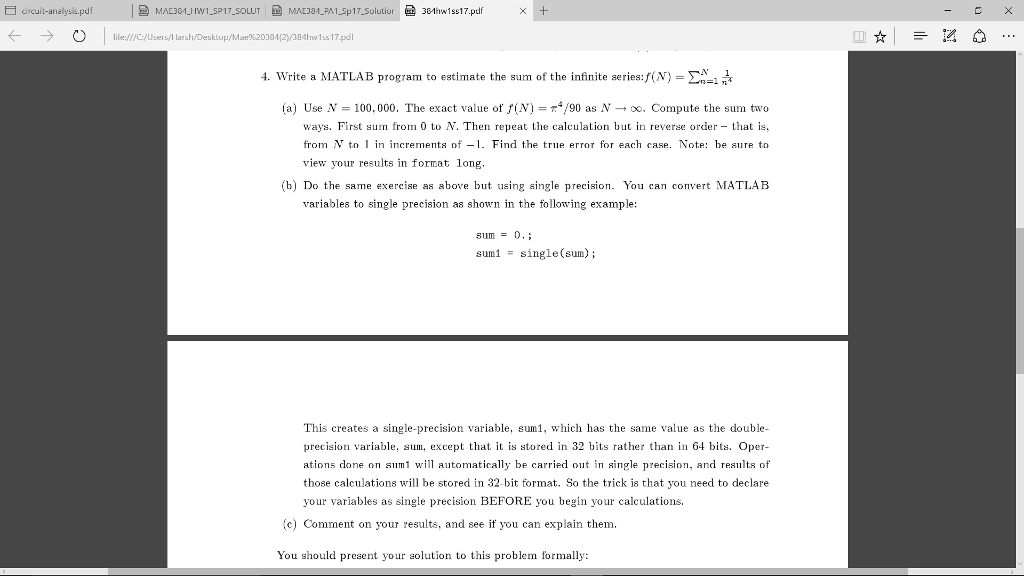
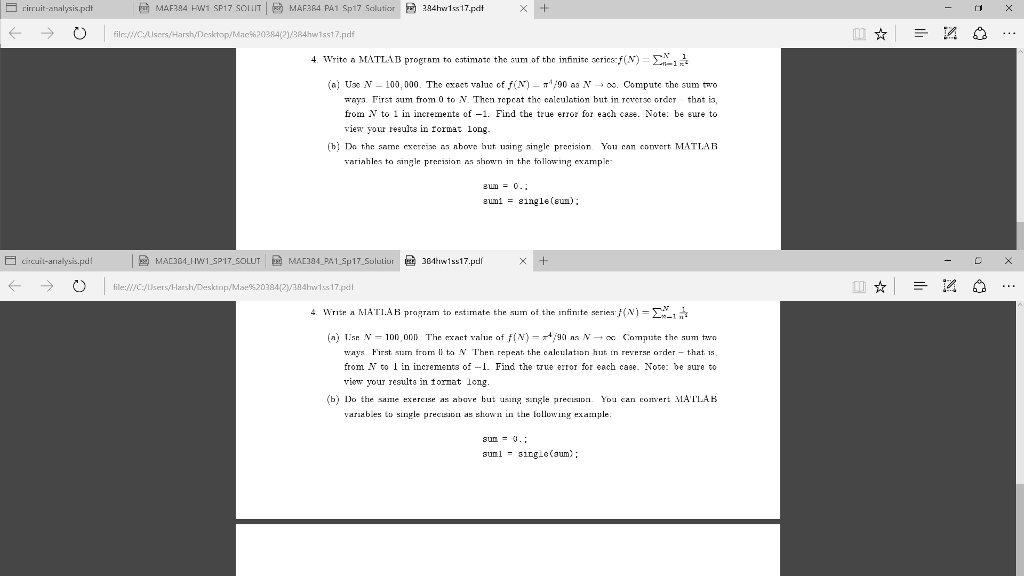
Write a MATLAB program to estimate the sum of the infinite series: f(N) = Use N = 100.000. The exact value of f(N) = pi^4/90 as N rightarrow infinity. Compute the sum two ways. First sum from 0 to N. Then repeat the calculation but in reverse order - that is, from N to 1 in increments of - 1. Find the true error for each case. Do the same exercise as above but using single precision. You can convert MATLAB variables to single precision as shown in the following example: sum = 0.; suml = single(sum); This creates a single-precision variable, sural, which has the same value as the double- precision variable, sum. except that it is stored in 32 bits rather than in 64 bits. Operations done on sum1 will automatically be carried out in single precision, and results of those calculations will be stored in 32 bit format. So the trick is that you need to declare your variables as single precision BEFORE you begin your calculations. Comment on your results, and see if you can explain them. You should present your solution to this problem formally: Write a MATLAB program to estimate the sum of the infinite series: f(N) = Use N = 100.000. The exact value of f(N) = pi^4/90 as N rightarrow infinity. Compute the sum two ways. First sum from 0 to N. Then repeat the calculation but in reverse order - that is, from N to 1 in increments of - 1. Find the true error for each case. Do the same exercise as above but using single precision. You can convert MATLAB variables to single precision as shown in the following example: sum = 0.; suml = single(sum); Write a MATLAB program to estimate the sum of the infinite series: f(N) = Use N = 100.000. The exact value of f(N) = pi^4/90 as N rightarrow infinity. Compute the sum two ways. First sum from 0 to N. Then repeat the calculation but in reverse order - that is, from N to 1 in increments of - 1. Find the true error for each case. Do the same exercise as above but using single precision. You can convert MATLAB variables to single precision as shown in the following example: sum = 0.; suml = single(sum)
Step by Step Solution
There are 3 Steps involved in it

Get step-by-step solutions from verified subject matter experts
 Study Help