







Question: PLEASE READ We are working on making simple C++ programs using Putty I need help understanding how to do the problem below so that I


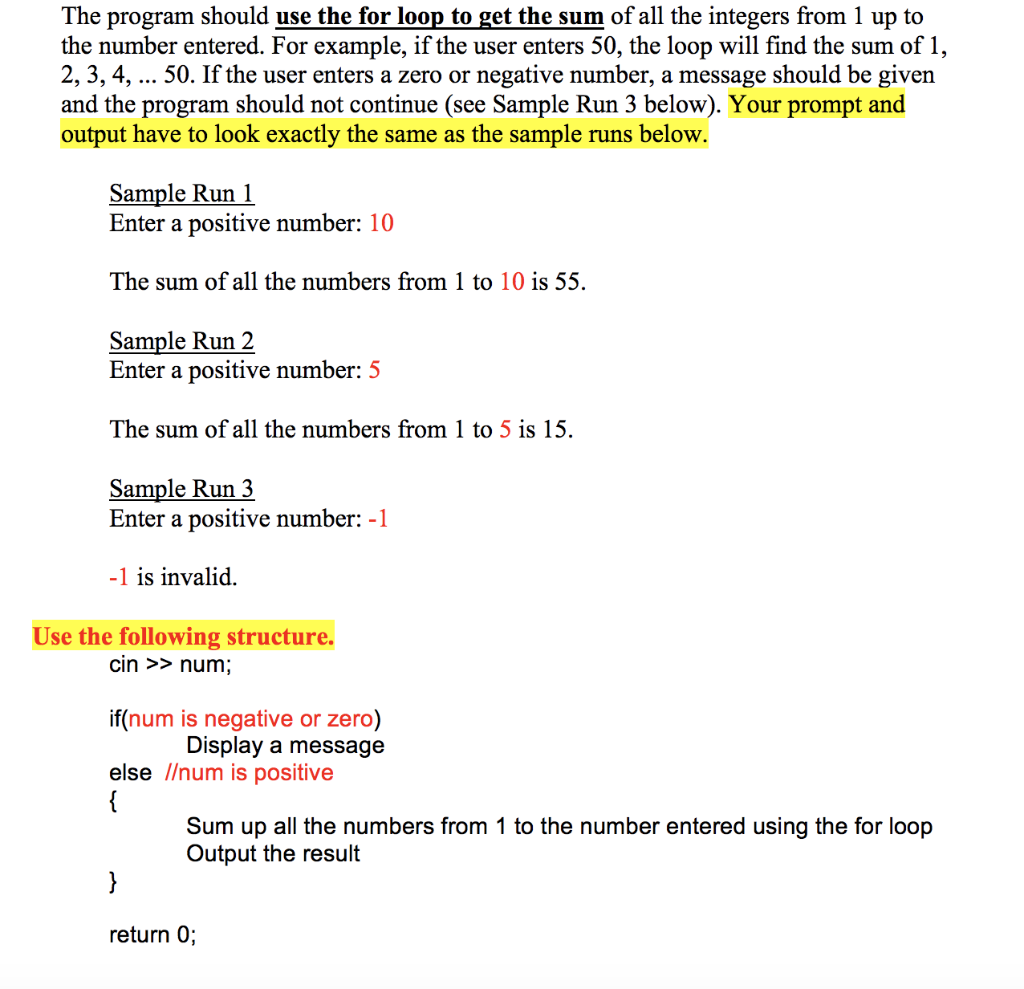
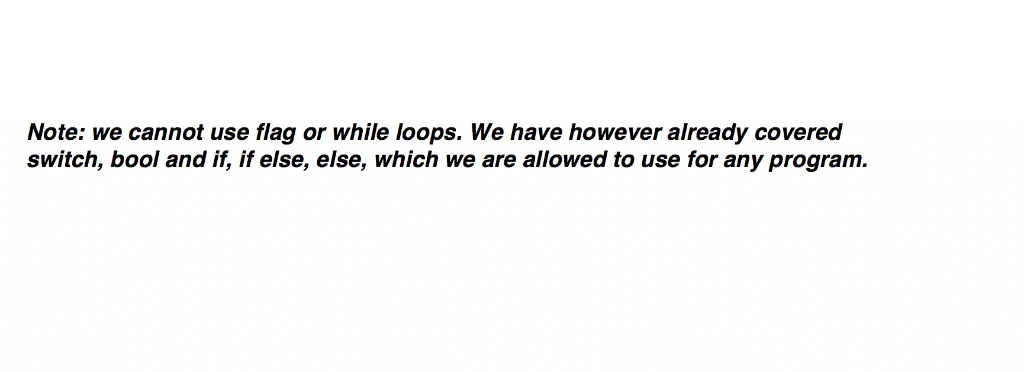
PLEASE READ We are working on making simple C++ programs using Putty I need help understanding how to do the problem below so that I can do others like it on my own. We have been working on using switch, break and bool this week PLEASE PAY ATTENTION TO THE TEST CASES PROVIDED the end product MUST look exactly like the test cases shown below, which is what I am having the most trouble with. Thank you in advance! Here is the problem given: Write a program that will ask the user for a positive integer value. The program should use the for loop to get the sum of all the integers from 1 up to the number entered. For example, if the user enters 50, the loop will find the sum of 1, 2, 3, 4, 50. If the user enters a zero or negative number, a message should be given and the program should not continue (see Sample Run 3 below). Your prompt and output have to look exactly the same as the sample runs below Sample Run 1 Enter a positive number: 10 The sum of all the numbers from 1 to 10 is 55. Sample Run 2 Enter a positive number: 5 The sum of all the numbers from 1 to 5 is 15. Sample Run 3 Enter a positive number: -1 -1 is invalid. Use the following structure. cin >> num if(num is negative or zero) else /um is positive Display a message Sum up all the numbers from 1 to the number entered using the for loop Output the result return 0; Note: we cannot use flag or while loops. We have however already covered switch, bool and if, if else, else, which we are allowed to use for any program
Step by Step Solution
There are 3 Steps involved in it

Get step-by-step solutions from verified subject matter experts
 Study Help