







Question: Please show both GUIs in Java. Comments would be appreciated. Thank you. GUI #1: Write a GUI for computing the statistics of numbers input from
Please show both GUIs in Java. Comments would be appreciated. Thank you.
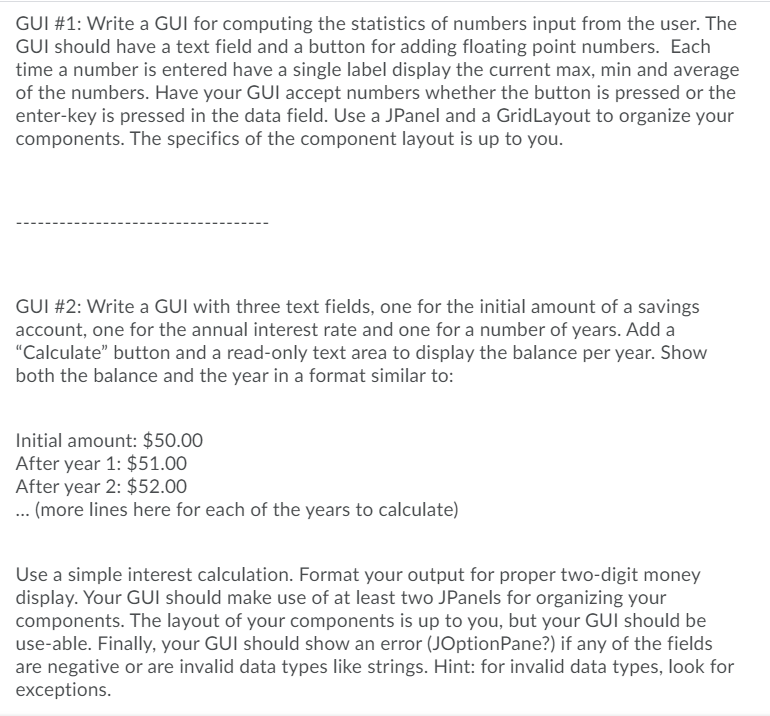
GUI #1: Write a GUI for computing the statistics of numbers input from the user. The GUI should have a text field and a button for adding floating point numbers. Each time a number is entered have a single label display the current max, min and average of the numbers. Have your GUI accept numbers whether the button is pressed or the enter-key is pressed in the data field. Use a JPanel and a Grid Layout to organize your components. The specifics of the component layout is up to you. GUI #2: Write a GUI with three text fields, one for the initial amount of a savings account, one for the annual interest rate and one for a number of years. Add a "Calculate button and a read-only text area to display the balance per year. Show both the balance and the year in a format similar to: Initial amount: $50.00 After year 1: $51.00 After year 2: $52.00 ... (more lines here for each of the years to calculate) Use a simple interest calculation. Format your output for proper two-digit money display. Your GUI should make use of at least two JPanels for organizing your components. The layout of your components is up to you, but your GUI should be use-able. Finally, your GUI should show an error (JOptionPane?) if any of the fields are negative or are invalid data types like strings. Hint: for invalid data types, look for exceptions. GUI #1: Write a GUI for computing the statistics of numbers input from the user. The GUI should have a text field and a button for adding floating point numbers. Each time a number is entered have a single label display the current max, min and average of the numbers. Have your GUI accept numbers whether the button is pressed or the enter-key is pressed in the data field. Use a JPanel and a Grid Layout to organize your components. The specifics of the component layout is up to you. GUI #2: Write a GUI with three text fields, one for the initial amount of a savings account, one for the annual interest rate and one for a number of years. Add a "Calculate button and a read-only text area to display the balance per year. Show both the balance and the year in a format similar to: Initial amount: $50.00 After year 1: $51.00 After year 2: $52.00 ... (more lines here for each of the years to calculate) Use a simple interest calculation. Format your output for proper two-digit money display. Your GUI should make use of at least two JPanels for organizing your components. The layout of your components is up to you, but your GUI should be use-able. Finally, your GUI should show an error (JOptionPane?) if any of the fields are negative or are invalid data types like strings. Hint: for invalid data types, look for exceptions
Step by Step Solution
There are 3 Steps involved in it

Get step-by-step solutions from verified subject matter experts
 Study Help