



Question: please show step by step 9. Use an aggregate function on the subreport. a. Select the Report Footer section bar and enter . 4n in
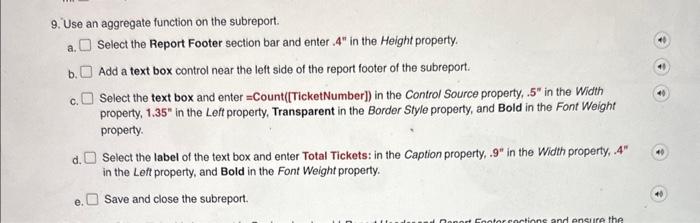
9. Use an aggregate function on the subreport. a. Select the Report Footer section bar and enter . 4n in the Height property. b. Add a text box control near the left side of the report footer of the subreport. c. Select the text box and enter = Count([TicketNumber]) in the Control Source property, .5 in the Width property, 1.35" in the Left property, Transparent in the Border Style property, and Bold in the Font Weight property. d. Select the label of the text box and enter Total Tickets: in the Caption property, .9" in the Width property, .44" in the Left property, and Bold in the Font Weight property. e. Save and close the subreport
Step by Step Solution
There are 3 Steps involved in it

Get step-by-step solutions from verified subject matter experts