







Question: please show steps if possible Create a program in RAPTOR and at first (It is Mandatory, otherwise 5 marks will be deducted) write a comment
please show steps if possible
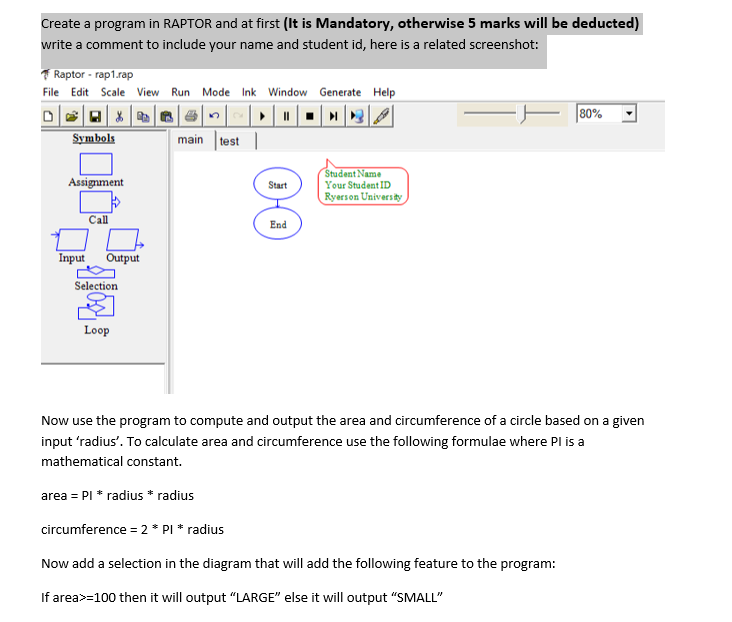
Create a program in RAPTOR and at first (It is Mandatory, otherwise 5 marks will be deducted) write a comment to include your name and student id, here is a related screenshot: Raptor rap1.rap File Edit Scale View Run Mode Ink Window Generate Help 80% Symbols main test Assignment Start Student Name Your Student ID Ryerson University Call End Input Output Selection Loop Now use the program to compute and output the area and circumference of a circle based on a given input 'radius'. To calculate area and circumference use the following formulae where Pl is a mathematical constant. area = P1 * radius * radius circumference = 2 * P1* radius Now add a selection in the diagram that will add the following feature to the program: If area>=100 then it will output "LARGE" else it will output "SMALL
Step by Step Solution
There are 3 Steps involved in it

Get step-by-step solutions from verified subject matter experts
 Study Help