







Question: please solve it Name: Objective: List and label pins on DE9 (or DB9) serial port connector Explain function of each pin on DE9 (or DB9)
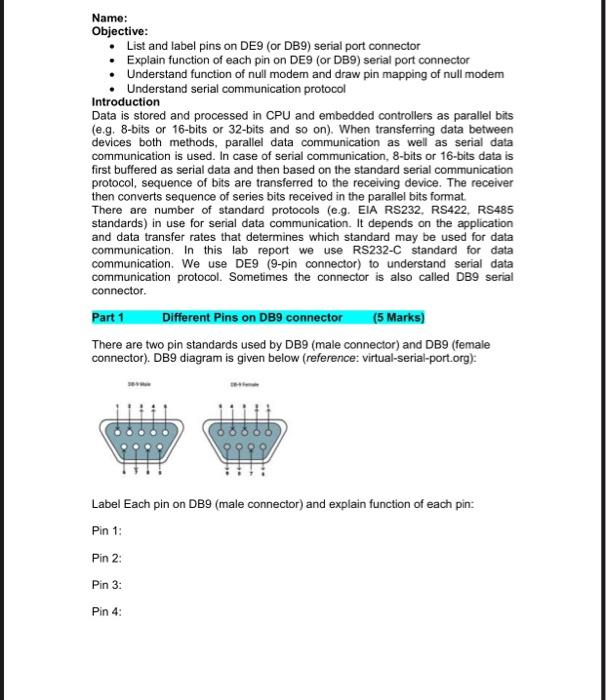
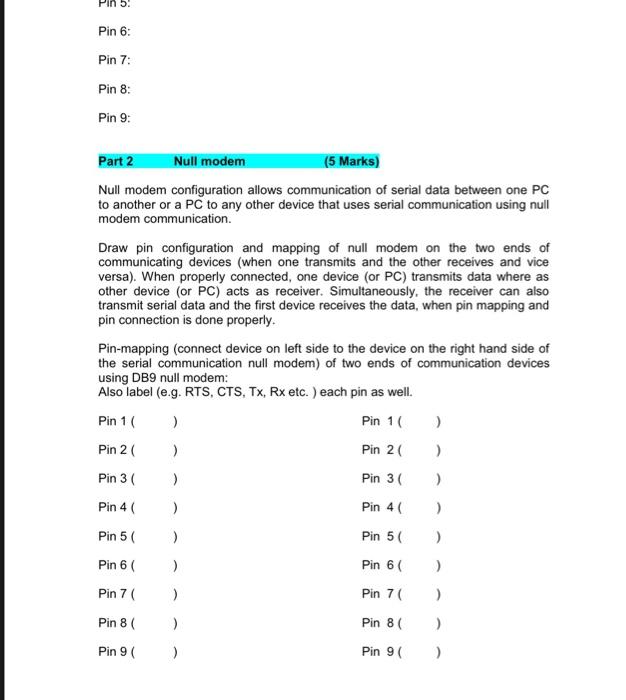
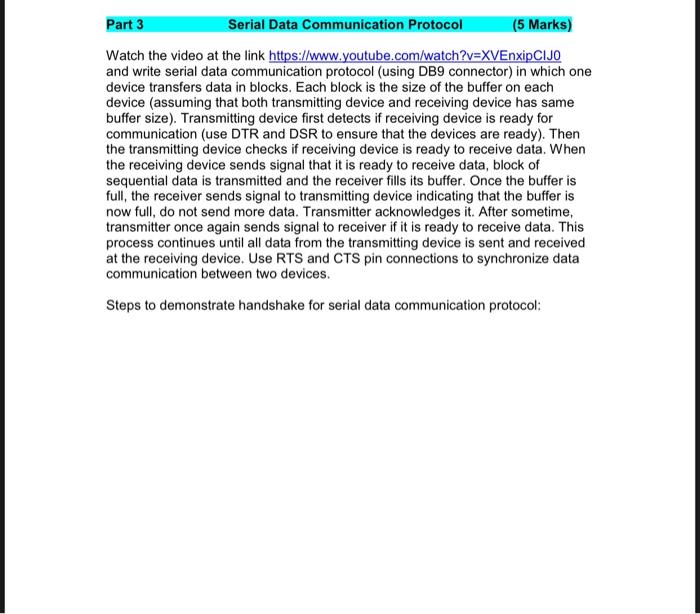
Name: Objective: List and label pins on DE9 (or DB9) serial port connector Explain function of each pin on DE9 (or DB9) serial port connector Understand function of null modem and draw pin mapping of null modem Understand serial communication protocol Introduction Data is stored and processed in CPU and embedded controllers as parallel bits (e.g. 8-bits or 16-bits or 32-bits and so on). When transferring data between devices both methods, parallel data communication as well as serial data communication is used. In case of serial communication, 8-bits or 16-bits data is first buffered as serial data and then based on the standard serial communication protocol, sequence of bits are transferred to the receiving device. The receiver then converts sequence of series bits received in the parallel bits format. There are number of standard protocols (e.g. EIA RS232, RS422, RS485 standards) in use for serial data communication. It depends on the application and data transfer rates that determines which standard may be used for data communication. In this lab report we use RS232-C standard for data communication. We use DE9 (9-pin connector) to understand serial data communication protocol. Sometimes the connector is also called DB9 serial connector Part 1 Different Pins on DB9 connector (5 Marks) There are two pin standards used by DB9 (male connector) and DB9 (female connector). DB9 diagram is given below (reference: virtual-serial-port.org): Label Each pin on DB9 (male connector) and explain function of each pin: Pin 1: Pin 2: Pin 3: Pin 4: Pin 5 Pin 6: Pin 7: Pin 8: Pin 9: Part 2 Null modem (5 Marks) Null modem configuration allows communication of serial data between one PC to another or a PC to any other device that uses serial communication using null modem communication. Draw pin configuration and mapping of null modem on the two ends of communicating devices (when one transmits and the other receives and vice versa). When properly connected, one device (or PC) transmits data where as other device (or PC) acts as receiver. Simultaneously, the receiver can also transmit serial data and the first device receives the data, when pin mapping and pin connection is done properly. Pin-mapping (connect device on left side to the device on the right hand side of the serial communication null modem) of two ends of communication devices using DB9 null modem: Also label (e.g. RTS, CTS, Tx, Rx etc. ) each pin as well. Pin 1 ) Pin 10 ) Pin 2 ) Pin 20 ) Pin 3 ) Pin 30 ) Pin 4 Pin 4 ) ) ) Pin 5 Pin 5 ) Pin 6 ) Pin 6 ) Pin 7 ) Pin 70 ) Pin 8 ) Pin 8 ) Pin 9 ( ) Pin 9 ) Part 3 Serial Data Communication Protocol (5 Marks) Watch the video at the link https://www.youtube.com/watch?v=XVEnxipCIJO and write serial data communication protocol (using DB9 connector) in which one device transfers data in blocks. Each block is the size of the buffer on each device (assuming that both transmitting device and receiving device has same buffer size). Transmitting device first detects if receiving device is ready for communication (use DTR and DSR to ensure that the devices are ready). Then the transmitting device checks if receiving device is ready to receive data. When the receiving device sends signal that it is ready to receive data, block of sequential data is transmitted and the receiver fills its buffer. Once the buffer is full, the receiver sends signal to transmitting device indicating that the buffer is now full, do not send more data. Transmitter acknowledges it. After sometime, transmitter once again sends signal to receiver if it is ready to receive data. This process continues until all data from the transmitting device is sent and received at the receiving device. Use RTS and CTS pin connections to synchronize data communication between two devices. Steps to demonstrate handshake for serial data communication protocol
Step by Step Solution
There are 3 Steps involved in it

Get step-by-step solutions from verified subject matter experts
 Study Help