







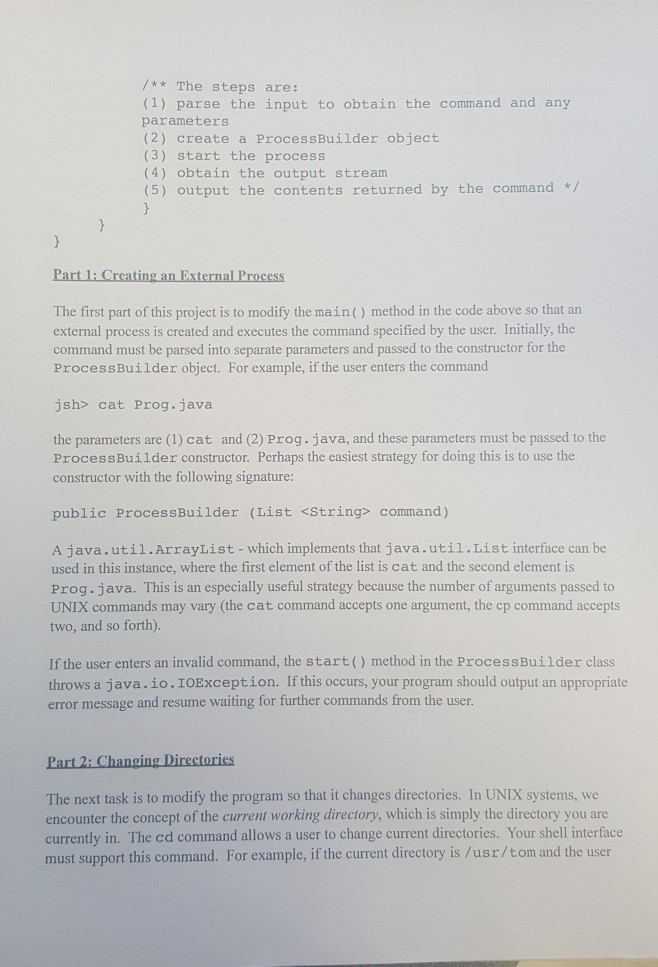
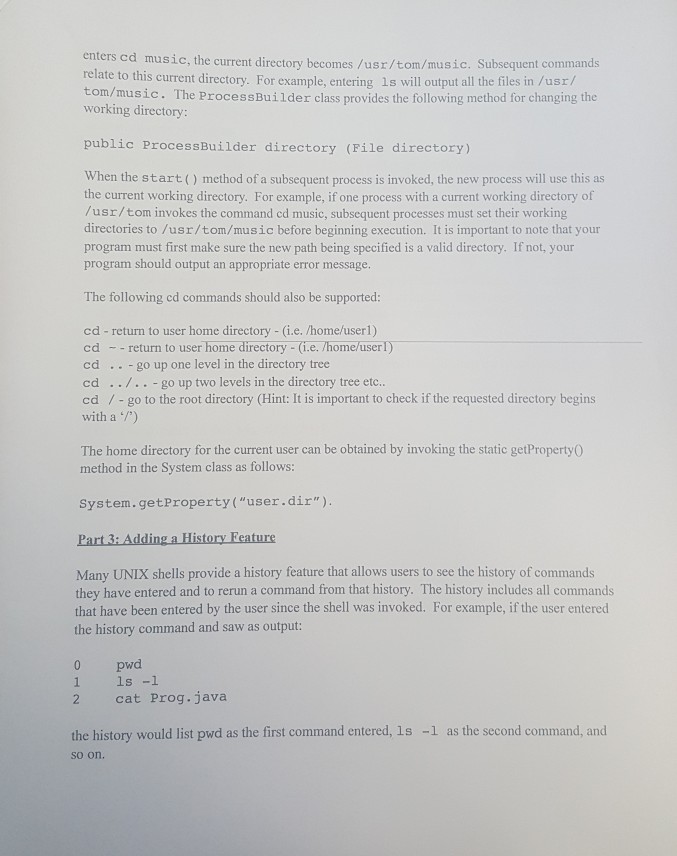
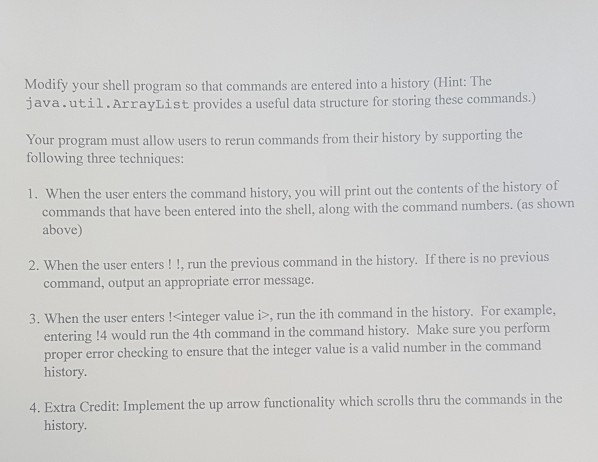
Question: Please use command to run code and show the output screenshot Thank You!!! This project consists of modifying a Java program so that it serves
Please use command to run code and show the output screenshot Thank You!!!
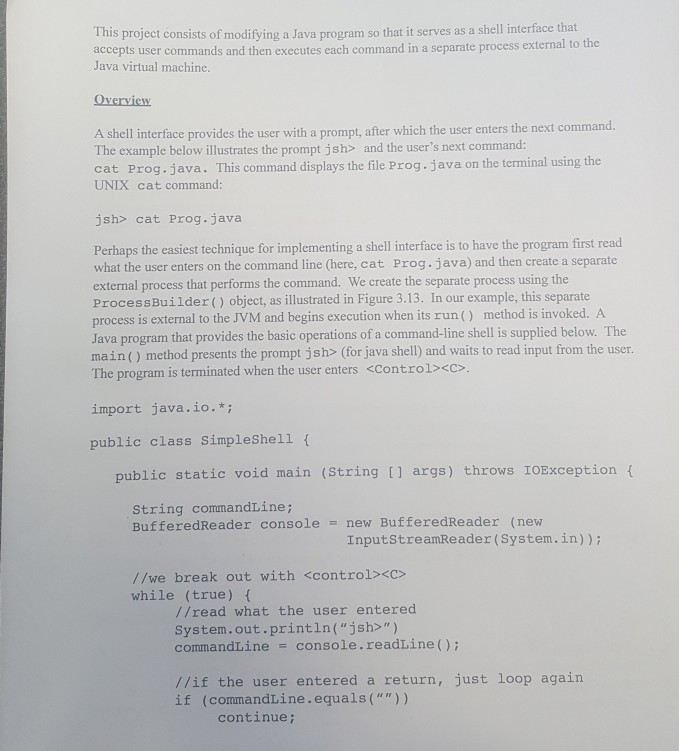
This project consists of modifying a Java program so that it serves as a shell interface that rnal to the accepts user commands and then executes each command in a separate process exte Java virtual machine. A shell interface provides the user with a prompt, after which the user enters the next command. The example below illustrates the prompt jsh> and the user's next command: cat Prog.java. This command displays the file Prog.java on the terminal using the UNIX cat command: jsh> cat Prog.java queformplementingashellinterfaceistohavetheprogramfirstrea what the user enters on the command line (here, cat Prog. java) and then create a separate external process that performs the command. We create the separate process using the ProcessBuilder() object, as illustrated in Figure 3.13. In our example, this separate process is external to the JVM and begins execution when its run() method is invoked. A Java program that provides the basic operations of a command-line shell is supplied below. The main() method presents the prompt jshs> (for java shell) and waits to read input from the user. The program is terminated when the user enters
Step by Step Solution
There are 3 Steps involved in it

Get step-by-step solutions from verified subject matter experts
 Study Help