







Question: please use excel screenshots & show exact formulas used. EXCEL DOCUMENT Complete each requirement on a separate worksheet. Each requirement must have a user input
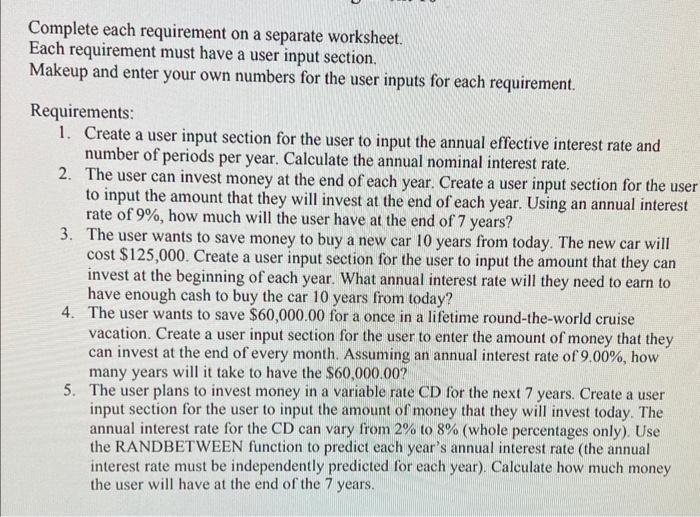
Complete each requirement on a separate worksheet. Each requirement must have a user input section. Makeup and enter your own numbers for the user inputs for each requirement. Requirements: 1. Create a user input section for the user to input the annual effective interest rate and number of periods per year. Calculate the annual nominal interest rate. 2. The user can invest money at the end of each year. Create a user input section for the use to input the amount that they will invest at the end of each year. Using an annual interest rate of 9%, how much will the user have at the end of 7 years? 3. The user wants to save money to buy a new car 10 years from today. The new car will cost $125,000. Create a user input section for the user to input the amount that they can invest at the beginning of each year. What annual interest rate will they need to earn to have enough cash to buy the car 10 years from today? 4. The user wants to save $60,000.00 for a once in a lifetime round-the-world cruise vacation. Create a user input section for the user to enter the amount of money that they can invest at the end of every month. Assuming an annual interest rate of 9.00%, how many years will it take to have the $60,000.00 ? 5. The user plans to invest money in a variable rate CD for the next 7 years. Create a user input section for the user to input the amount of money that they will invest today. The annual interest rate for the CD can vary from 2% to 8% (whole percentages only). Use the RANDBETWEEN function to predict each year's annual interest rate (the annual interest rate must be independently predicted for each year). Calculate how much money the user will have at the end of the 7 years
Step by Step Solution
There are 3 Steps involved in it

Get step-by-step solutions from verified subject matter experts
 Study Help