







Question: Please Use Java Step 1: Inspect the Node.java file Inspect the class declaration for a BST node in Node.java. Access Node.java by clicking on the
Please Use Java
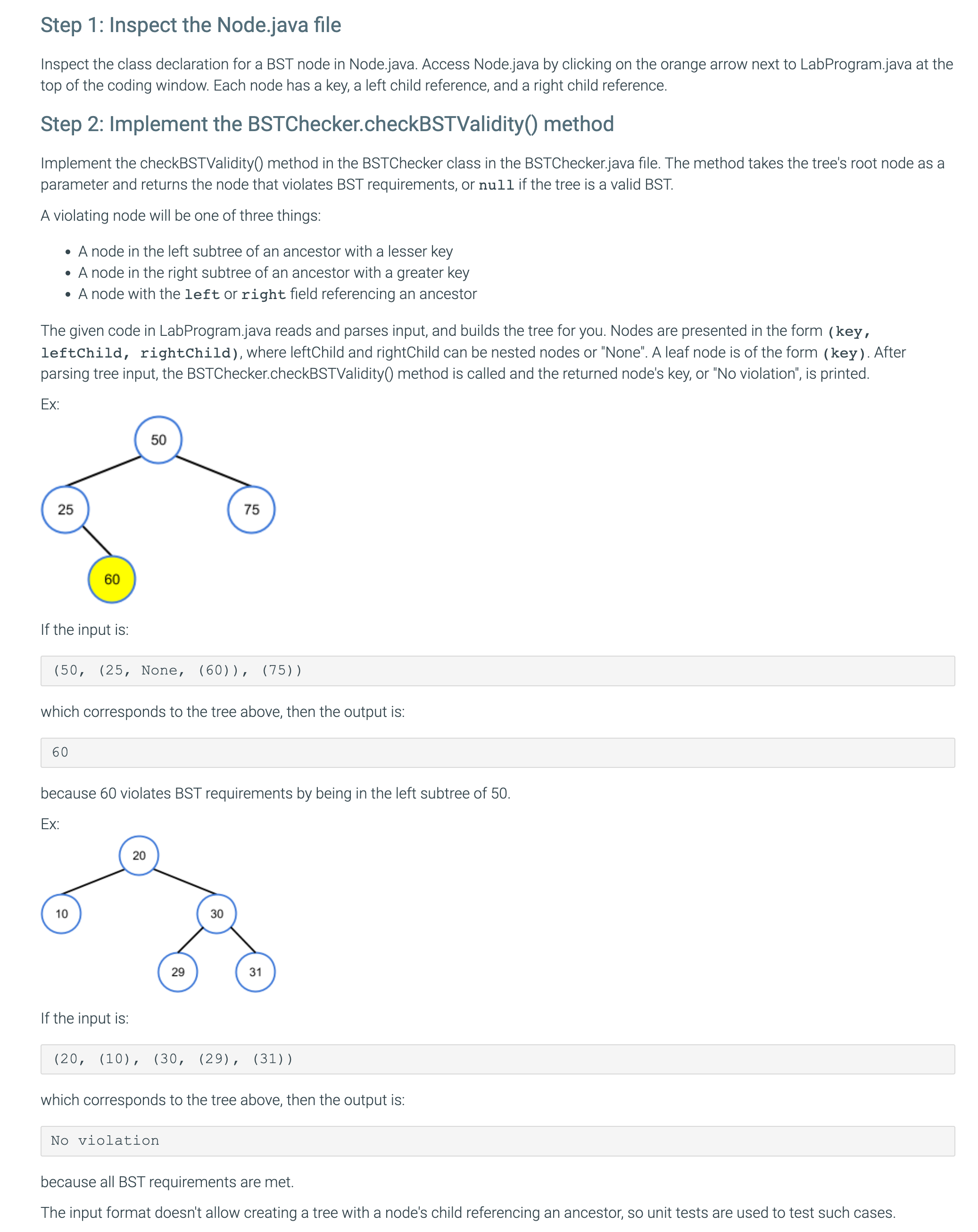
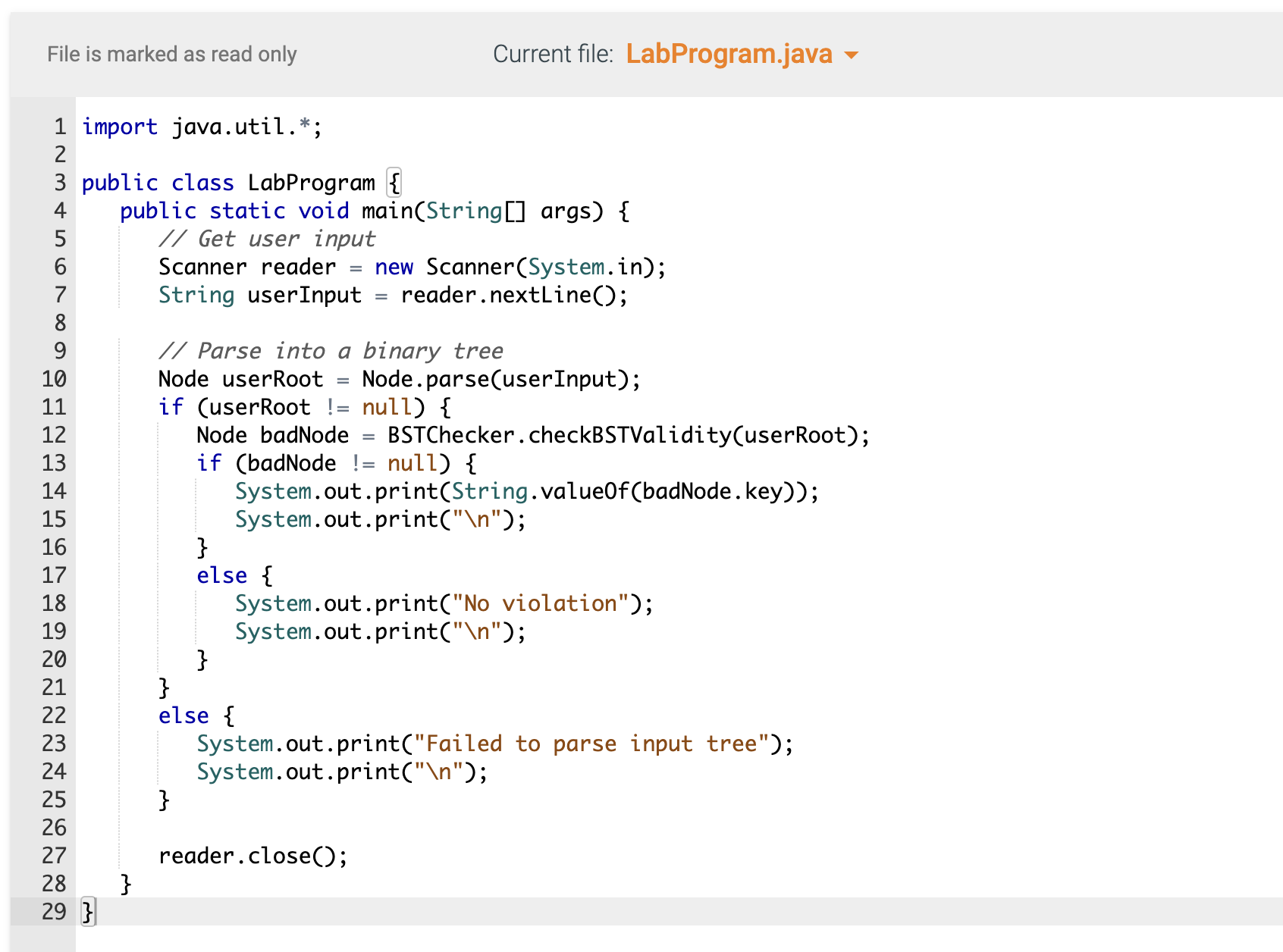
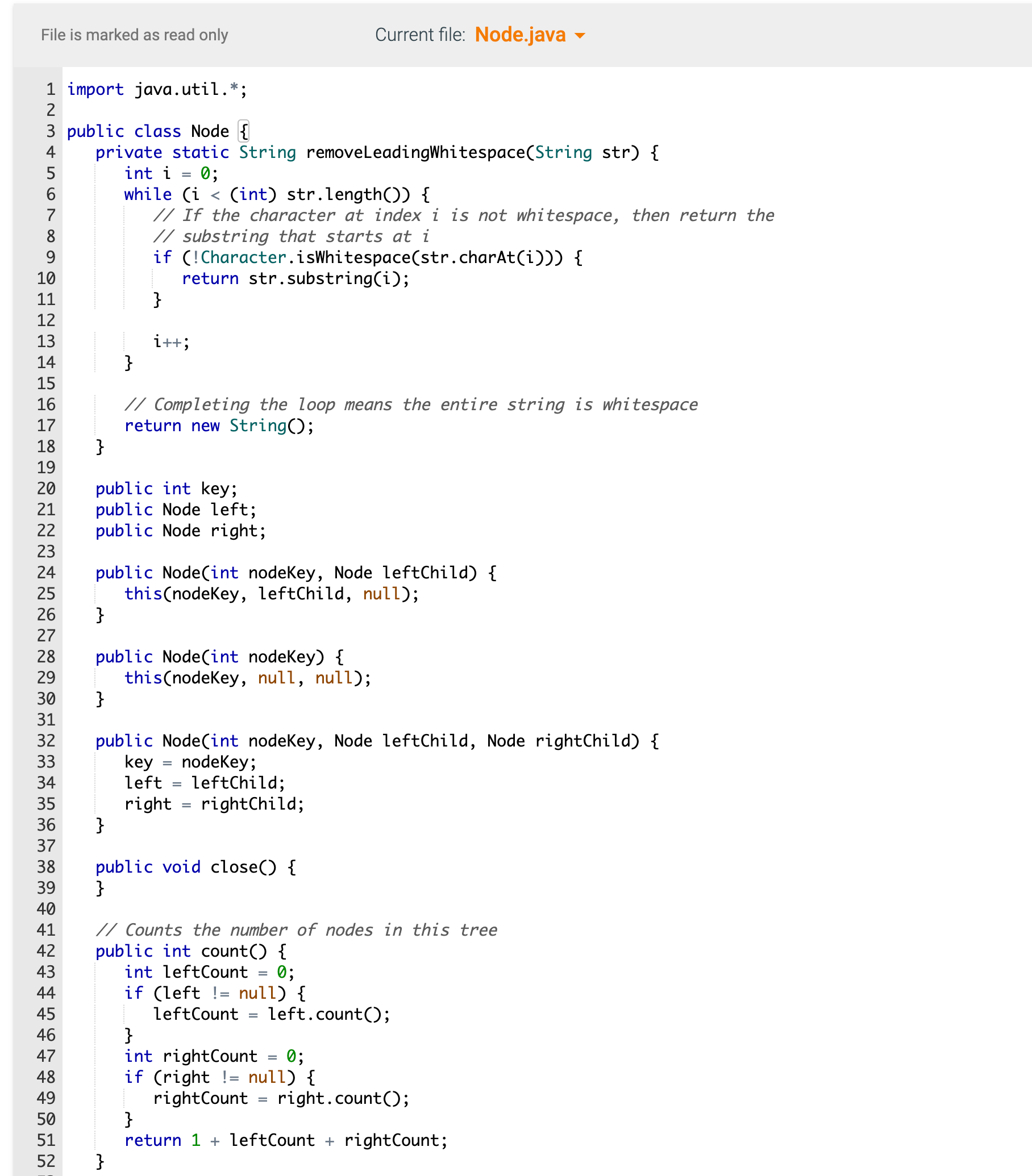
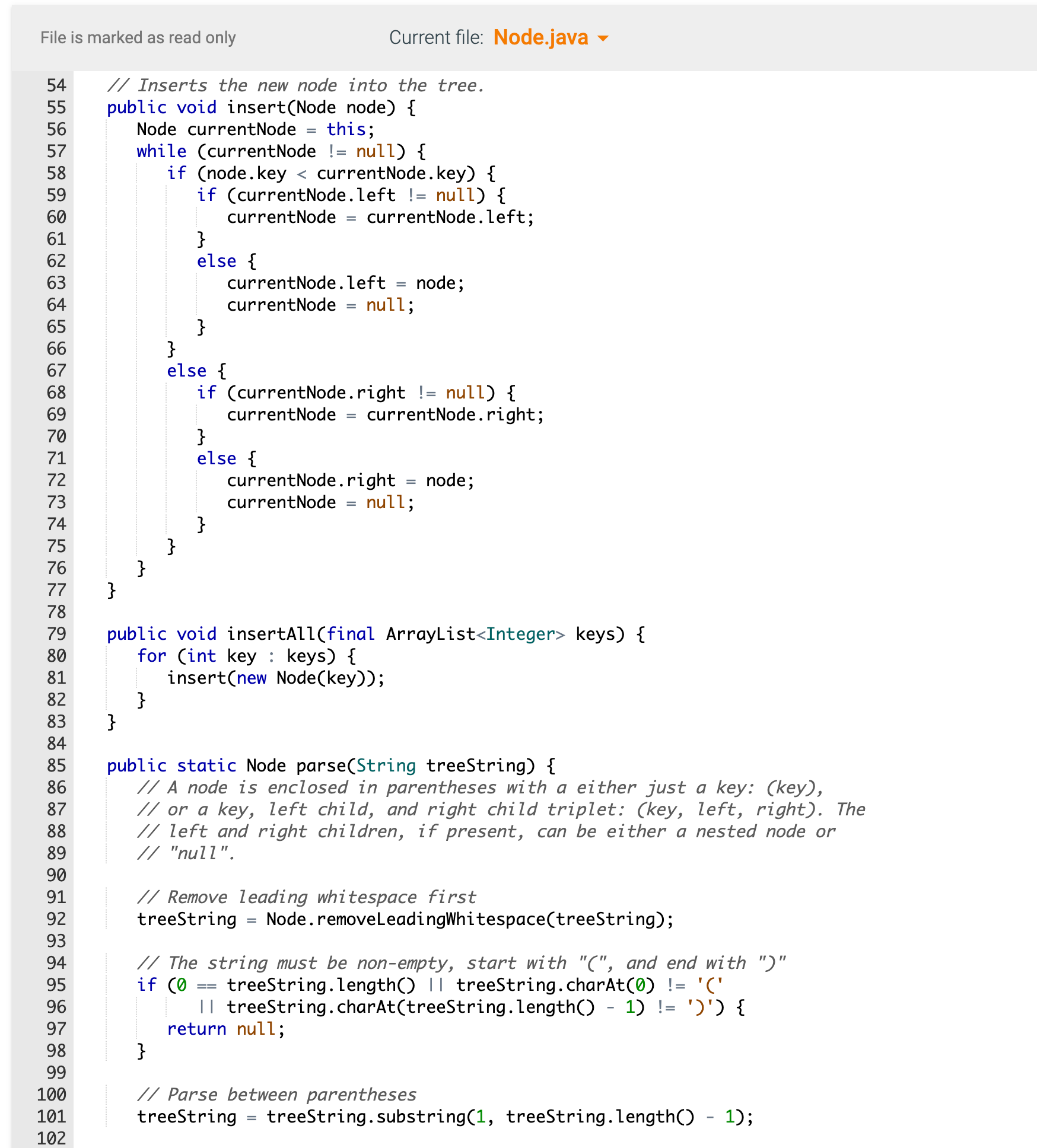
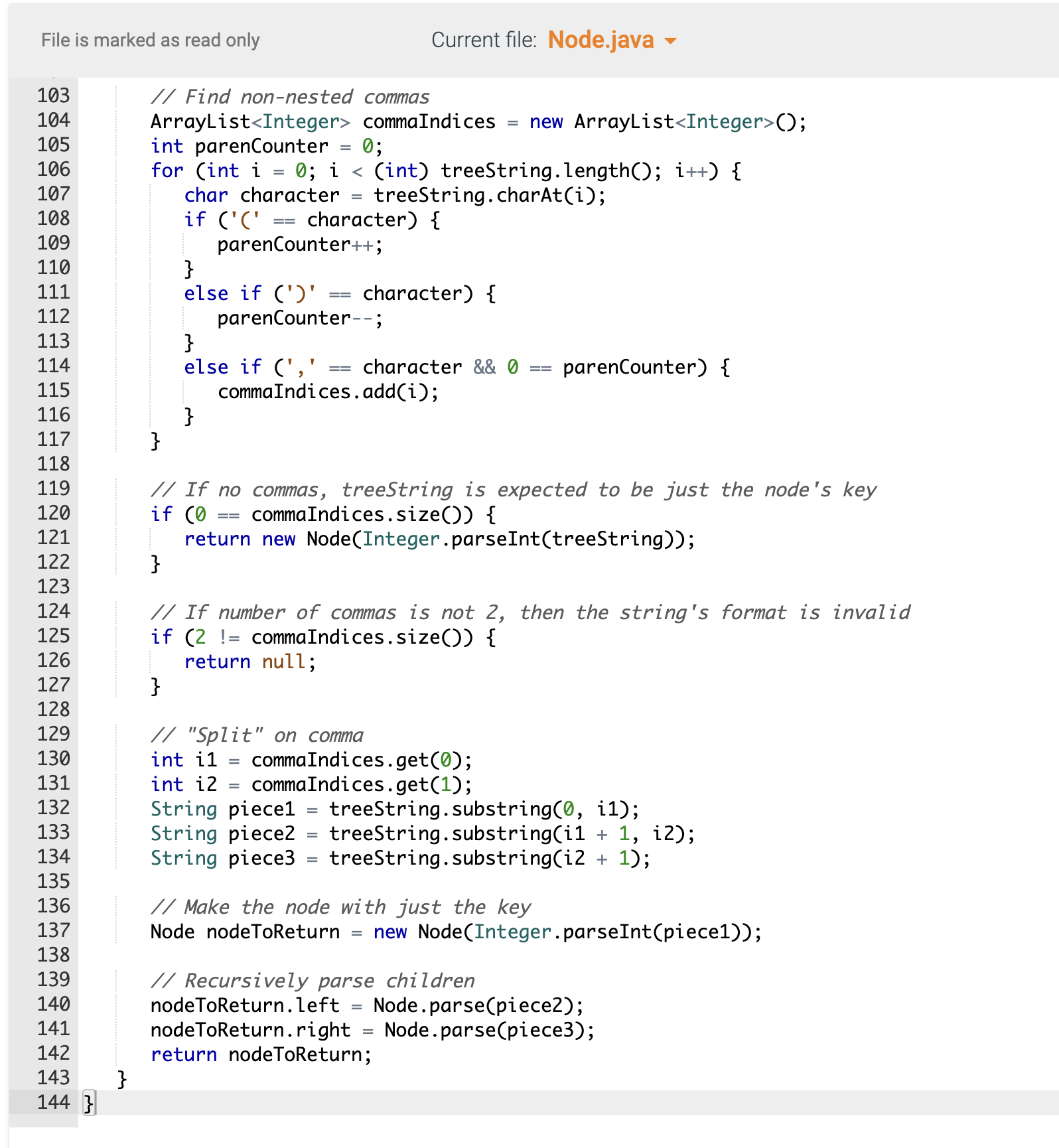
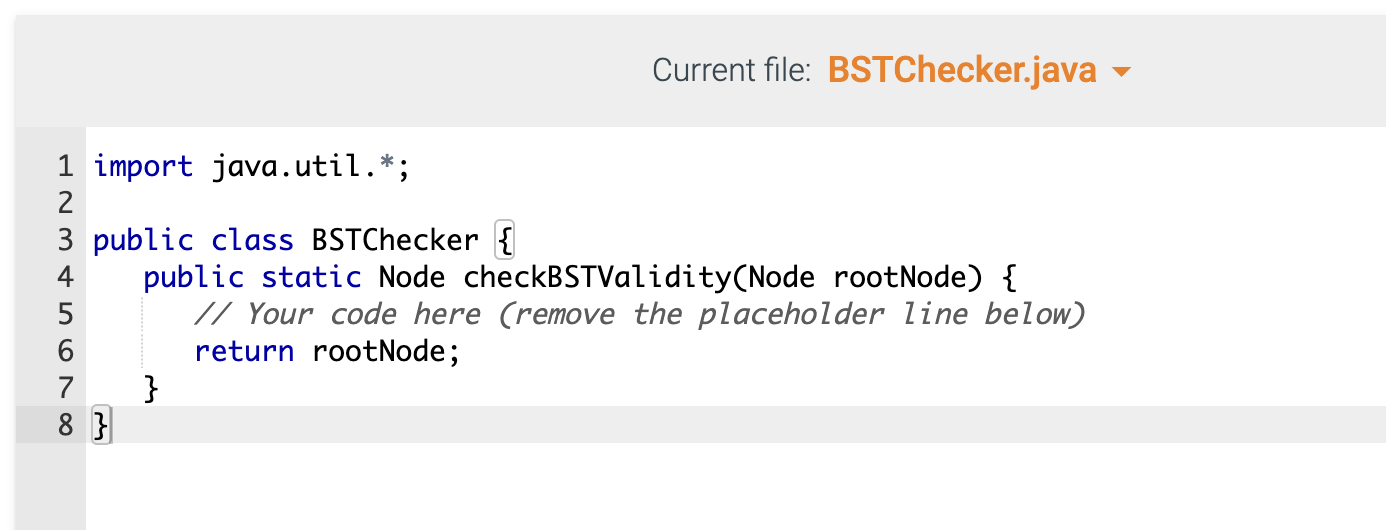
Step 1: Inspect the Node.java file Inspect the class declaration for a BST node in Node.java. Access Node.java by clicking on the orange arrow next to LabProgram.java at the top of the coding window. Each node has a key, a left child reference, and a right child reference. Step 2: Implement the BSTChecker.checkBSTValidity() method Implement the checkBSTValidity() method in the BSTChecker class in the BSTChecker.java file. The method takes the tree's root node as a parameter and returns the node that violates BST requirements, or null if the tree is a valid BST. A violating node will be one of three things: - A node in the left subtree of an ancestor with a lesser key - A node in the right subtree of an ancestor with a greater key - A node with the left or right field referencing an ancestor The given code in LabProgram.java reads and parses input, and builds the tree for you. Nodes are presented in the form (key, leftchild, rightChild), where leftChild and rightChild can be nested nodes or "None". A leaf node is of the form (key ). After parsing tree input, the BSTChecker.checkBSTValidity( method is called and the returned node's key, or "No violation", is printed. . If the input is: (50,(25, None, (60)),(75)) which corresponds to the tree above, then the output is: 60 because 60 violates BST requirements by being in the left subtree of 50 . Fxr If the input is: (20,(10),(30,(29),(31)) which corresponds to the tree above, then the output is: No violation because all BST requirements are met. The input format doesn't allow creating a tree with a node's child referencing an ancestor, so unit tests are used to test such cases. File is marked as read only Current file: LabProgram.java Is marked as read only is marked as read only Current file: Node.java \} \} Current file: BSTChecker.java Step 1: Inspect the Node.java file Inspect the class declaration for a BST node in Node.java. Access Node.java by clicking on the orange arrow next to LabProgram.java at the top of the coding window. Each node has a key, a left child reference, and a right child reference. Step 2: Implement the BSTChecker.checkBSTValidity() method Implement the checkBSTValidity() method in the BSTChecker class in the BSTChecker.java file. The method takes the tree's root node as a parameter and returns the node that violates BST requirements, or null if the tree is a valid BST. A violating node will be one of three things: - A node in the left subtree of an ancestor with a lesser key - A node in the right subtree of an ancestor with a greater key - A node with the left or right field referencing an ancestor The given code in LabProgram.java reads and parses input, and builds the tree for you. Nodes are presented in the form (key, leftchild, rightChild), where leftChild and rightChild can be nested nodes or "None". A leaf node is of the form (key ). After parsing tree input, the BSTChecker.checkBSTValidity( method is called and the returned node's key, or "No violation", is printed. . If the input is: (50,(25, None, (60)),(75)) which corresponds to the tree above, then the output is: 60 because 60 violates BST requirements by being in the left subtree of 50 . Fxr If the input is: (20,(10),(30,(29),(31)) which corresponds to the tree above, then the output is: No violation because all BST requirements are met. The input format doesn't allow creating a tree with a node's child referencing an ancestor, so unit tests are used to test such cases. File is marked as read only Current file: LabProgram.java Is marked as read only is marked as read only Current file: Node.java \} \} Current file: BSTChecker.java
Step by Step Solution
There are 3 Steps involved in it

Get step-by-step solutions from verified subject matter experts
 Study Help