







Question: pl/sql please step by step 6:22 Done Exercise 4 -6_22dff22794e3... Exercise 4 Instruction: Include FULL Screenshot that display your code and output on SQL Developer
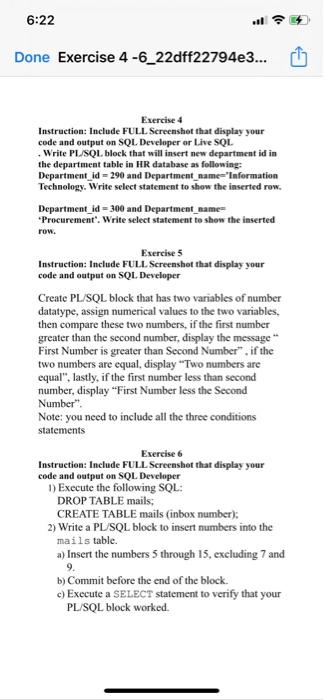
6:22 Done Exercise 4 -6_22dff22794e3... Exercise 4 Instruction: Include FULL Screenshot that display your code and output on SQL Developer or Live SQL Write PL/SQL block that will insert new department id in the department table in HR database as following: Department_id = 290 and Department_name"Information Technology. Write select statement to show the inserted row. Department_id = 300 and Department_name= *Procurement". Write select statement to show the inserted row. Exercise 5 Instruction: Include FULL Screenshot that display your code and output on SQL Developer Create PL/SQL block that has two variables of number datatype, assign numerical values to the two variables. then compare these two numbers, if the first number greater than the second number, display the message First Number is greater than Second Number". if the two numbers are equal, display "Two numbers are equal", lastly, if the first number less than second number, display "First Number less the Second Number". Note: you need to include all the three conditions statements Exercise 6 Instruction: Include FULL Screenshot that display your code and output on SQL Developer 1) Execute the following SOL: DROP TABLE mails; CREATE TABLE mails (inbox number); 2) Write a PL/SQL block to insert numbers into the mails table. a) Insert the numbers 5 through 15, excluding 7 and 9. b) Commit before the end of the block. c) Execute a SELECT statement to verify that your PL/SQL block worked
Step by Step Solution
There are 3 Steps involved in it

Get step-by-step solutions from verified subject matter experts
 Study Help