







Question: Practice It 10-2 1. Open a new blank document, and then save the document as Thank You Lette 2. Change the font to Century, change
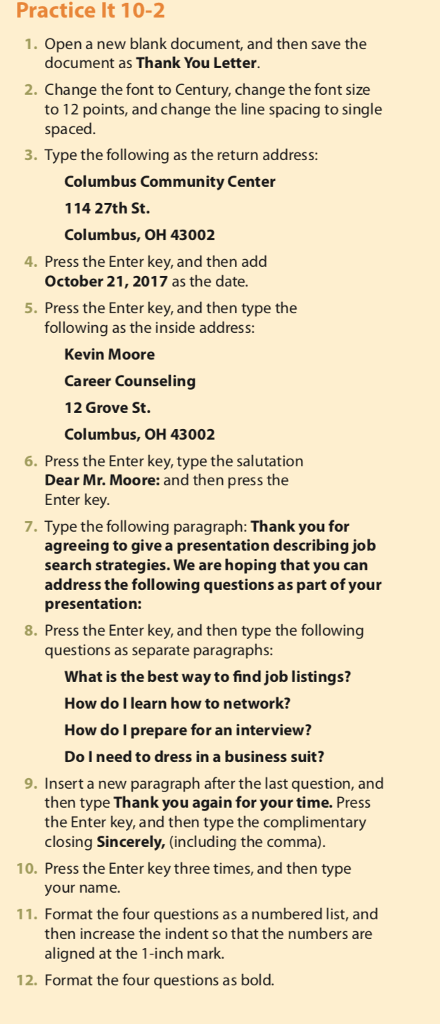
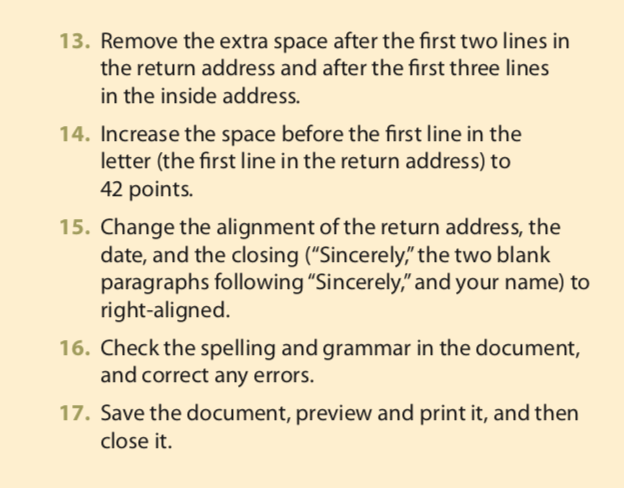
Practice It 10-2 1. Open a new blank document, and then save the document as Thank You Lette 2. Change the font to Century, change the font size to 12 points, and change the line spacing to single spaced 3. Type the following as the return address: Columbus Community Center 114 27th St. Columbus, OH 43002 4. Press the Enter key, and then add October 21, 2017 as the date. 5. Press the Enter key, and then type the following as the inside address Kevin Moore Career Counseling 12 Grove St. Columbus, OH 43002 6. Press the Enter key, type the salutation Dear Mr. Moore: and then press the Enter key 7. Type the following paragraph: Thank you for agreeing to give a presentation describing job search strategies. We are hoping that you can address the following questions as part of your presentation: 8. Press the Enter key, and then type the following questions as separate paragraphs What is the best way to find job listings? How do I learn how to network? How do I prepare for an interview? Do Ineed to dress in a business suit? 9. Insert a new paragraph after the last question, and then type Thank you again for your time. Press the Enter key, and then type the complimentary closing Sincerely, (including the comma) 10. Press the Enter key three times, and then type your name. 11. Format the four questions as a numbered list, and then increase the indent so that the numbers are aligned at the 1-inch mark. 12. Format the four questions as bold
Step by Step Solution
There are 3 Steps involved in it

Get step-by-step solutions from verified subject matter experts
 Study Help