







Question: Precision Building Spring Workshops Scheduled Task Instructions Run the Location macro in cellEs. (The shorteut is (CTRL+q.) Precision Building Task Instructions Record a macro to
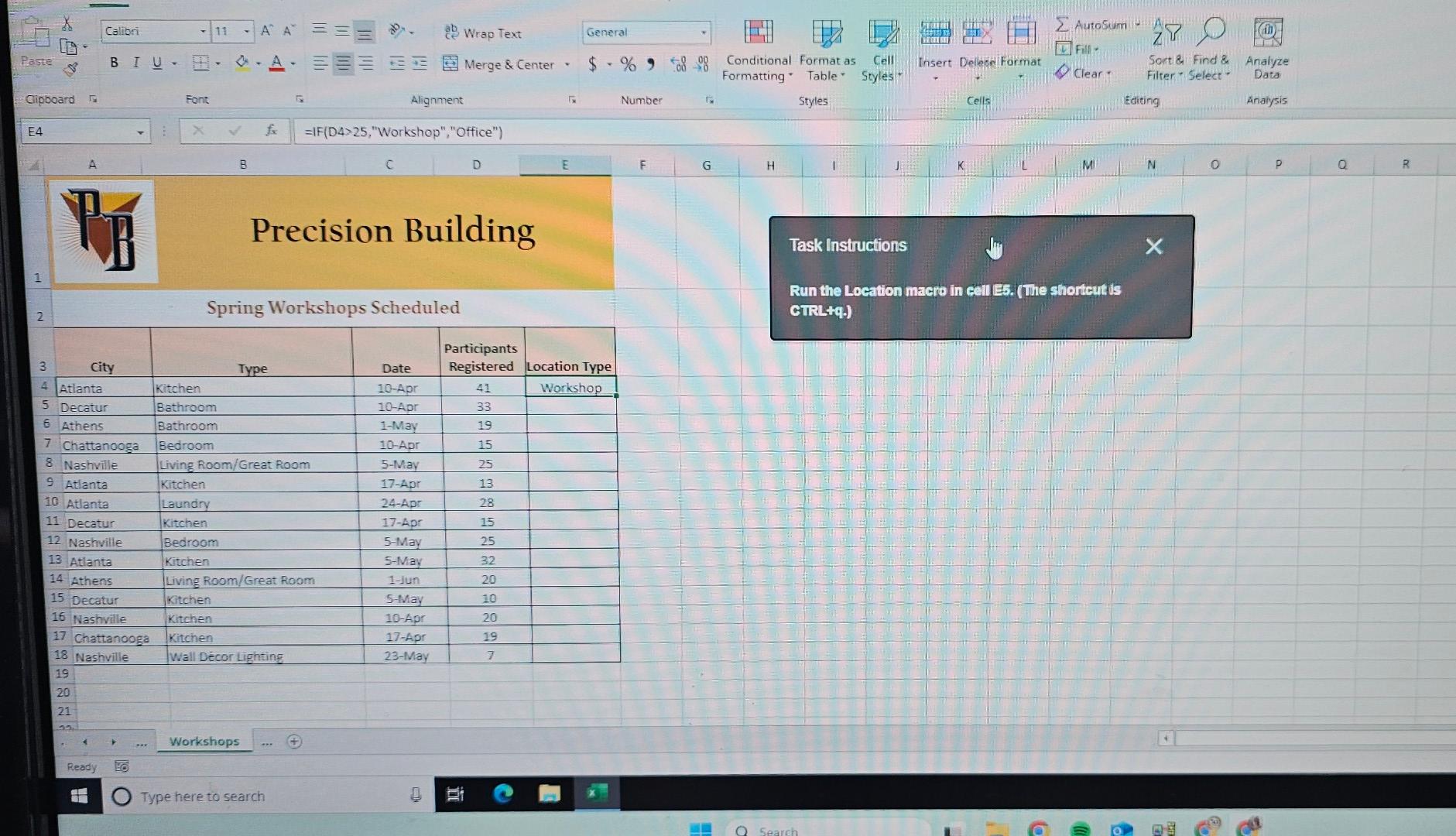
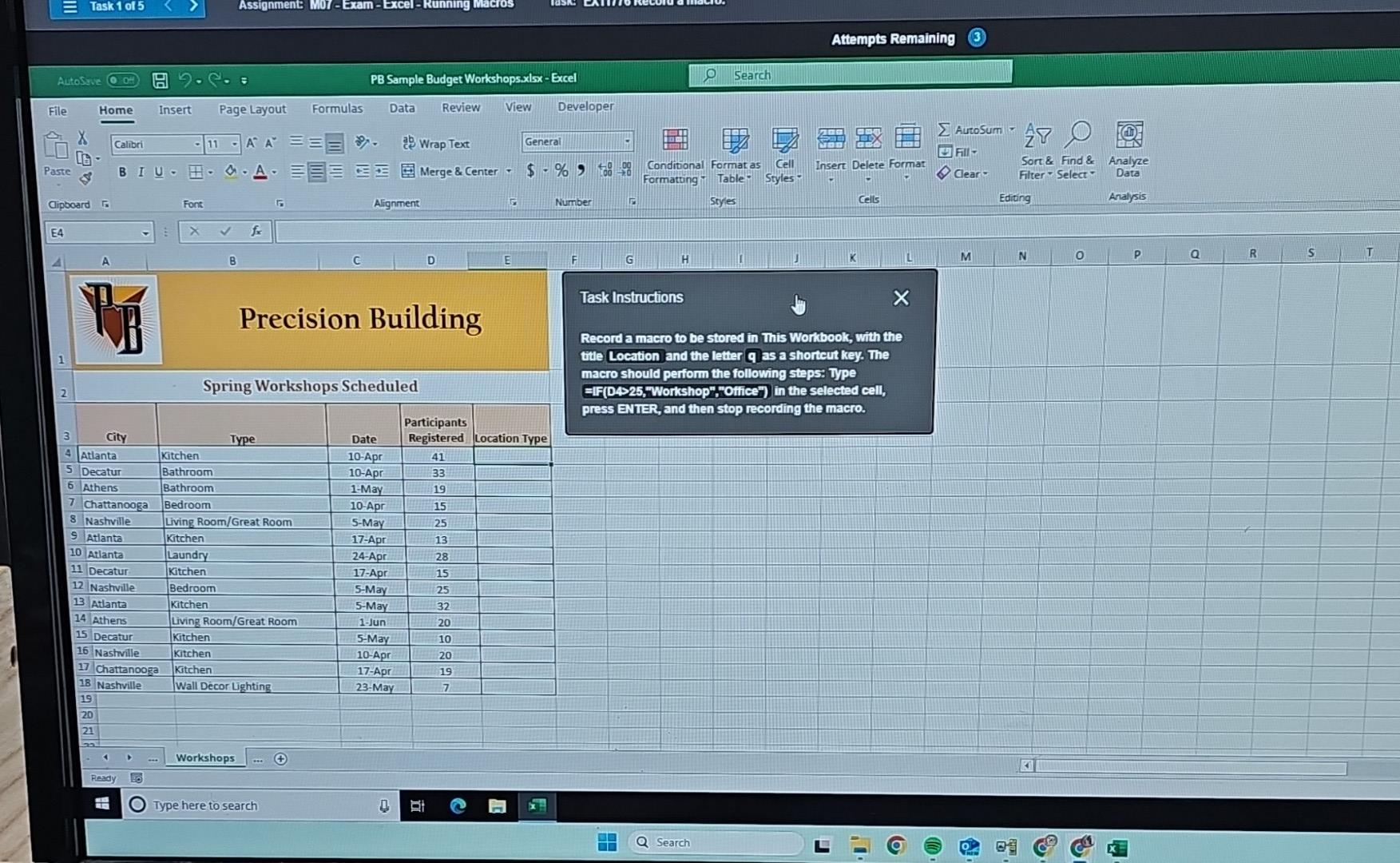
Precision Building Spring Workshops Scheduled Task Instructions Run the Location macro in cellEs. (The shorteut is (CTRL+q.) Precision Building Task Instructions Record a macro to be stored in This Workbook, with the title Location and the letter q as a shorteut key. The macro should perform the following steps: Type EIF(D4 25, "Workshop", -Office") in the selected cell, press ENTER, and then stop recording the macro. Precision Building Spring Workshops Scheduled Task Instructions Run the Location macro in cellEs. (The shorteut is (CTRL+q.) Precision Building Task Instructions Record a macro to be stored in This Workbook, with the title Location and the letter q as a shorteut key. The macro should perform the following steps: Type EIF(D4 25, "Workshop", -Office") in the selected cell, press ENTER, and then stop recording the macro
Step by Step Solution
There are 3 Steps involved in it

Get step-by-step solutions from verified subject matter experts
 Study Help