







Question: Prelab: 1 - D Vector Operations - Do it after you watch the lecture and read the materials. 0 solutions submitted ( max: Unlimited )
Prelab: D Vector Operations Do it after you watch the lecture and read the materials.
solutions submitted max: Unlimited
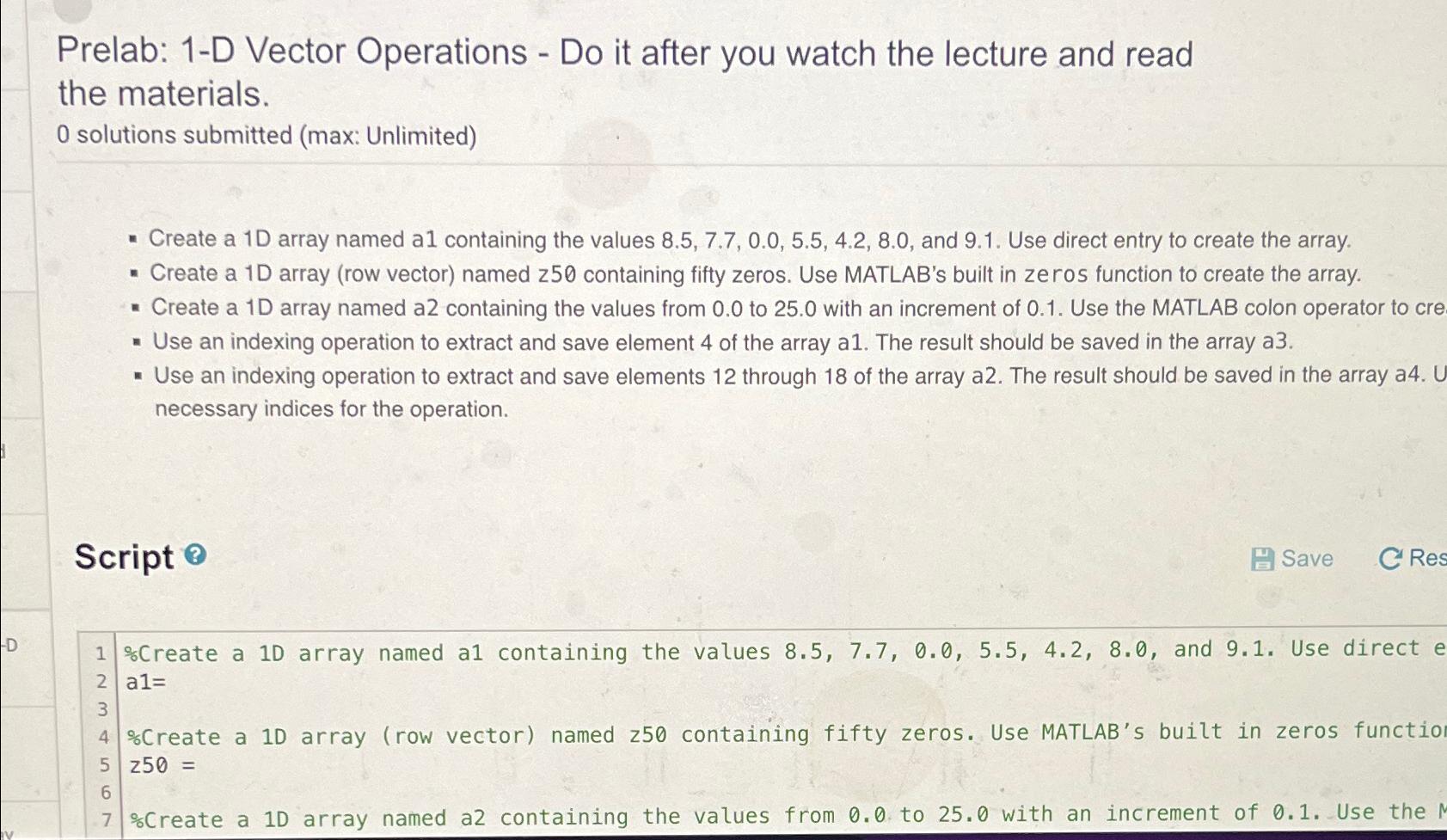
Create a D array named a containing the values and Use direct entry to create the array.
Create a D array row vector named z containing fifty zeros. Use MATLAB's built in zeros function to create the array.
Create a D array named a containing the values from to with an increment of Use the MATLAB colon operator to cre
Use an indexing operation to extract and save element of the array a The result should be saved in the array a
Use an indexing operation to extract and save elements through of the array a The result should be saved in the array a necessary indices for the operation.
Script
Save
Create a D array named a containing the values and Use direct e a
Create a array row vector named z containing fifty zeros. Use MATLAB's built in zeros functio
Create a array named a containing the values from to with an increment of Use the
Step by Step Solution
There are 3 Steps involved in it
1 Expert Approved Answer
Step: 1 Unlock

Question Has Been Solved by an Expert!
Get step-by-step solutions from verified subject matter experts
Step: 2 Unlock
Step: 3 Unlock
 Study Help