







Question: Pre-requisite: Postman Account 1. Create New Collection (2) a. Collection Name should be {Student1FirstName}-{Student2FirstName}-Assignment6 b. Enter Collection Description C. Collection Variable: Add variable 'College'
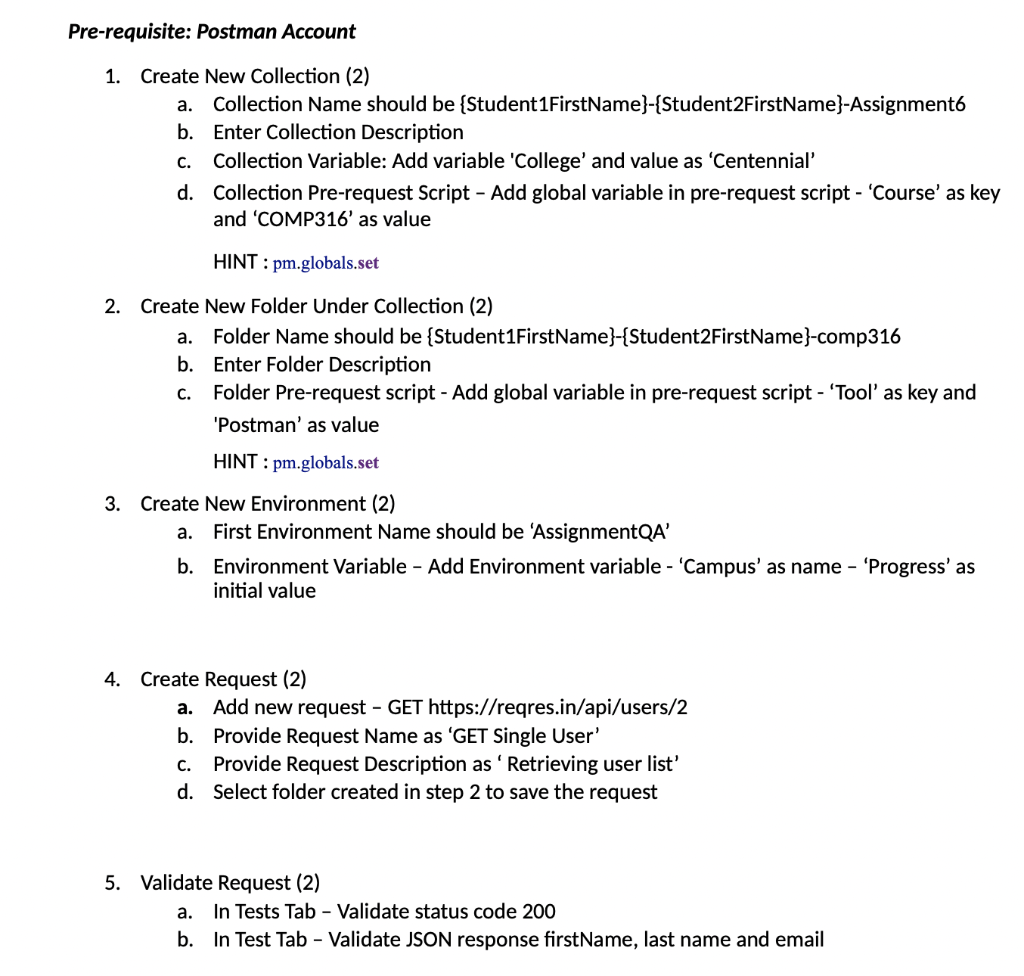
Pre-requisite: Postman Account 1. Create New Collection (2) a. Collection Name should be {Student1FirstName}-{Student2FirstName}-Assignment6 b. Enter Collection Description C. Collection Variable: Add variable 'College' and value as 'Centennial' d. Collection Pre-request Script - Add global variable in pre-request script - 'Course' as key and 'COMP316' as value HINT: pm.globals.set 2. Create New Folder Under Collection (2) a. Folder Name should be {Student1FirstName}-{Student2FirstName}-comp316 b. Enter Folder Description C. Folder Pre-request script - Add global variable in pre-request script - 'Tool' as key and 'Postman' as value HINT: pm.globals.set 3. Create New Environment (2) a. First Environment Name should be 'AssignmentQA' b. Environment Variable - Add Environment variable - 'Campus' as name 'Progress' as initial value 4. Create Request (2) a. Add new request - GET https://reqres.in/api/users/2 b. Provide Request Name as 'GET Single User' C. Provide Request Description as ' Retrieving user list' d. Select folder created in step 2 to save the request 5. Validate Request (2) a. In Tests Tab - Validate status code 200 b. In Test Tab - Validate JSON response firstName, last name and email
Step by Step Solution
3.33 Rating (147 Votes )
There are 3 Steps involved in it
Based on the provided context here are the steps to create a new collection folder environment reque... View full answer

Get step-by-step solutions from verified subject matter experts
 Study Help