







Question: Previous HW Editor and Save into a File: From the previous Homework, Write a Java program that will simulate a text editor, the program will
Previous HW
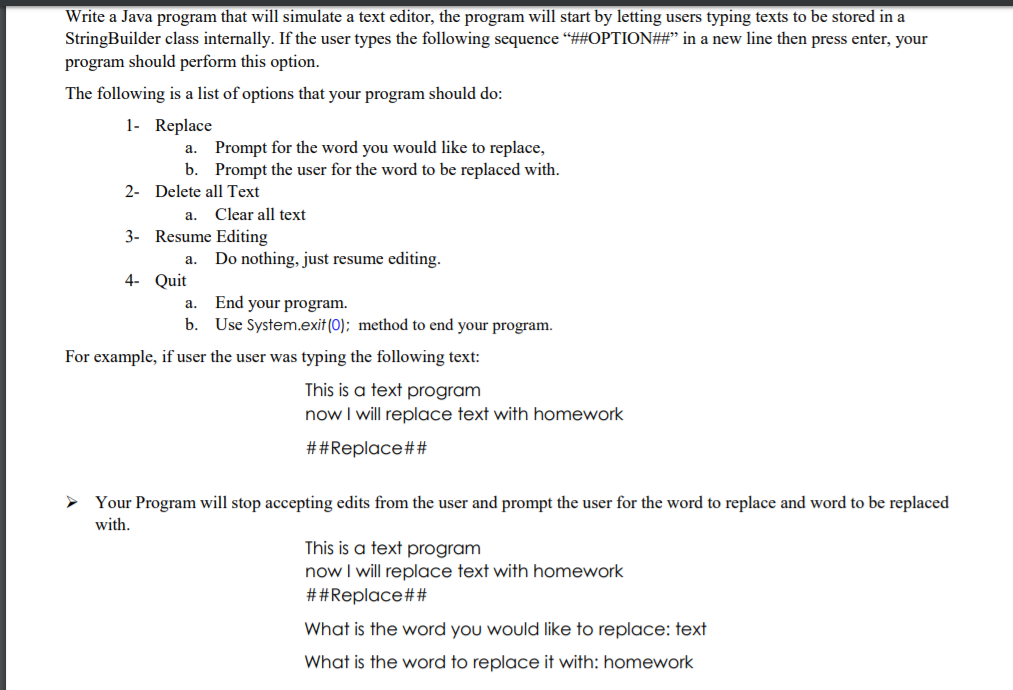
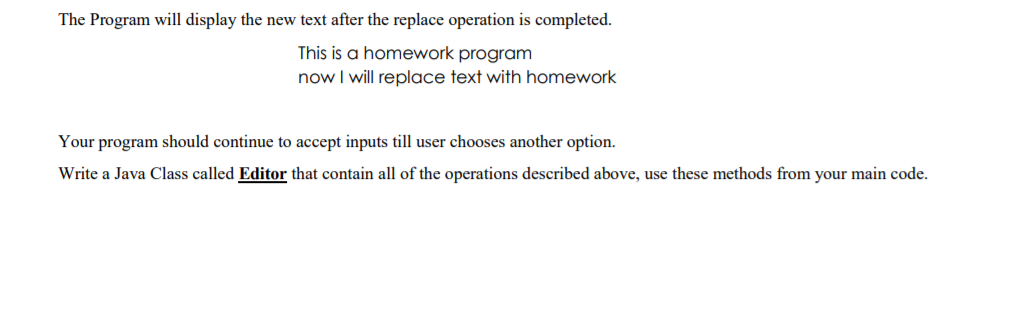
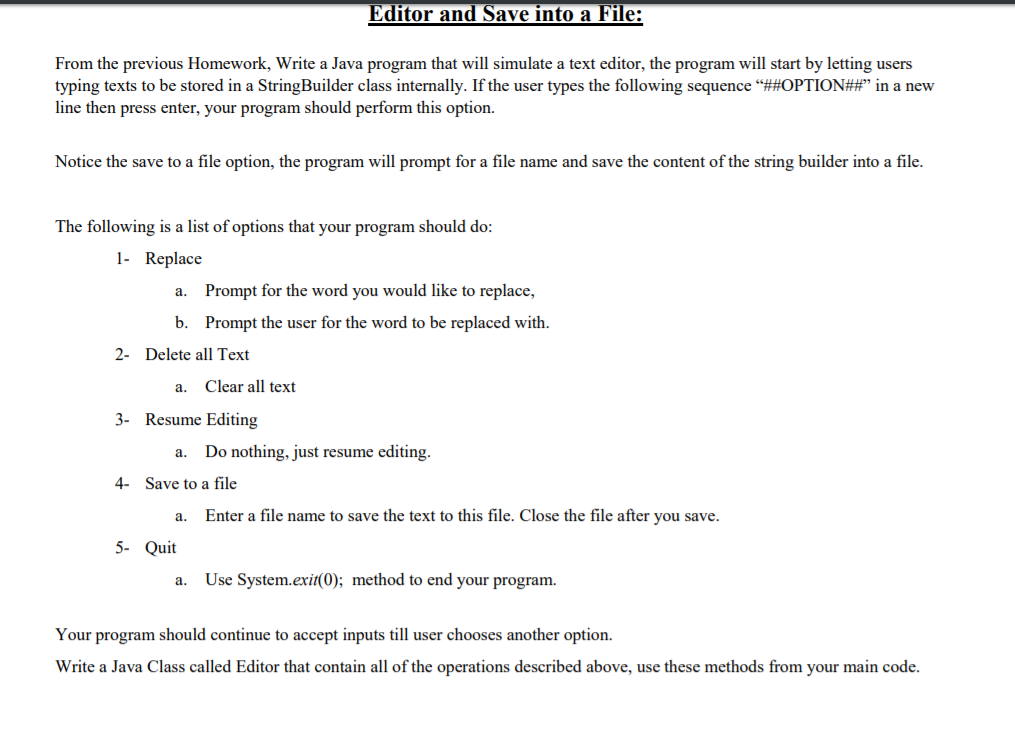
Editor and Save into a File: From the previous Homework, Write a Java program that will simulate a text editor, the program will start by letting users typing texts to be stored in a StringBuilder class internally. If the user types the following sequence ##OPTION## in a new line then press enter, your program should perform this option. Notice the save to a file option, the program will prompt for a file name and save the content of the string builder into a file. The following is a list of options that your program should do: 1- Replace a. Prompt for the word you would like to replace b. Prompt the user for the word to be replaced with 2- Delete all Text a. Clear all text 3- Resume Editing a. Do nothing, just resume editing. Save to a file 4- a. Enter a file name to save the text to this file. Close the file after you save 5- Quit a. Use System.exi(0); method to end your program Your program should continue to accept inputs till user chooses another option Write a Java Class called Editor that contain all of the operations described above, use these methods from your main code. Write a Java program that will simulate a text editor, the program will start by letting users typing texts to be stored in a StringBuilder class internally. If the user types the following sequence ##OPTION##" in a new line then press enter, your program should perform this option The following is a list of options that your program should do 1- Replace a. Prompt for the word you would like to replace, b. Prompt the user for the word to be replaced with 2- Delete all Text Clear all text a. 3- Resume Editing a. Do nothing, just resume editing 4- Quit a. End your program b. Use System.exit (O); method to end your program. For example, if user the user was typing the following text: This is a text program now I will replace text with homework # # Replace## Your Program will stop accepting edits from the user and prompt the user for the word to replace and word to be replaced with This is a text program now I will replace text with homework # # Replace## What is the word you would like to replace: text What is the word to replace it with: homework The Program will display the new text after the replace operation is completed. This is a homework program now I will replace text with homework Your program should continue to accept inputs till user chooses another option. Write a Java Class called Editor that contain all of the operations described above, use these methods from your main code
Step by Step Solution
There are 3 Steps involved in it

Get step-by-step solutions from verified subject matter experts
 Study Help