







Question: Print numbers 0 to n1 Write a program for the LC3. This program should be named hwPrintN-1.hex. This hex file will be a machine language
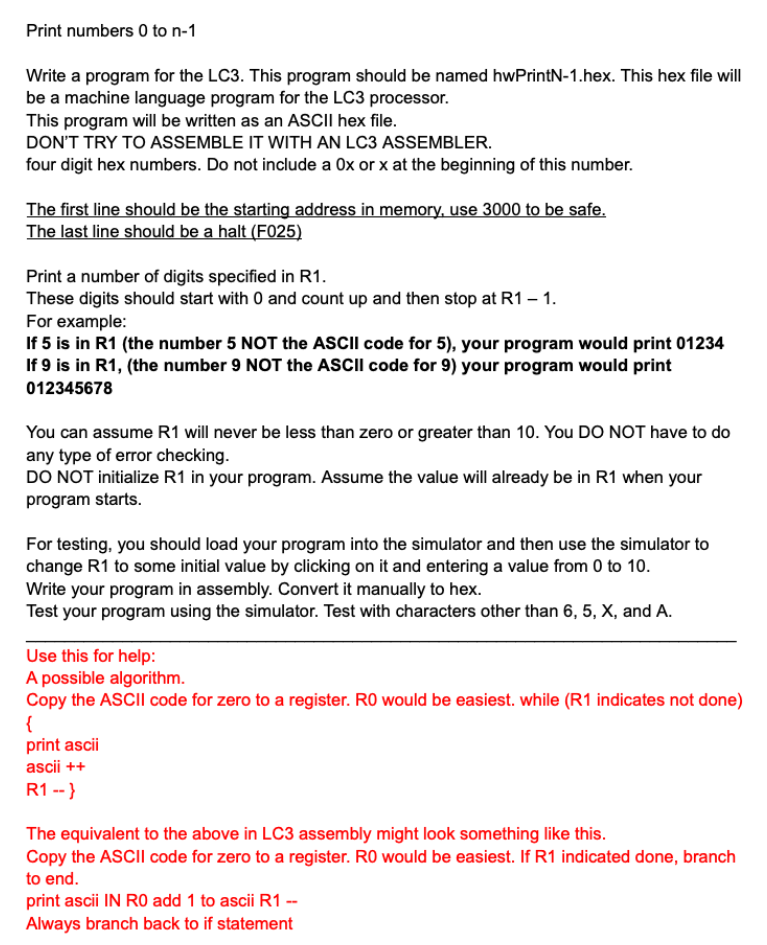
Print numbers 0 to n1 Write a program for the LC3. This program should be named hwPrintN-1.hex. This hex file will be a machine language program for the LC3 processor. This program will be written as an ASCII hex file. DON'T TRY TO ASSEMBLE IT WITH AN LC3 ASSEMBLER. four digit hex numbers. Do not include a 0x or x at the beginning of this number. The first line should be the starting address in memory, use 3000 to be safe. The last line should be a halt (F025) Print a number of digits specified in R1. These digits should start with 0 and count up and then stop at R11. For example: If 5 is in R1 (the number 5 NOT the ASCII code for 5), your program would print 01234 If 9 is in R1, (the number 9 NOT the ASCII code for 9 ) your program would print 012345678 You can assume R1 will never be less than zero or greater than 10. You DO NOT have to do any type of error checking. DO NOT initialize R1 in your program. Assume the value will already be in R1 when your program starts. For testing, you should load your program into the simulator and then use the simulator to change R1 to some initial value by clicking on it and entering a value from 0 to 10. Write your program in assembly. Convert it manually to hex. Test your program using the simulator. Test with characters other than 6,5,X, and A. Use this for help: A possible algorithm. Copy the ASCII code for zero to a register. R0 would be easiest. while (R1 indicates not done) \{ print ascii ascii ++ R1 -- The equivalent to the above in LC3 assembly might look something like this. Copy the ASCII code for zero to a register. R0 would be easiest. If R1 indicated done, branch to end
Step by Step Solution
There are 3 Steps involved in it

Get step-by-step solutions from verified subject matter experts
 Study Help