







Question: Problem 1 : File Processor Objective: Create a Python CLI script that processes a text file based on user input. Requirements: File Path Argument (
Problem : File Processor
Objective: Create a Python CLI script that processes a text file based on user input.
Requirements:
File Path Argument file: A string argument for the path to the text file to be processed. Operation
Argument operation: A choice argument to specify the type of operation to perform on the file.
Options should include:
linecount number of lines
wordcount number of words
uppercase convert all text to uppercase and display
contains used with word, check if file contains the word
Word Argument word: A string argument that specifies a word to find in the file. This should only be
required if the find operation is selected.
Displays error message for file not found.
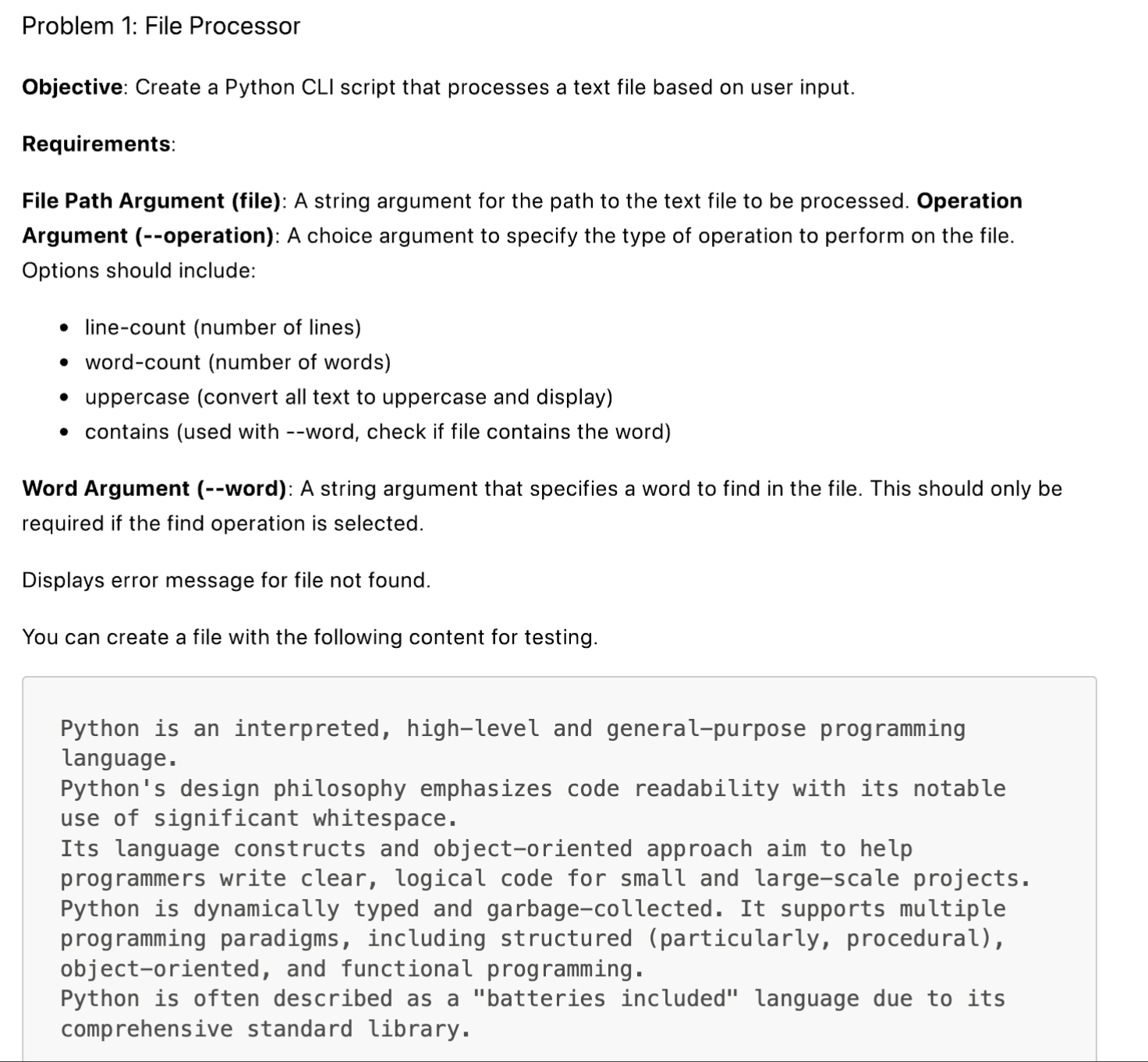
You can create a file with the following content for testing.
Python is an interpreted, highlevel and generalpurpose programming
language.
Python's design philosophy emphasizes code readability with its notable
use of significant whitespace.
Its language constructs and objectoriented approach aim to help
programmers write clear, logical code for small and largescale projects.
Python is dynamically typed and garbagecollected. It supports multiple
programming paradigms, including structured particularly procedural
objectoriented, and functional programming.
Python is often described as a "batteries included" language due to its
comprehensive standard library.
Step by Step Solution
There are 3 Steps involved in it
1 Expert Approved Answer
Step: 1 Unlock

Question Has Been Solved by an Expert!
Get step-by-step solutions from verified subject matter experts
Step: 2 Unlock
Step: 3 Unlock
 Study Help