







Question: Problem 1: Write a Bash script that takes the name of a file or directory as an argument, 1. reports if it is a directory
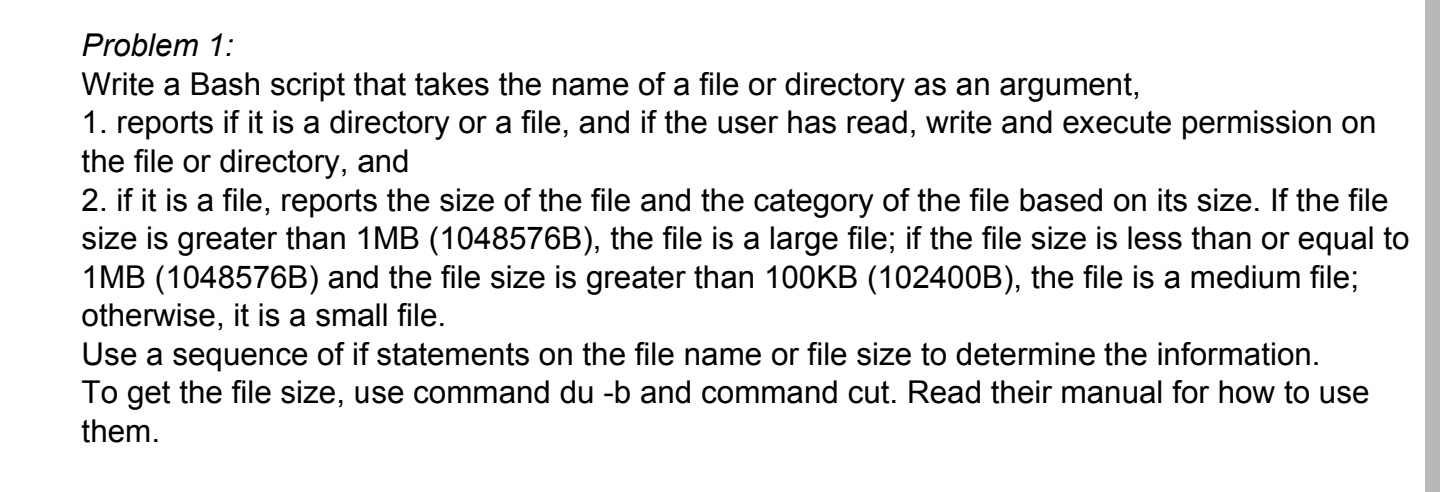
Problem 1: Write a Bash script that takes the name of a file or directory as an argument, 1. reports if it is a directory or a file, and if the user has read, write and execute permission on the file or directory, and 2. if it is a file, reports the size of the file and the category of the file based on its size. If the file size is greater than 1 MB (1048576B), the file is a large file; if the file size is less than or equal to 1 MB (1048576B) and the file size is greater than 100KB (102400B), the file is a medium file; otherwise, it is a small file. Use a sequence of if statements on the file name or file size to determine the information. To get the file size, use command du -b and command cut. Read their manual for how to use them
Step by Step Solution
There are 3 Steps involved in it
To solve this problem youll create a Bash script that performs the specified checks and reports Here is an example script to achieve that bash binbash ... View full answer

Get step-by-step solutions from verified subject matter experts
 Study Help