







Question: Problem 2: Soda Dispenser as State Machine Create the state diagram for a soda dispenser machine. Model the system as a state machine. Then, write
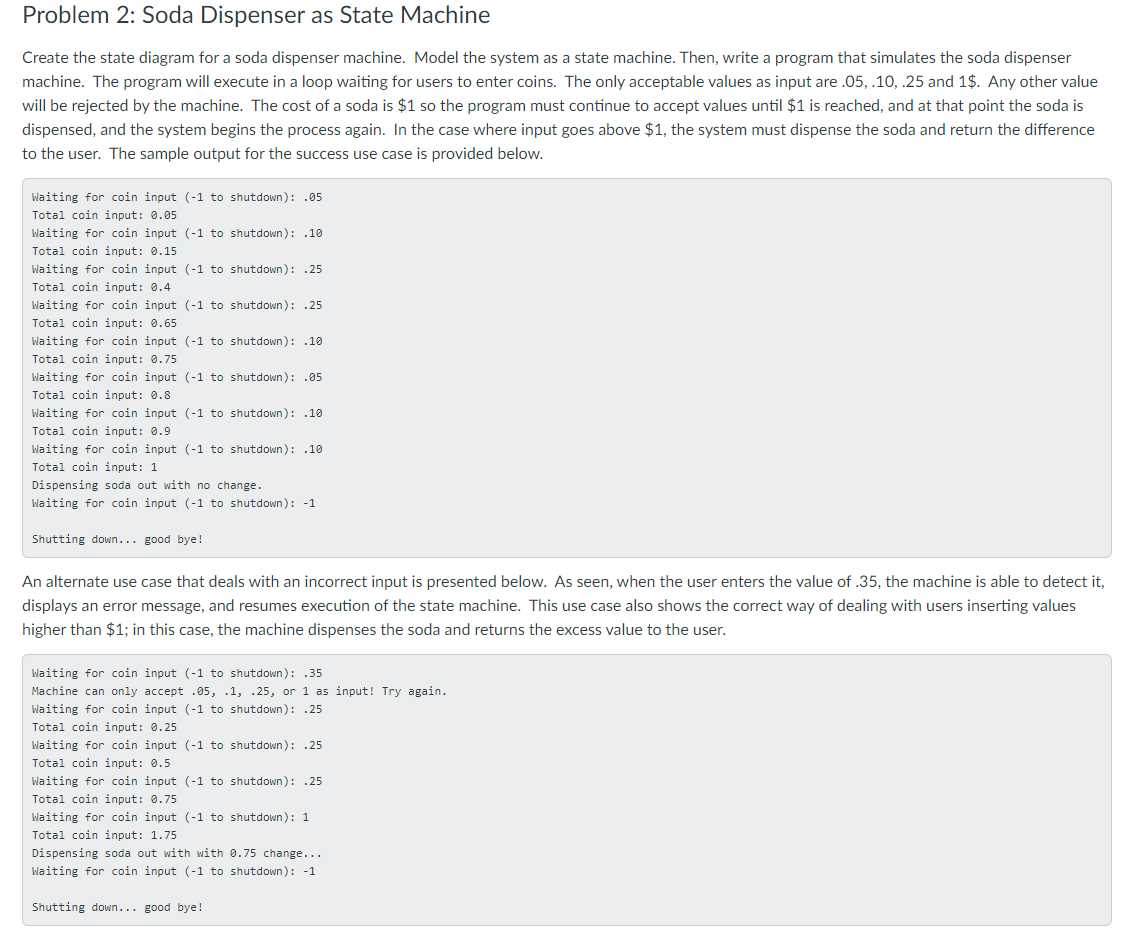
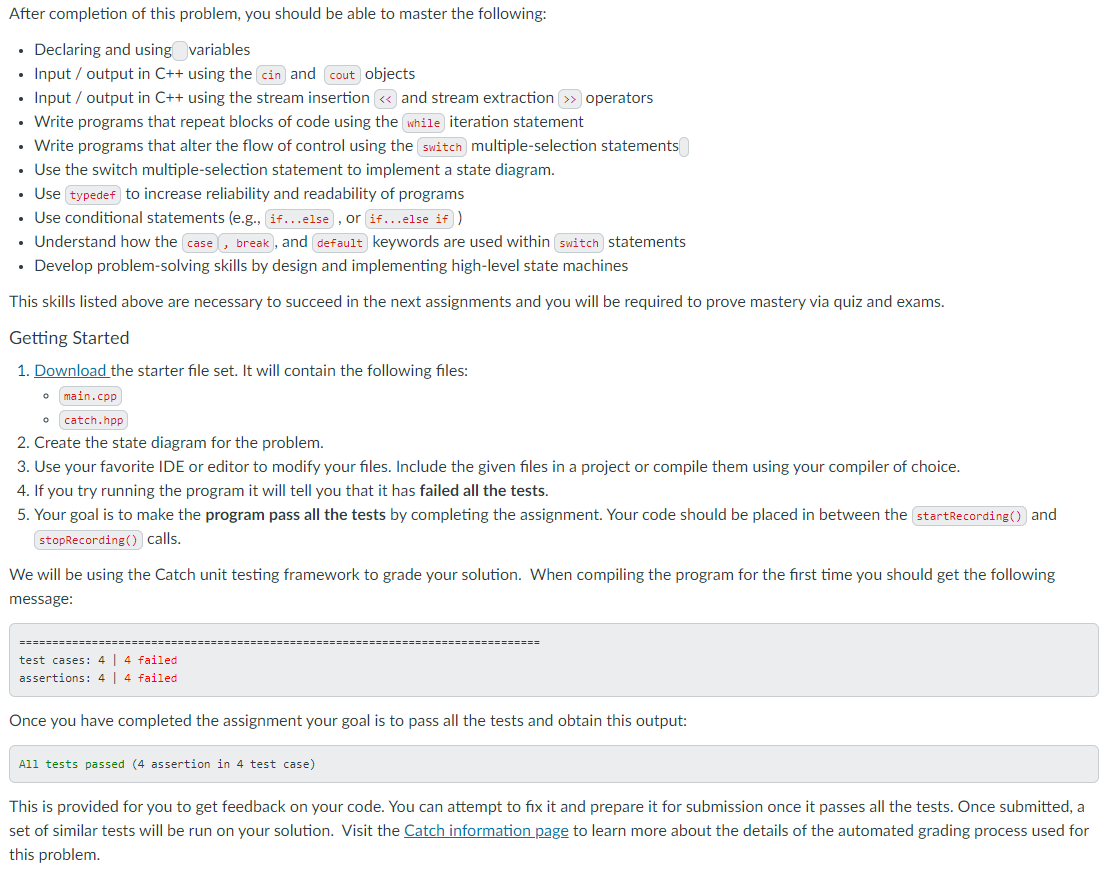
Problem 2: Soda Dispenser as State Machine Create the state diagram for a soda dispenser machine. Model the system as a state machine. Then, write a program that simulates the soda dispenser machine. The program will execute in a loop waiting for users to enter coins. The only acceptable values as input are .05,.10,.25 and 1$. Any other value will be rejected by the machine. The cost of a soda is $1 so the program must continue to accept values until $1 is reached, and at that point the soda is dispensed, and the system begins the process again. In the case where input goes above $1, the system must dispense the soda and return the difference to the user. The sample output for the success use case is provided below. Waiting for coin input (-1 to shutdown): .05 Total coin input: 0.95 Waiting for coin input (-1 to shutdown): .10 Total coin input: 0.15 Waiting for coin input (-1 to shutdown): .25 Total coin input: 0.4 Waiting for coin input (-1 to shutdown): .25 Total coin input: 0.65 Waiting for coin input (-1 to shutdown): .10 Total coin input: 0.75 Waiting for coin input (-1 to shutdown): .05 Total coin input: 0.8 Waiting for coin input (-1 to shutdown): .10 Total coin input: 0.9 Waiting for coin input (-1 to shutdown): .10 Total coin input: 1 Dispensing soda out with no change. Waiting for coin input (-1 to shutdown): -1 Shutting down... good bye! An alternate use case that deals with an incorrect input is presented below. As seen, when the user enters the value of .35, the machine is able to detect it, displays an error message, and resumes execution of the state machine. This use case also shows the correct way of dealing with users inserting values higher than $1; in this case, the machine dispenses the soda and returns the excess value to the user. Waiting for coin input (-1 to shutdown): .35 Machine can only accept .05, .1, .25, or 1 as input! Try again. Waiting for coin input (-1 to shutdown): .25 Total coin input: 0.25 Waiting for coin input (-1 to shutdown): .25 Total coin input: 0.5 Waiting for coin input (-1 to shutdown): .25 Total coin input: 0.75 Waiting for coin input (-1 to shutdown): 1 Total coin input: 1.75 Dispensing soda out with with 0.75 change... Waiting for coin input (-1 to shutdown): -1 Shutting down... good bye! After completion of this problem, you should be able to master the following: Declaring and using variables Input/output in C++ using the cin and cout objects Input/output in C++ using the stream insertion > operators Write programs that repeat blocks of code using the while iteration statement . Write programs that alter the flow of control using the switch multiple-selection statements Use the switch multiple-selection statement to implement a state diagram. Use typedef to increase reliability and readability of programs . Use conditional statements (e.g., if...else, or if...else if ) Understand how the case, break, and default keywords are used within switch statements Develop problem-solving skills by design and implementing high-level state machines This skills listed above are necessary to succeed in the next assignments and you will be required to prove mastery via quiz and exams. Getting Started o o 1. Download the starter file set. It will contain the following files: main.cpp catch.hpp 2. Create the state diagram for the problem. 3. Use your favorite IDE or editor to modify your files. Include the given files in a project or compile them using your compiler of choice. 4. If you try running the program it will tell you that it has failed all the tests. 5. Your goal is to make the program pass all the tests by completing the assignment. Your code should be placed in between the startRecording and stopRecording() calls. We will be using the Catch unit testing framework to grade your solution. When compiling the program for the first time you should get the following message: test cases: 4 | 4 failed assertions: 4 4 failed Once you have completed the assignment your goal is to pass all the tests and obtain this output: All tests passed (4 assertion in 4 test case) This is provided for you to get feedback on your code. You can attempt to fix it and prepare it for submission once it passes all the tests. Once submitted, a set of similar tests will be run on your solution. Visit the Catch information page to learn more about the details of the automated grading process used for this
Step by Step Solution
There are 3 Steps involved in it

Get step-by-step solutions from verified subject matter experts
 Study Help