







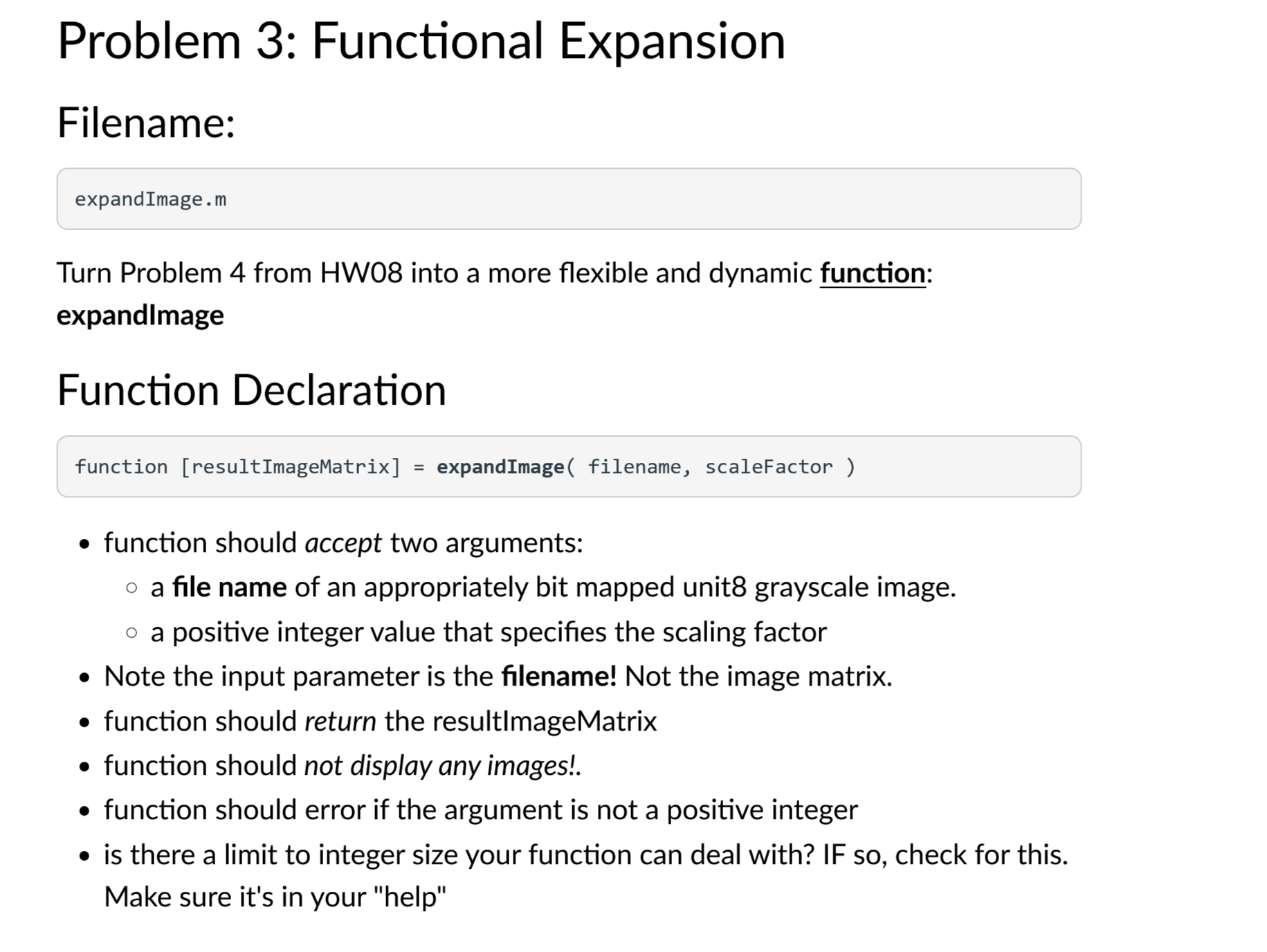
Question: Problem 3 : Functional Expansion ( Matlab ) Filename: expandImage.m Turn Problem 4 from HW 0 8 into a more flexible and dynamic function: expandlmage
Problem : Functional Expansion Matlab
Filename:
expandImage.m
Turn Problem from HW into a more flexible and dynamic function: expandlmage
Function Declaration
function resultImageMatrix expandImage filename, scaleFactor
function should accept two arguments:
a file name of an appropriately bit mapped unit grayscale image.
a positive integer value that specifies the scaling factor
Note the input parameter is the filename! Not the image matrix.
function should return the resultImageMatrix
function should not display any images!.
function should error if the argument is not a positive integer
is there a limit to integer size your function can deal with? IF so check for this. Make sure it's in your "help" Problem : Image Inversion
Filename:
invertImage.m
Sample image: CloudyGoldenGategrayscale.jpg downarrow
Additional image files above.
Write a script
For the image exercises, you can test with any grayscale image that imread is capable of accepting. Please make sure the image truly is stored as bit grayscale otherwise you will encounter significantly larger and more complex data sets.
Write a program that will invert the negativepositive of grayscale image.
The program should input a grayscale bitmap image the golden grate bridge file is a good example and perform mathematical analysis on the image matrix data, inverting the negativepositive of the grayscale image. In other words, what was white should be black. What was black should be white. Everything in the middle should proportionally invert. For example, light black should become dark black.
After the conversion, the new, modified image should be output using imshow.
Step by Step Solution
There are 3 Steps involved in it
1 Expert Approved Answer
Step: 1 Unlock

Question Has Been Solved by an Expert!
Get step-by-step solutions from verified subject matter experts
Step: 2 Unlock
Step: 3 Unlock
 Study Help