







Question: Problem 3- Voltage and Frequency Scaling on Raspberry pi Try frequency scaling on the Raspberry pi 3 board to improve the performance. First, check your
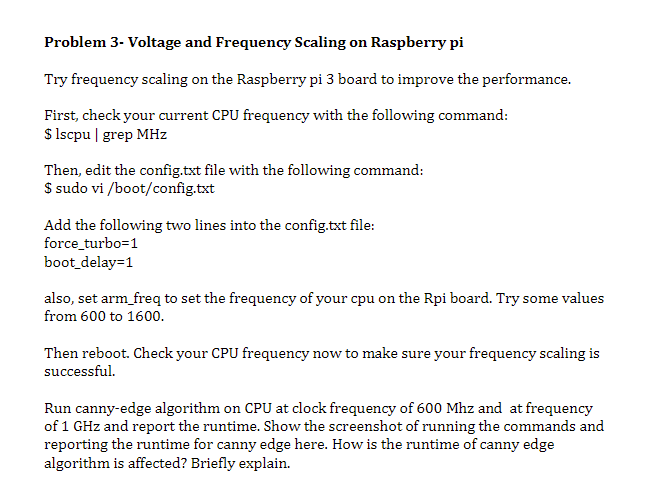
Problem 3- Voltage and Frequency Scaling on Raspberry pi Try frequency scaling on the Raspberry pi 3 board to improve the performance. First, check your current CPU frequency with the following command: $ lscpu | grep MHz Then, edit the config.txt file with the following command: \$ sudo vi /boot/config.txt Add the following two lines into the config.txt file: force_turbo =1 boot_delay =1 also, set arm_freq to set the frequency of your cpu on the Rpi board. Try some values from 600 to 1600 . Then reboot. Check your CPU frequency now to make sure your frequency scaling is successful. Run canny-edge algorithm on CPU at clock frequency of 600Mhz and at frequency of 1GHz and report the runtime. Show the screenshot of running the commands and reporting the runtime for canny edge here. How is the runtime of canny edge algorithm is affected? Briefly explain
Step by Step Solution
There are 3 Steps involved in it

Get step-by-step solutions from verified subject matter experts
 Study Help