


Question: Problem Set 10.2: Analysis of Regression in Excel Criterion: Use Excel to complete an analysis of regression. Data: Use the data from Problem Set 10.1.
Problem Set 10.2: Analysis of Regression in Excel
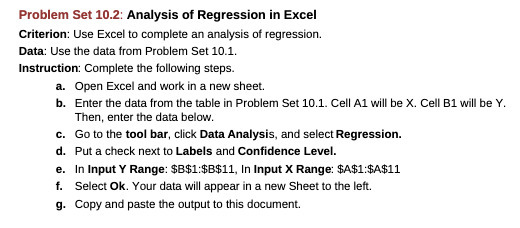
Problem Set 10.2: Analysis of Regression in Excel Criterion: Use Excel to complete an analysis of regression. Data: Use the data from Problem Set 10.1. Instruction: Complete the following steps. a. Open Excel and work in a new sheet. b. Enter the data from the table in Problem Set 10.1. Cell Al will be X. Cell B1 will be Y. Then, enter the data below. c. Go to the tool bar, click Data Analysis, and select Regression. d. Put a check next to Labels and Confidence Level. e. In Input Y Range: $8$1:$8$11, In Input X Range: $A$1:$A$11 f. Select Ok. Your data will appear in a new Sheet to the left. g. Copy and paste the output to this document

Step by Step Solution

There are 3 Steps involved in it

1 Expert Approved Answer
Step: 1 Unlock blur-text-image

Question Has Been Solved by an Expert!

Get step-by-step solutions from verified subject matter experts

Step: 2 Unlock
Step: 3 Unlock

Students Have Also Explored These Related Mathematics Questions!