







Question: Procedure: Cold Startup in Automatic Click the Initial Conditions ( IC ) button and set the model to Cold Start - Up Condition. Click on
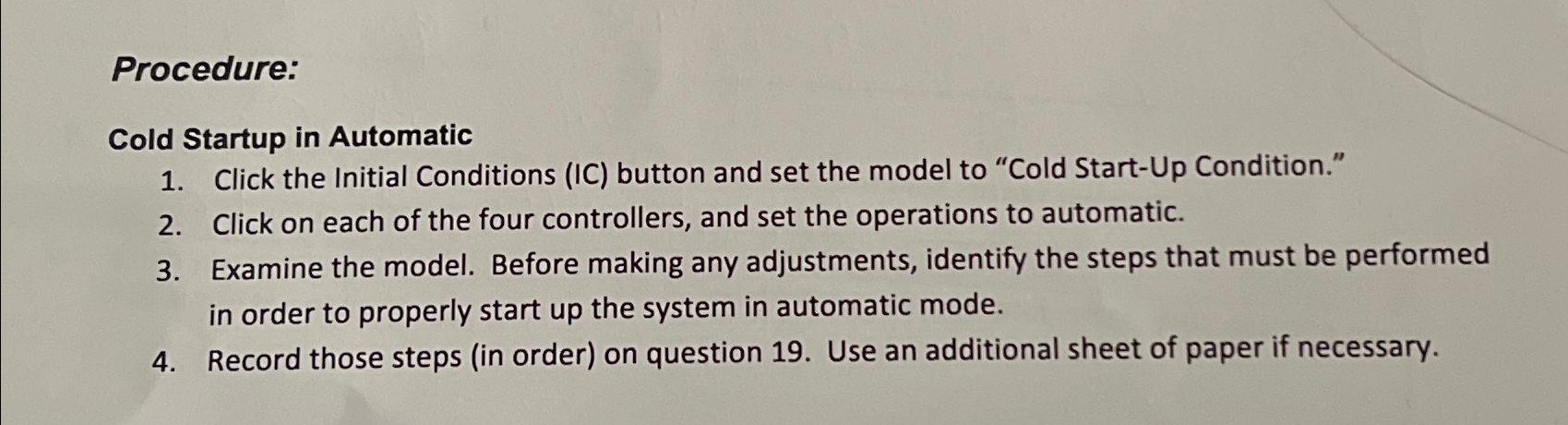
Procedure:
Cold Startup in Automatic
Click the Initial Conditions IC button and set the model to "Cold StartUp Condition."
Click on each of the four controllers, and set the operations to automatic.
Examine the model. Before making any adjustments, identify the steps that must be performed in order to properly start up the system in automatic mode.
Record those steps in order on question Use an additional sheet of paper if necessary.
Step by Step Solution
There are 3 Steps involved in it
1 Expert Approved Answer
Step: 1 Unlock

Question Has Been Solved by an Expert!
Get step-by-step solutions from verified subject matter experts
Step: 2 Unlock
Step: 3 Unlock
 Study Help