







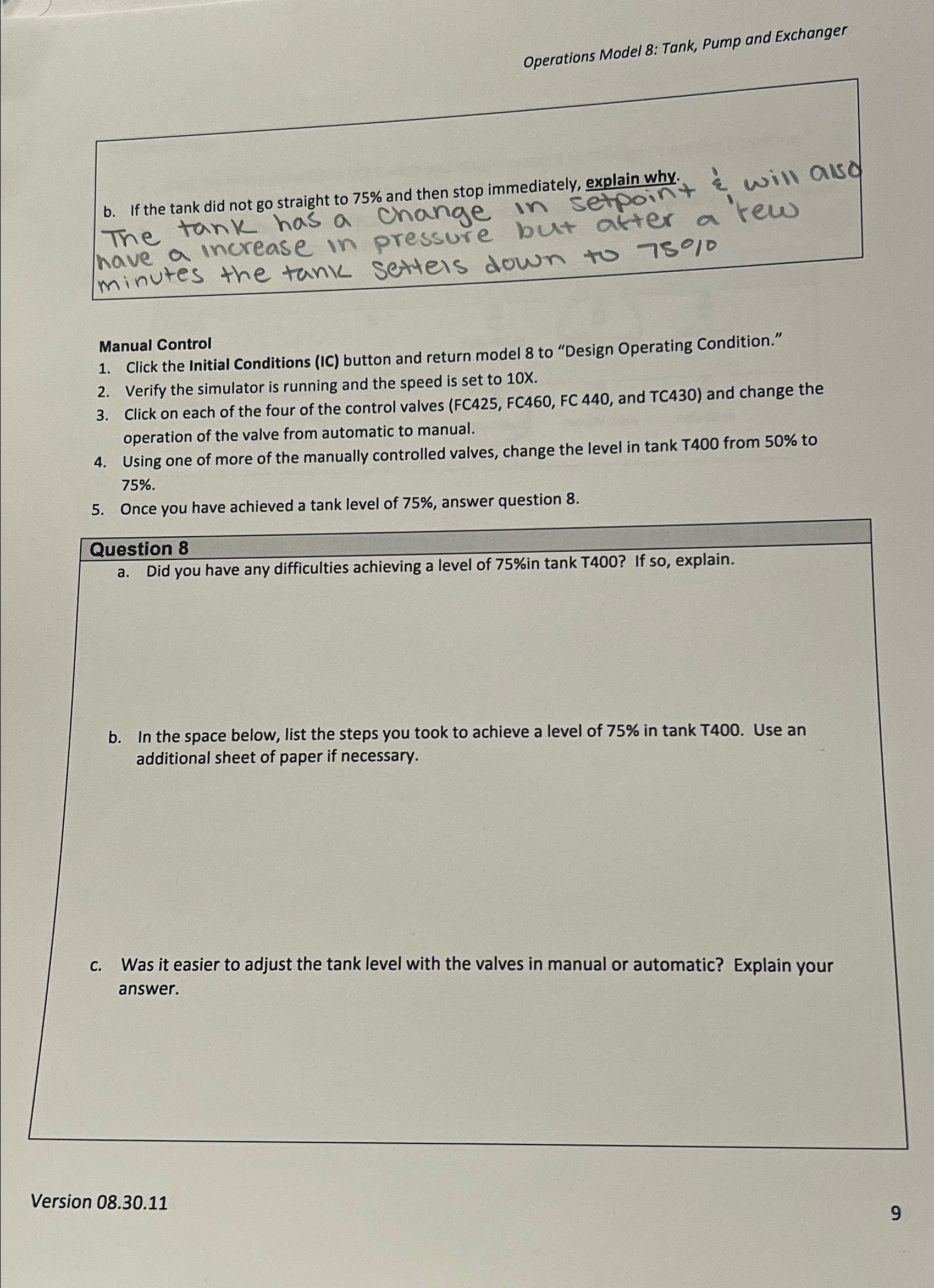
Question: Operations Model 8 : Tank, Pump and Exchanger b . If the tank did not go straight to 7 5 % and then stop immediately,
Operations Model : Tank, Pump and Exchanger
b If the tank did not go straight to and then stop immediately, explain why.
The tank has a Change in setpoint
Manual Control
Click the Initial Conditions IC button and return model to "Design Operating Condition."
Verify the simulator is running and the speed is set to
Click on each of the four of the control valves FC FC FC and TC and change the operation of the valve from automatic to manual.
Using one of more of the manually controlled valves, change the level in tank from to
Once you have achieved a tank level of answer question
Question
a Did you have any difficulties achieving a level of in tank If so explain.
b In the space below, list the steps you took to achieve a level of in tank T Use an additional sheet of paper if necessary.
c Was it easier to adjust the tank level with the valves in manual or automatic? Explain your answer.
Version
Step by Step Solution
There are 3 Steps involved in it
1 Expert Approved Answer
Step: 1 Unlock

Question Has Been Solved by an Expert!
Get step-by-step solutions from verified subject matter experts
Step: 2 Unlock
Step: 3 Unlock
 Study Help