







Question: Procedure Part 1 MS Excel Numeric Functions .T Create a Microsoft Excel Workbook using the file name request for this lab. Rename the Sheet1 tab
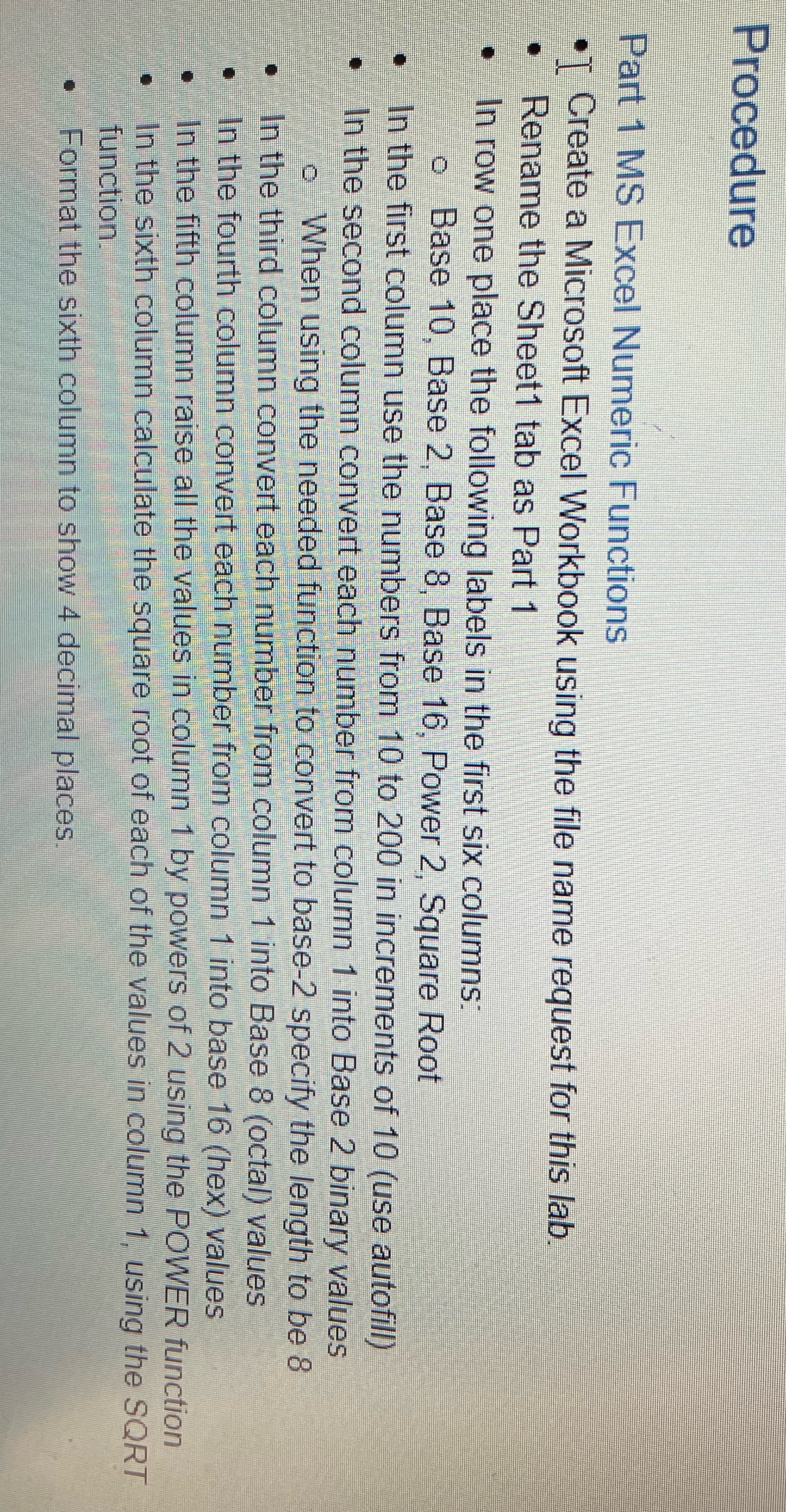
Procedure Part 1 MS Excel Numeric Functions .T Create a Microsoft Excel Workbook using the file name request for this lab. Rename the Sheet1 tab as Part 1 In row one place the following labels in the first six columns: o Base 10, Base 2. Base 8, Base 16, Power 2, Square Root In the first column use the numbers from 10 to 200 in increments of 10 (use autofill) In the second column convert each number from column 1 into Base 2 binary values o When using the needed function to convert to base-2 specify the length to be 8 In the third column convert each number from column 1 into Base 8 (octal) values In the fourth column convert each number from column 1 into base 16 (hex) values In the fifth column raise all the values in column 1 by powers of 2 using the POWER function In the sixth column calculate the square root of each of the values in column 1. using the SORT function. Format the sixth column to show 4 decimal places
Step by Step Solution
There are 3 Steps involved in it

Get step-by-step solutions from verified subject matter experts
 Study Help