







Question: Processing the File Create a markdown cell with a level 2 header that reads Processing the File. Add unformatted text explaining that you will now
Processing the File
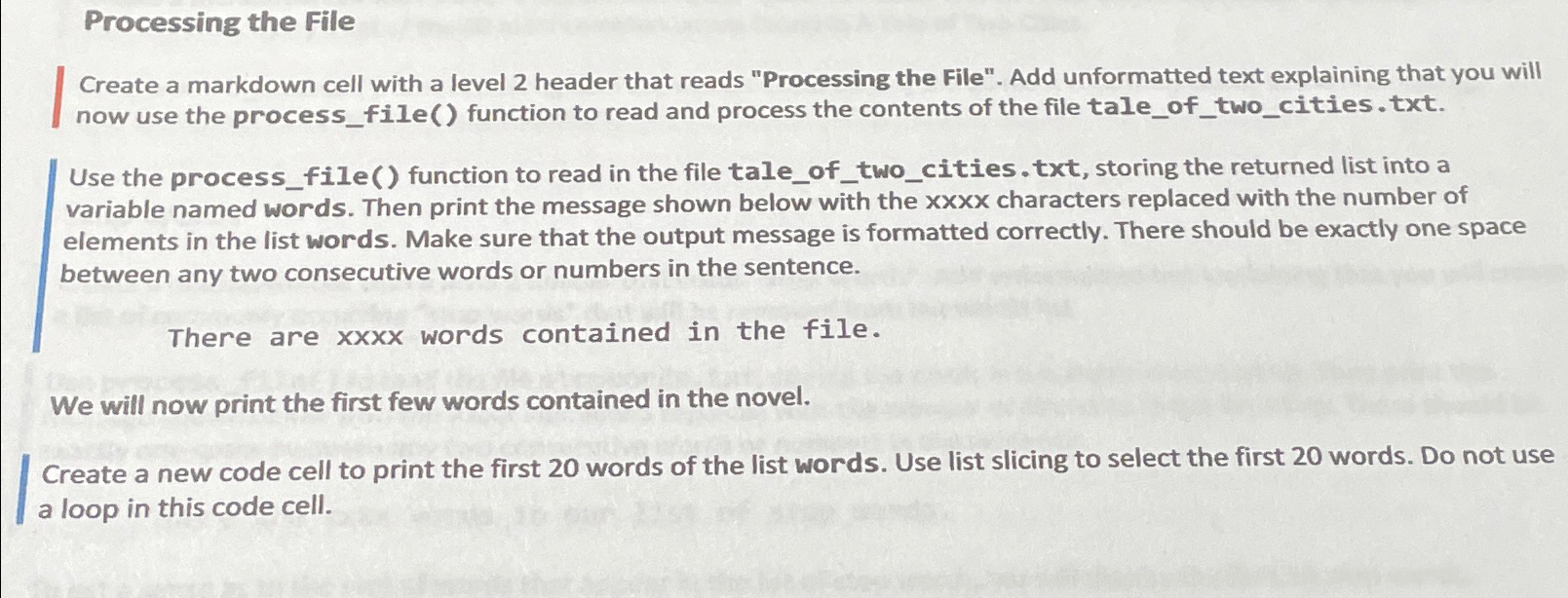
Create a markdown cell with a level header that reads "Processing the File". Add unformatted text explaining that you will now use the processfile function to read and process the contents of the file taleoftwocities.txt
Use the processfile function to read in the file taleoftwocities.txt storing the returned list into a variable named words. Then print the message shown below with the xxxx characters replaced with the number of elements in the list words. Make sure that the output message is formatted correctly. There should be exactly one space between any two consecutive words or numbers in the sentence.
There are words contained in the file.
We will now print the first few words contained in the novel.
Create a new code cell to print the first words of the list words. Use list slicing to select the first words. Do not use a loop in this code cell.
Step by Step Solution
There are 3 Steps involved in it
1 Expert Approved Answer
Step: 1 Unlock

Question Has Been Solved by an Expert!
Get step-by-step solutions from verified subject matter experts
Step: 2 Unlock
Step: 3 Unlock
 Study Help