







Question: Program and compute this in matlab H2.4 Spatial frequencies I: Capture an image of yourself. Resize it to 256 x 256 resolution using imresize() with
Program and compute this in matlab
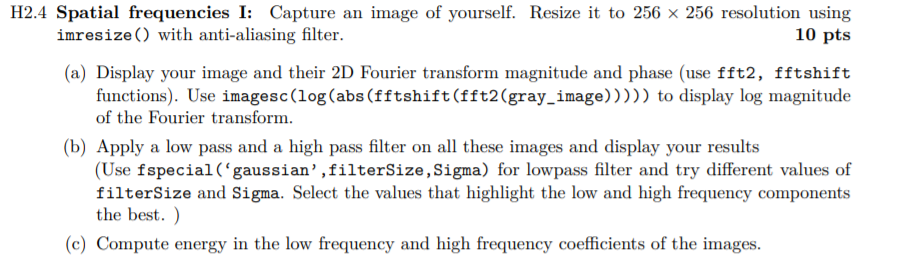
H2.4 Spatial frequencies I: Capture an image of yourself. Resize it to 256 x 256 resolution using imresize() with anti-aliasing filter. 10 pts (a) Display your image and their 2D Fourier transform magnitude and phase (use fft2, fftshift functions). Use imagesc(log(abs (fftshift(fft2(gray_image)))) to display log magnitude of the Fourier transform. (b) Apply a low pass and a high pass filter on all these images and display your results (Use fspecial('gaussian',filterSize, Sigma) for lowpass filter and try different values of filterSize and Sigma. Select the values that highlight the low and high frequency components the best. ) (c) Compute energy in the low frequency and high frequency coefficients of the images. H2.4 Spatial frequencies I: Capture an image of yourself. Resize it to 256 x 256 resolution using imresize() with anti-aliasing filter. 10 pts (a) Display your image and their 2D Fourier transform magnitude and phase (use fft2, fftshift functions). Use imagesc(log(abs (fftshift(fft2(gray_image)))) to display log magnitude of the Fourier transform. (b) Apply a low pass and a high pass filter on all these images and display your results (Use fspecial('gaussian',filterSize, Sigma) for lowpass filter and try different values of filterSize and Sigma. Select the values that highlight the low and high frequency components the best. ) (c) Compute energy in the low frequency and high frequency coefficients of the images
Step by Step Solution
There are 3 Steps involved in it

Get step-by-step solutions from verified subject matter experts
 Study Help