







Question: Project 2-6: Correcting Errors in a Project Schedule A student who is interning with your company made some updates to the music video project schedule.
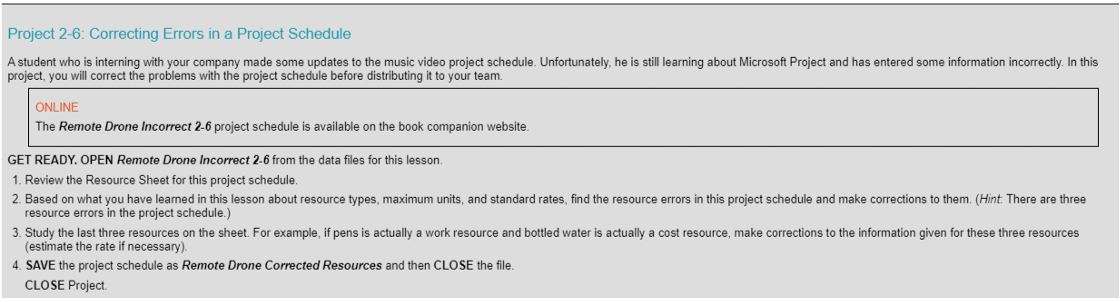
Project 2-6: Correcting Errors in a Project Schedule A student who is interning with your company made some updates to the music video project schedule. Unfortunately, he is still learning about Microsoft Project and has entered some information incorrectly. In this project, you will correct the problems with the project schedule before distributing it to your team. ONLINE The Remote Drone Incorrect 2-6 project schedule is available on the book companion website. GET READY. OPEN Remote Drone Incorrect 2-6 from the data files for this lesson. 1. Review the Resource Sheet for this project schedule. 2. Based on what you have learned in this lesson about resource types, maximum units, and standard rates, find the resource errors in this project schedule and make corrections to them. (Hint. There are three resource errors in the project schedule.) 3. Study the last three resources on the sheet. For example, if pens is actually a work resource and bottled water is actually a cost resource, make corrections to the information given for these three resources (estimate the rate if necessary). 4. SAVE the project schedule as Remote Drone Corrected Resources and then CLOSE the file. CLOSE Project
Step by Step Solution
There are 3 Steps involved in it

Get step-by-step solutions from verified subject matter experts
 Study Help