







Question: Project 26 For this project you will use the cd command to compare absolute and relative paths. 1. If you are not in your home
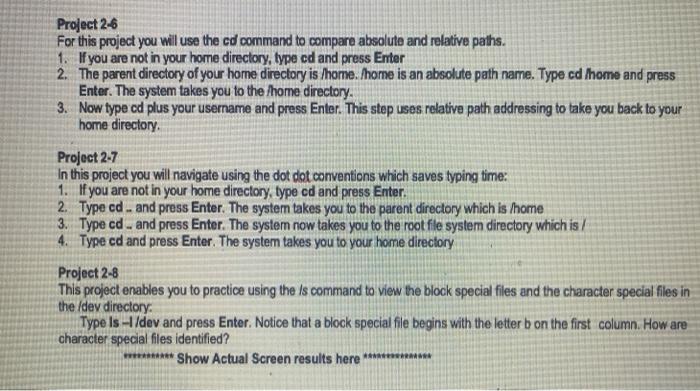
Project 26 For this project you will use the cd command to compare absolute and relative paths. 1. If you are not in your home directory, type cd and press Enter 2. The parent directory of your home directory is home. Thome is an absolute path name. Type cd home and press Enter. The system takes you to the home directory. 3. Now type od plus your username and press Enter. This step uses relative path addressing to take you back to your home directory Project 2-7 In this project you will navigate using the dot dot conventions which saves typing time: 1. If you are not in your home directory, type cd and press Enter. 2. Type cd - and press Enter. The syster takes you to the parent directory which is home 3. Type cd. and press Enter. The system now takes you to the root fle system directory which is/ 4. Type cd and press Enter. The system takes you to your home directory Project 2-8 This project enables you to practice using the is command to view the block special files and the character special files in the /dev directory: Type Is -1 /dev and press Enter. Notice that a block special file begins with the letter b on the first column. How are character special files identified? Show Actual Screen results here *********
Step by Step Solution
There are 3 Steps involved in it

Get step-by-step solutions from verified subject matter experts
 Study Help