







Question: Project 2-9 In this project, you practice using the > redirector to create an empty file. To create an empty file: 1. Type > new_file1
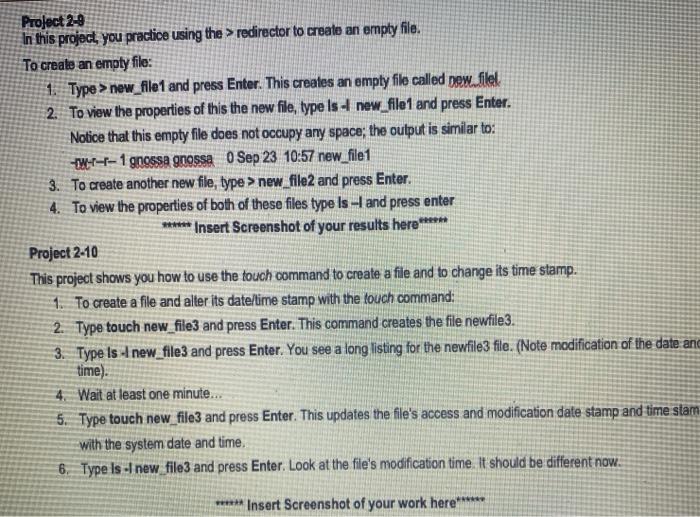
Project 2-9 In this project, you practice using the > redirector to create an empty file. To create an empty file: 1. Type > new_file1 and press Enter. This creates an empty file called new filel 2. To view the properties of this the new file, type Is A new_file1 and press Enter. Notice that this empty file does not occupy any space; the output is similar to: Wr--1 gnossa gnossa 0 Sep 23 10:57 new_file1 3. To create another new file, type > new_file2 and press Enter. 4. To view the properties of both of these files type is - and press enter ***** Insert Screenshot of your results here ****** Project 2-10 This project shows you how to use the touch command to create a file and to change its time stamp. 1. To create a file and alter its date/time stamp with the touch command: 2. Type touch new_file3 and press Enter. This command creates the file newfile3. 3. Type Is I new_file3 and press Enter. You see a long listing for the newfile3 file. (Note modification of the date and time) 4. Wait at least one minute... 5. Type touch new_file3 and press Enter. This updates the file's access and modification date stamp and time stam with the system date and time. 6. Type is - new file3 and press Enter. Look at the file's modification time. It should be different now. ****** Insert Screenshot of your work here****
Step by Step Solution
There are 3 Steps involved in it

Get step-by-step solutions from verified subject matter experts
 Study Help