







Question: Project 4 Draft: Pattern Search Introduction Your task for this project is to use regular expressions to discover and modify information from the provided test.
Project 4 Draft: Pattern Search
Introduction
Your task for this project is to use regular expressions to discover and modify information from the provided test. The project is broken into two sections:
Determine the number of non alpha numeric characters in the lorem_ipsum string.
Replace all instances of the words sit and amet separated by a dash (-) or a colon (:) with a space.
Part 1
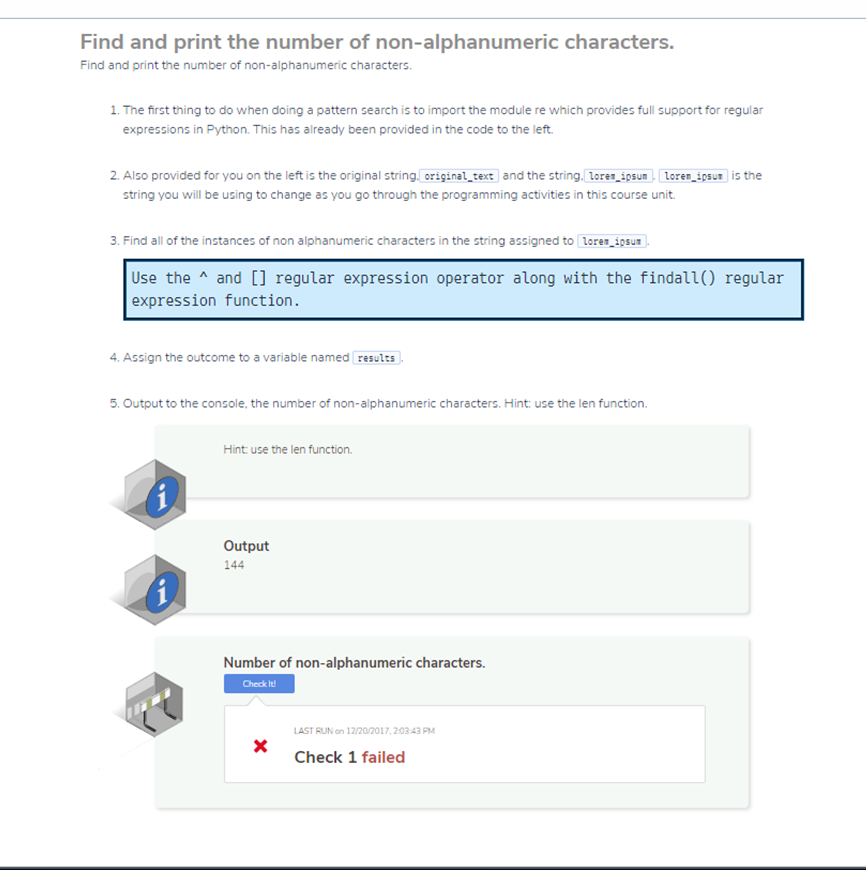
Find and print the number of non-alphanumeric characters.
Find and print the number of non-alphanumeric characters.
1. The first thing to do when doing a pattern search is to import the module re which provides full support for regular expressions in Python. This has already been provided in the code to the left.
2.Also provided for you on the left is the original string,original_text and the string,lorem_ipsum. lorem_ipsum is the string you will be using to change as you go through the programming activities in this course unit.
3.Find all of the instances of non alphanumeric characters in the string assigned to lorem_ipsum.
Use the ^ and [] regular expression operator along with the findall() regular expression function.
4. Assign the outcome to a variable named results.
5.Output to the console, the number of non-alphanumeric characters. Hint: use the len function.
Hint: use the len function.
Expected : Output 144
Part 2:
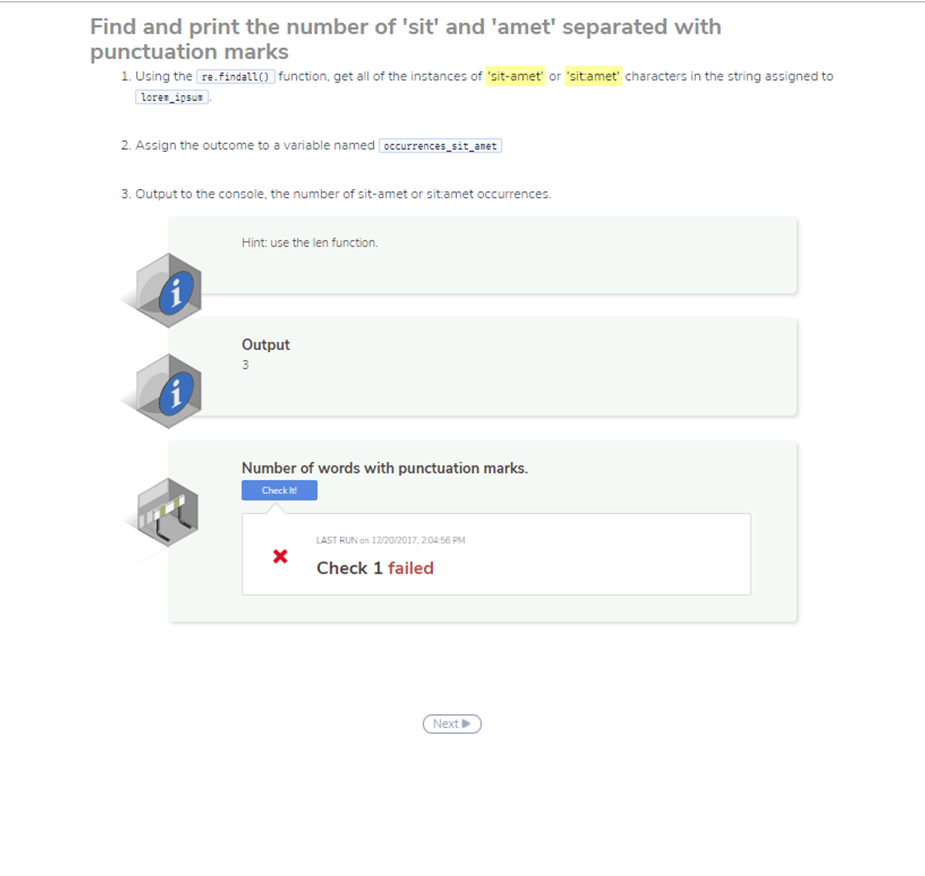
Find and print the number of 'sit' and 'amet' separated with punctuation marks
1. Using the re.findall() function, get all of the instances of 'sit-amet' or 'sit:amet' characters in the string assigned to lorem_ipsum.
2. Assign the outcome to a variable named occurrences_sit_amet
3. Output to the console, the number of sit-amet or sit:amet occurrences.
Expected Output 3
Part 3:
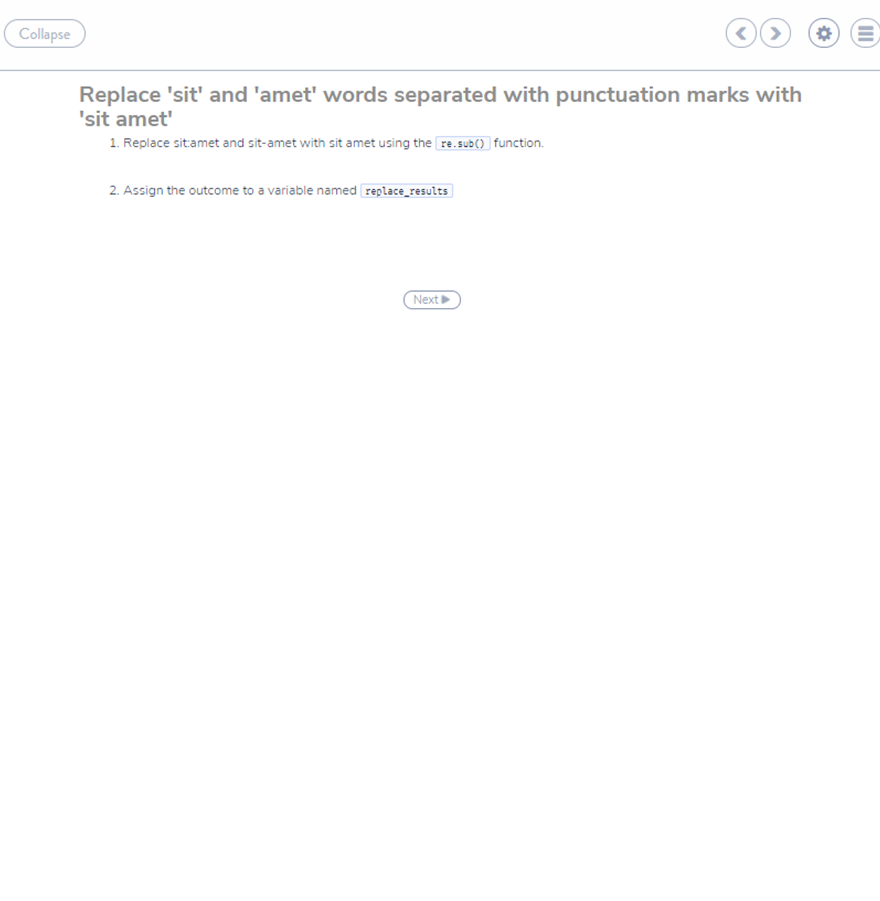
Replace 'sit' and 'amet' words separated with punctuation marks with 'sit amet'
1. Replace sit:amet and sit-amet with sit amet using the re.sub() function.
2. Assign the outcome to a variable named replace_results
Part 4:
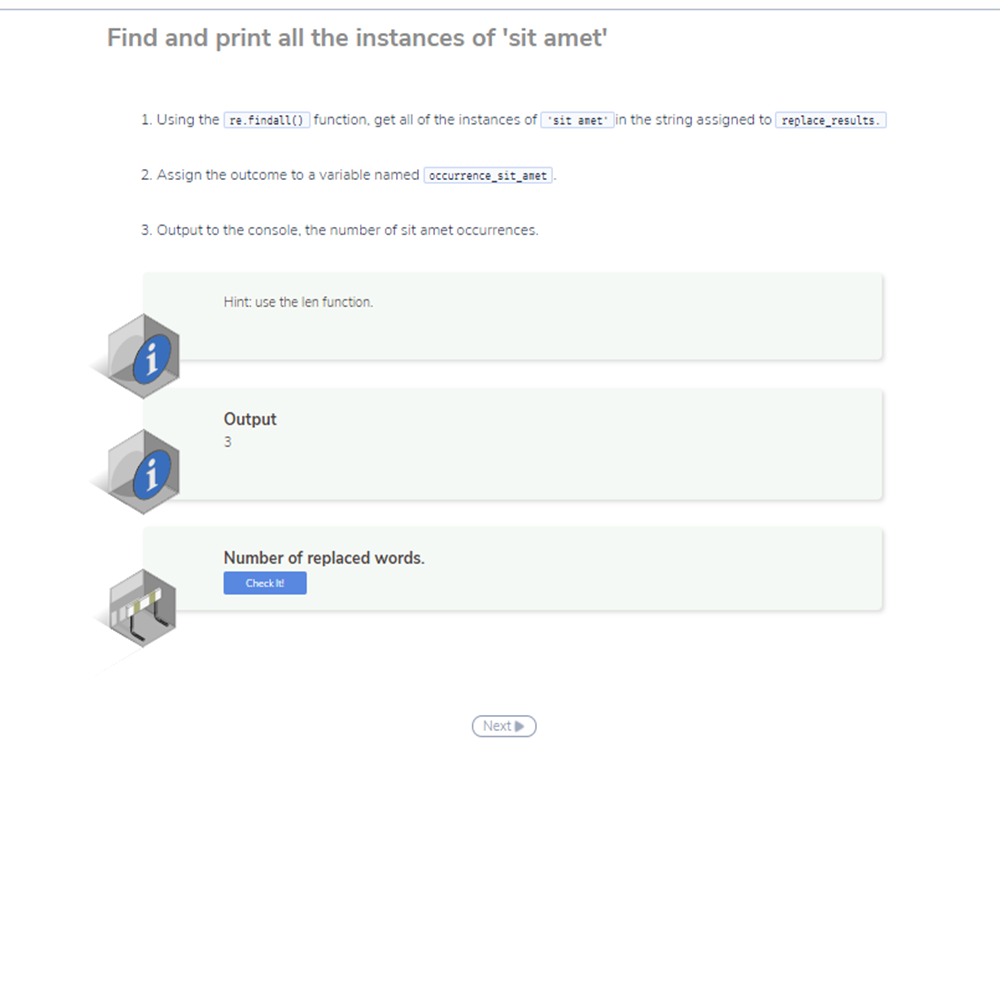
Find and print all the instances of 'sit amet'
Using the re.findall() function, get all of the instances of 'sit amet' in the string assigned to replace_results.
Assign the outcome to a variable named occurrence_sit_amet.
Output to the console, the number of sit amet occurrences.
Hint: use the len function.
Expected Output 3
Here is the code provided:
import re
#Paragraph provided for search and replace
original_text='''Lorem ipsum dolor sit-amet, consectetur adipiscing elit. Phasellus iaculis velit ac nunc interdum tempor. Ut volutpat elit metus, vel auctor enim commodo at. Nunc quis quam non ligula ultricies luctus porta id justo. Quisque dapibus est ut sagittis bibendum. Mauris ullamcorper pellentesque porttitor. Ut sit:amet ex nec dolor gravida porttitor. Proin at justo finibus justo vestibulum congue. Suspendisse et ipsum et ipsum eleifend dapibus a fermentum lacus. Vivamus porta nunc eu nisl sagittis, quis vulputate metus dignissim. Integer non fermentum nisl, id vestibulum elit. Sed euismod vestibulum purus ut porttitor. Integer sit-amet mollis neque. Donec sed lacinia diam, ac finibus lectus. Mauris tempor ipsum nisl, vitae posuere est lacinia nec. Nam eget euismod odio.'''
lorem_ipsum = '''Lorem ipsum dolor sit-amet, consectetur adipiscing elit. Phasellus iaculis velit ac nunc interdum tempor. Ut volutpat elit metus, vel auctor enim commodo at. Nunc quis quam non ligula ultricies luctus porta id justo. Quisque dapibus est ut sagittis bibendum. Mauris ullamcorper pellentesque porttitor. Ut sit:amet ex nec dolor gravida porttitor. Proin at justo finibus justo vestibulum congue. Suspendisse et ipsum et ipsum eleifend dapibus a fermentum lacus. Vivamus porta nunc eu nisl sagittis, quis vulputate metus dignissim. Integer non fermentum nisl, id vestibulum elit. Sed euismod vestibulum purus ut porttitor. Integer sit-amet mollis neque. Donec sed lacinia diam, ac finibus lectus. Mauris tempor ipsum nisl, vitae posuere est lacinia nec. Nam eget euismod odio.'''
Part 1 Screenshot
Part 2 Screenshot
Part 3 Screenshot
Part 4 Screenshot
Find and print the number of non-alphanumeric characters Find and print the number of non-alphanumeric characters. 1. The first thing to do when doing a pattern search is to import the module re which provides full support for regular expressions in Python. This has already been provided in the code to the left. 2. Also provided for you on the left is the original string original-text and the string. Iore.apsun loren-psu" is the string you will be using to change as you go through the programming activities in this course unit 3. Find all of the instances of non alphanumeric characters in the string assigned to lores iosu Use the and [] regular expression operator along with the findall() regular expression function. 4 Assign the outcome to a variable named results 5. Output to the console, the number of non-alphanumeric characters. Hint: use the len function. Hint use the len function. Output 144 Number of non-alphanumeric characters. Check lt AST RUN on 12/20/2017, 203 43 PM Check 1 failed
Step by Step Solution
There are 3 Steps involved in it

Get step-by-step solutions from verified subject matter experts
 Study Help