







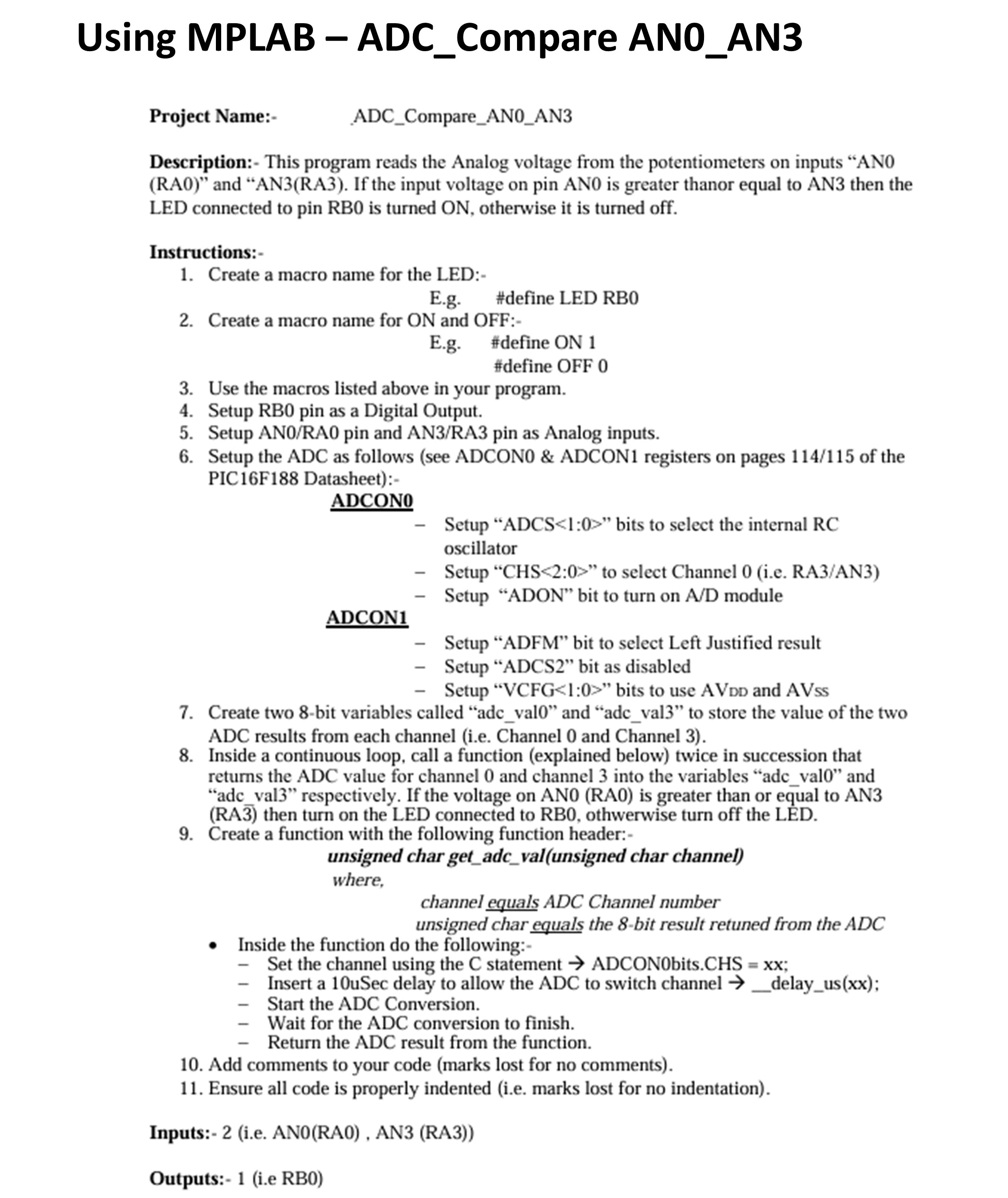
Question: Project Name: - ADC _ Compare _ ANO _ AN 3 Description: - This program reads the Analog voltage from the potentiometers on inputs
Project Name:
ADCCompareANOAN
Description: This program reads the Analog voltage from the potentiometers on inputs ANRA and ANRA If the input voltage on pin AN is greater thanor equal to AN then the LED connected to pin RB is turned ON otherwise it is turned off.
Instructions:
Create a macro name for the LED:
Eg#define LED RB
Create a macro name for ON and OFF:
Eg#define ON
#define OFF
Use the macros listed above in your program.
Setup RB pin as a Digital Output.
Setup ANRA pin and ANRA pin as Analog inputs.
Setup the ADC as follows see ADCONO & ADCON registers on pages of the PICF Datasheet:
ADCON
Setup "ADCS : bits to select the internal RC oscillator
Setup CHS: to select Channel ie RAAN
Setup "ADON" bit to turn on AD module
ADCON
Setup "ADFM" bit to select Left Justified result
Setup "ADCS bit as disabled
Setup VCFG : bits to use AVDD and AVss
Create two bit variables called "adcval and "adcval to store the value of the two ADC results from each channel ie Channel and Channel
Inside a continuous loop, call a function explained below twice in succession that returns the ADC value for channel and channel into the variables "adcval and "adc val respectively. If the voltage on ANRA is greater than or equal to ANRA overline then turn on the LED connected to RB othwerwise turn off the LED.
Create a function with the following function header:
unsigned char getadcvalunsigned char channel
where,
channel equals ADC Channel number
unsigned char equals the bit result retuned from the A D C
Inside the function do the following:
Set the channel using the C statement rightarrow ADCONbits.CHS x x ;
Insert a uSec delay to allow the ADC to switch channel rightarrow delayusxx;
Start the ADC Conversion.
Wait for the ADC conversion to finish.
Return the ADC result from the function.
Add comments to your code marks lost for no comments
Ensure all code is properly indented ie marks lost for no indentation
Inputs:ie ANRA ANRA
Outputs:ie RB
Step by Step Solution
There are 3 Steps involved in it
1 Expert Approved Answer
Step: 1 Unlock

Question Has Been Solved by an Expert!
Get step-by-step solutions from verified subject matter experts
Step: 2 Unlock
Step: 3 Unlock
 Study Help