







Question: Project: Overview Project 1: import/exportscript - Import file created from baselight (Baselight_export.txt) - Import xytech work order (Xytech.txt) - Script will parse data - Computation
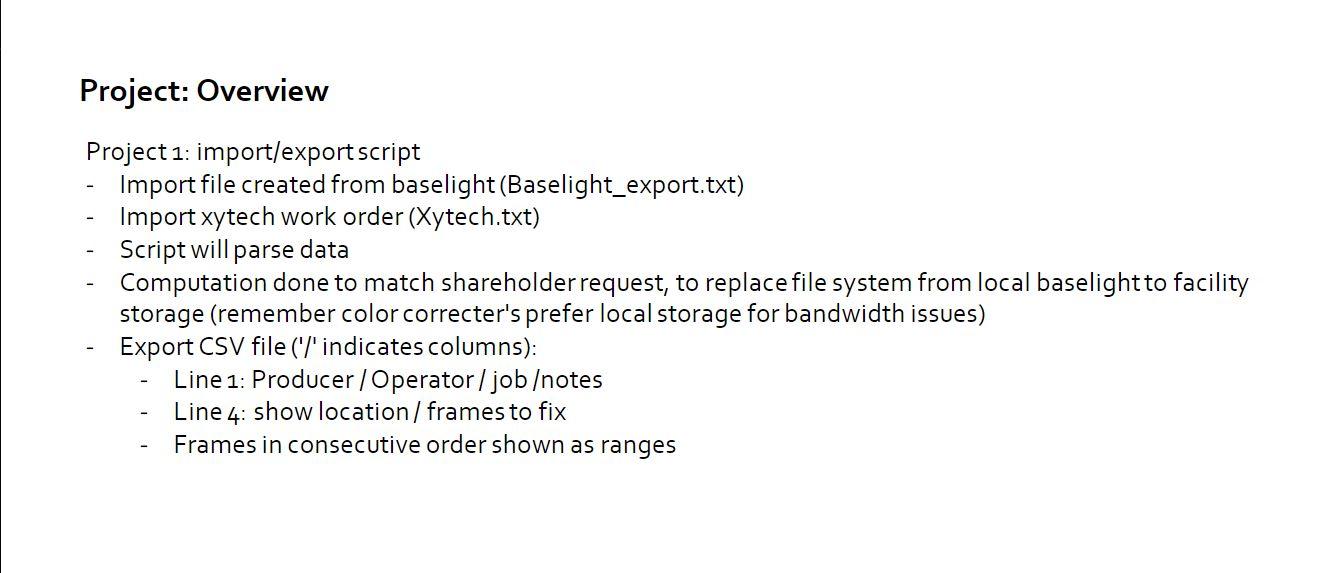
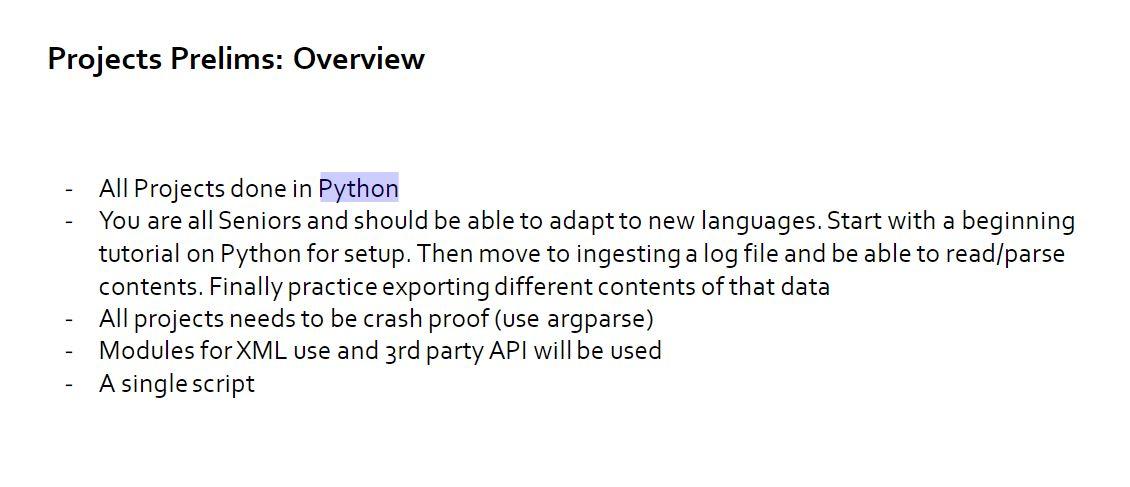
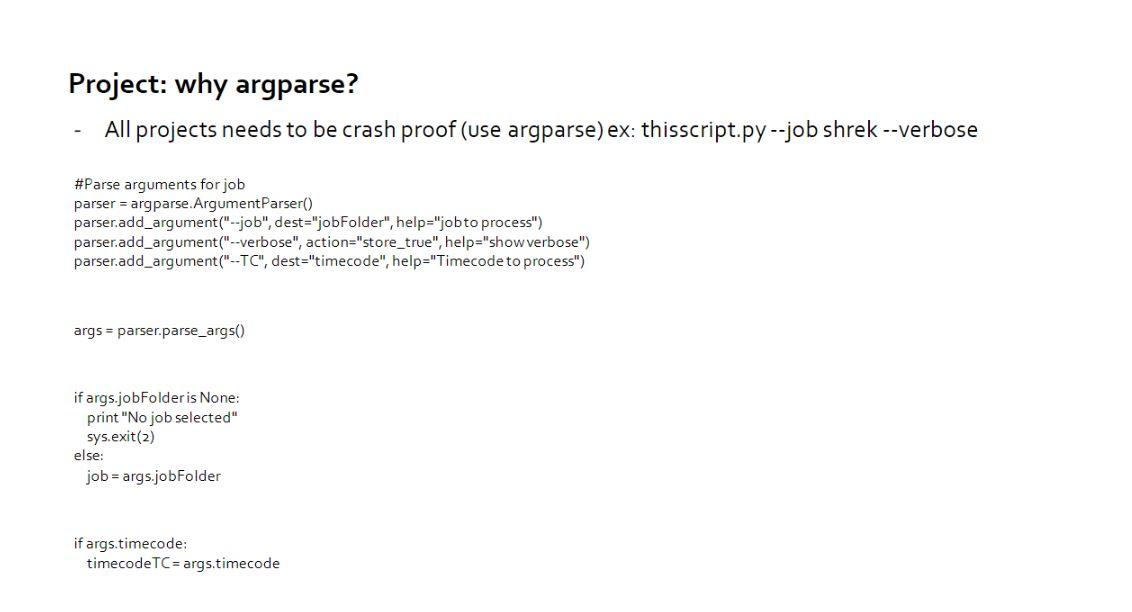
Project: Overview Project 1: import/exportscript - Import file created from baselight (Baselight_export.txt) - Import xytech work order (Xytech.txt) - Script will parse data - Computation done to match shareholder request, to replace file system from local baselight to facility storage (remember color correcter's prefer local storage for bandwidth issues) - Export CSV file ('/' indicates columns): - Line 1: Producer/Operator/jobotes - Line 4: show location/ frames to fix - Frames in consecutive order shown as ranges - All Projects done in Python - You are all Seniors and should be able to adapt to new languages. Start with a beginning tutorial on Python for setup. Then move to ingesting a log file and be able to read/parse contents. Finally practice exporting different contents of that data - All projects needs to be crash proof (use argparse) - Modules for XML use and 3 rd party API will be used - A single script Project: why argparse? - All projects needs to be crash proof (use argparse) ex: thisscript.py --job shrek --verbose \#Parse arguments for job parser = argparse. Argument Parser() parser.add_argument ("--job", dest = "jobFolder", help="job to process") parser.add_argument("--verbose", action="store_true", help="show verbose") parser.add_argument("-TC", dest="timecode", help="Timecode to process") args= parser.parse _args() if args.jobFolder is None: print "No job selected" sys.exit(2) else: job = args.jobFolder if args.timecode: timecodeTC = args.timecode
Step by Step Solution
There are 3 Steps involved in it

Get step-by-step solutions from verified subject matter experts
 Study Help