







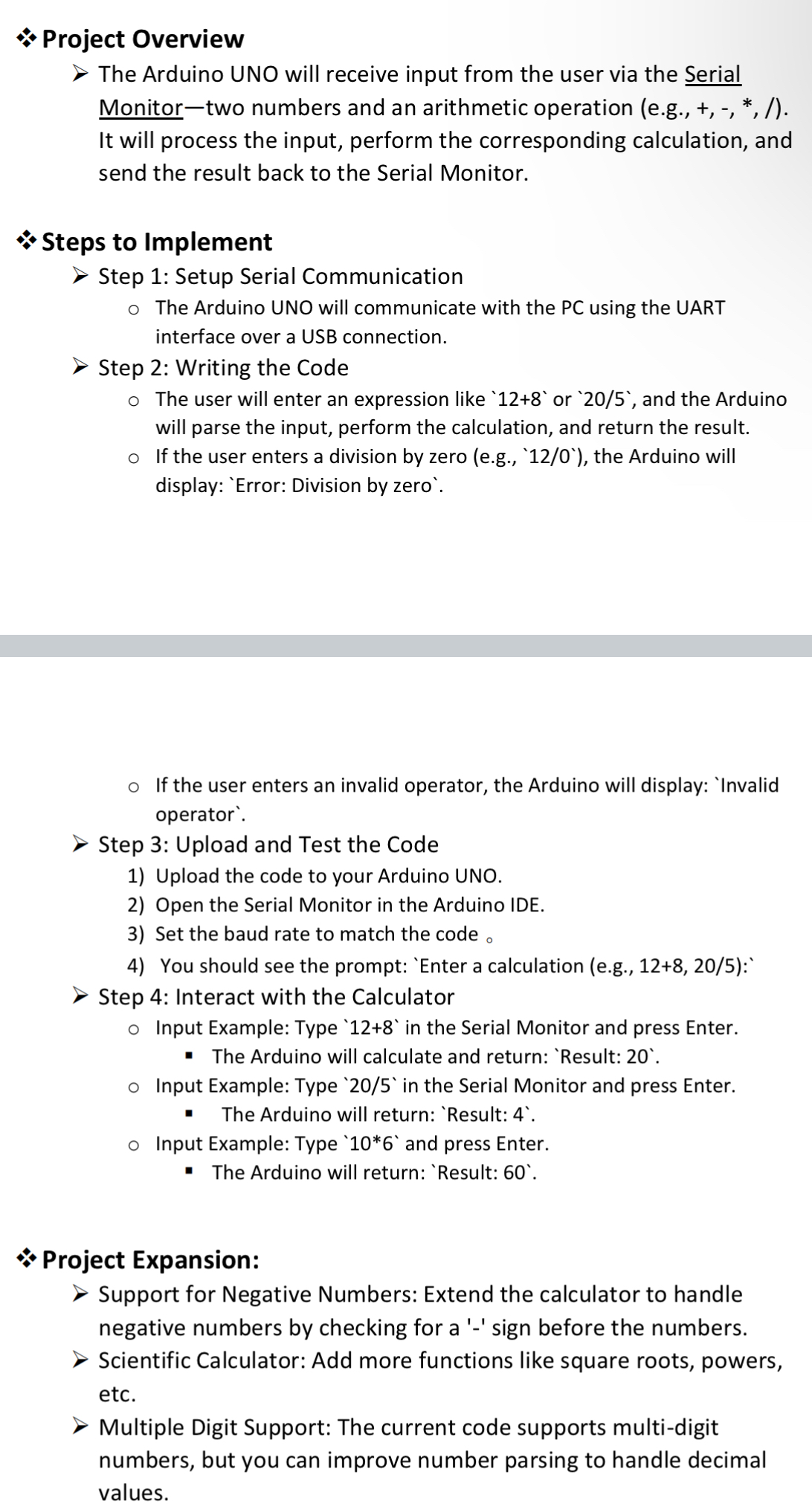
Question: * * * Project OverviewSteps to Implement > Step 1 : Setup Serial Communication The Arduino UNO will communicate with the PC using the UART
Project OverviewSteps to Implement Step : Setup Serial Communication
The Arduino UNO will communicate with the PC using the UART interface over a USB connection.
Step : Writing the Code
The user will enter an expression like or and the Arduino will parse the input, perform the calculation, and return the result.
If the user enters a division by zero egError: Division by zero
If the user enters an invalid operator, the Arduino will display:
Step : Upload and Test the Code
Upload the code to your Arduino UNO.
Open the Serial Monitor in the Arduino IDE.
Set the baud rate to match the code
You should see the prompt: 'Enter a calculation eg:
Step : Interact with the Calculator
Input Example: Type in the Serial Monitor and press Enter.
The Arduino will calculate and return:
Input Example: Type in the Serial Monitor and press Enter.
The Arduino will return:
Input Example: Type and press Enter.
The Arduino will return:
& Project Expansion:
Support for Negative Numbers: Extend the calculator to handle negative numbers by checking for a sign before the numbers.
Scientific Calculator: Add more functions like square roots, powers, etc.
Multiple Digit Support: The current code supports multidigit numbers, but you can improve number parsing to handle decimal values.
Step by Step Solution
There are 3 Steps involved in it
1 Expert Approved Answer
Step: 1 Unlock

Question Has Been Solved by an Expert!
Get step-by-step solutions from verified subject matter experts
Step: 2 Unlock
Step: 3 Unlock
 Study Help