







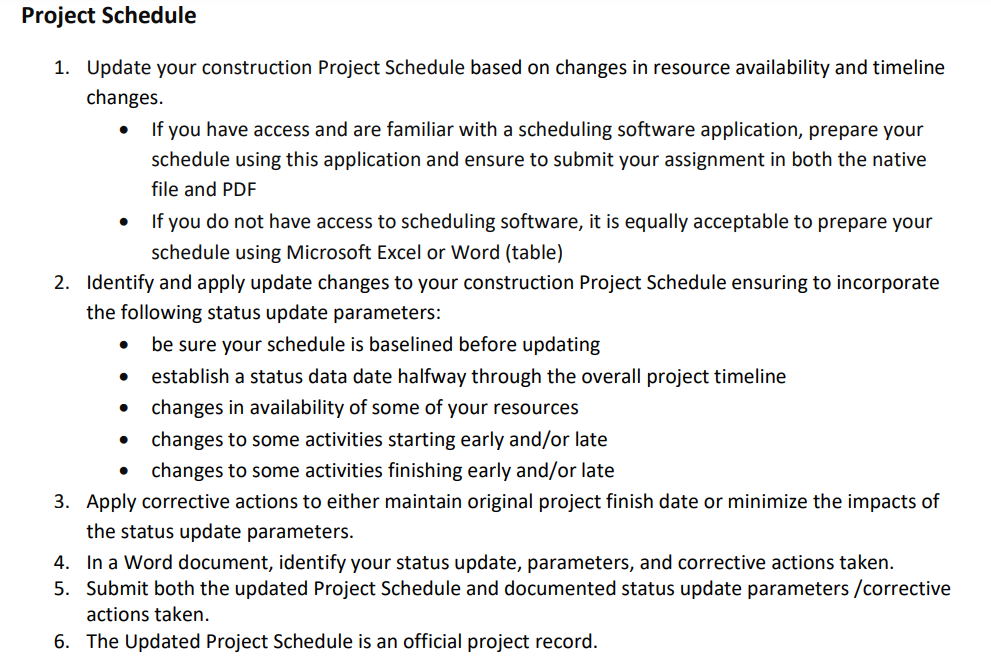
Question: Project Schedule 1 . Update your construction Project Schedule based on changes in resource availability and timeline changes. - If you have access and are
Project Schedule
Update your construction Project Schedule based on changes in resource availability and timeline changes.
If you have access and are familiar with a scheduling software application, prepare your schedule using this application and ensure to submit your assignment in both the native file and PDF
If you do not have access to scheduling software, it is equally acceptable to prepare your schedule using Microsoft Excel or Word table
Identify and apply update changes to your construction Project Schedule ensuring to incorporate the following status update parameters:
be sure your schedule is baselined before updating
establish a status data date halfway through the overall project timeline
changes in availability of some of your resources
changes to some activities starting early andor late
changes to some activities finishing early andor late
Apply corrective actions to either maintain original project finish date or minimize the impacts of the status update parameters.
In a Word document, identify your status update, parameters, and corrective actions taken.
Submit both the updated Project Schedule and documented status update parameters corrective actions taken.
The Updated Project Schedule is an official project record.
Step by Step Solution
There are 3 Steps involved in it
1 Expert Approved Answer
Step: 1 Unlock

Question Has Been Solved by an Expert!
Get step-by-step solutions from verified subject matter experts
Step: 2 Unlock
Step: 3 Unlock
 Study Help