



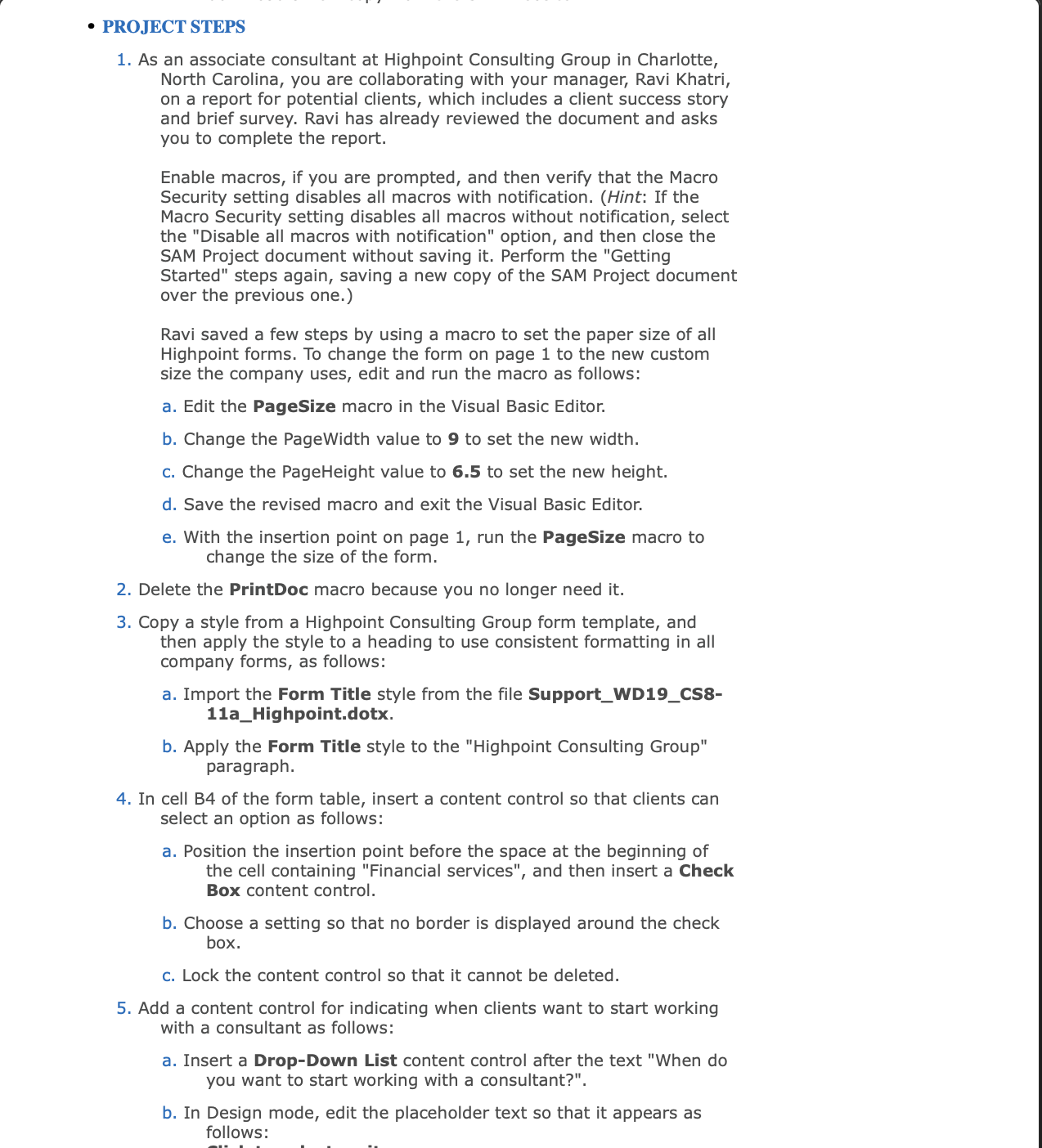
Question: PROJECT STEPS As an associate consultant at Highpoint Consulting Group in Charlotte, North Carolina, you are collaborating with your manager, Ravi Khatri, on a report
PROJECT STEPS
As an associate consultant at Highpoint Consulting Group in Charlotte,
North Carolina, you are collaborating with your manager, Ravi Khatri,
on a report for potential clients, which includes a client success story
and brief survey. Ravi has already reviewed the document and asks
you to complete the report.
Enable macros, if you are prompted, and then verify that the Macro
Security setting disables all macros with notification. Hint: If the
Macro Security setting disables all macros without notification, select
the "Disable all macros with notification" option, and then close the
SAM Project document without saving it Perform the "Getting
Started" steps again, saving a new copy of the SAM Project document
over the previous one.
Ravi saved a few steps by using a macro to set the paper size of all
Highpoint forms. To change the form on page to the new custom
size the company uses, edit and run the macro as follows:
a Edit the PageSize macro in the Visual Basic Editor.
b Change the PageWidth value to to set the new width.
c Change the PageHeight value to to set the new height.
d Save the revised macro and exit the Visual Basic Editor.
e With the insertion point on page run the PageSize macro to
change the size of the form.
Delete the PrintDoc macro because you no longer need it
Copy a style from a Highpoint Consulting Group form template, and
then apply the style to a heading to use consistent formatting in all
company forms, as follows:
a Import the Form Title style from the file SupportWDCS
aHighpoint.dotx.
b Apply the Form Title style to the "Highpoint Consulting Group"
paragraph.
In cell B of the form table, insert a content control so that clients can
select an option as follows:
a Position the insertion point before the space at the beginning of
the cell containing "Financial services", and then insert a Check
Box content control.
b Choose a setting so that no border is displayed around the check
box.
C Lock the content control so that it cannot be deleted.
Add a content control for indicating when clients want to start working
with a consultant as follows:
a Insert a DropDown List content control after the text "When do
you want to start working with a consultant?".
b In Design mode, edit the placeholder text so that it appears as
follows:
Step by Step Solution
There are 3 Steps involved in it
1 Expert Approved Answer
Step: 1 Unlock

Question Has Been Solved by an Expert!
Get step-by-step solutions from verified subject matter experts
Step: 2 Unlock
Step: 3 Unlock