







Question: PROJECT STEPS Cilberto Ray is a financial analyst for Flexy Wireless Communications, a telecommunications company in Sacramento, California. In addition to cell phones and wireless
PROJECT STEPS
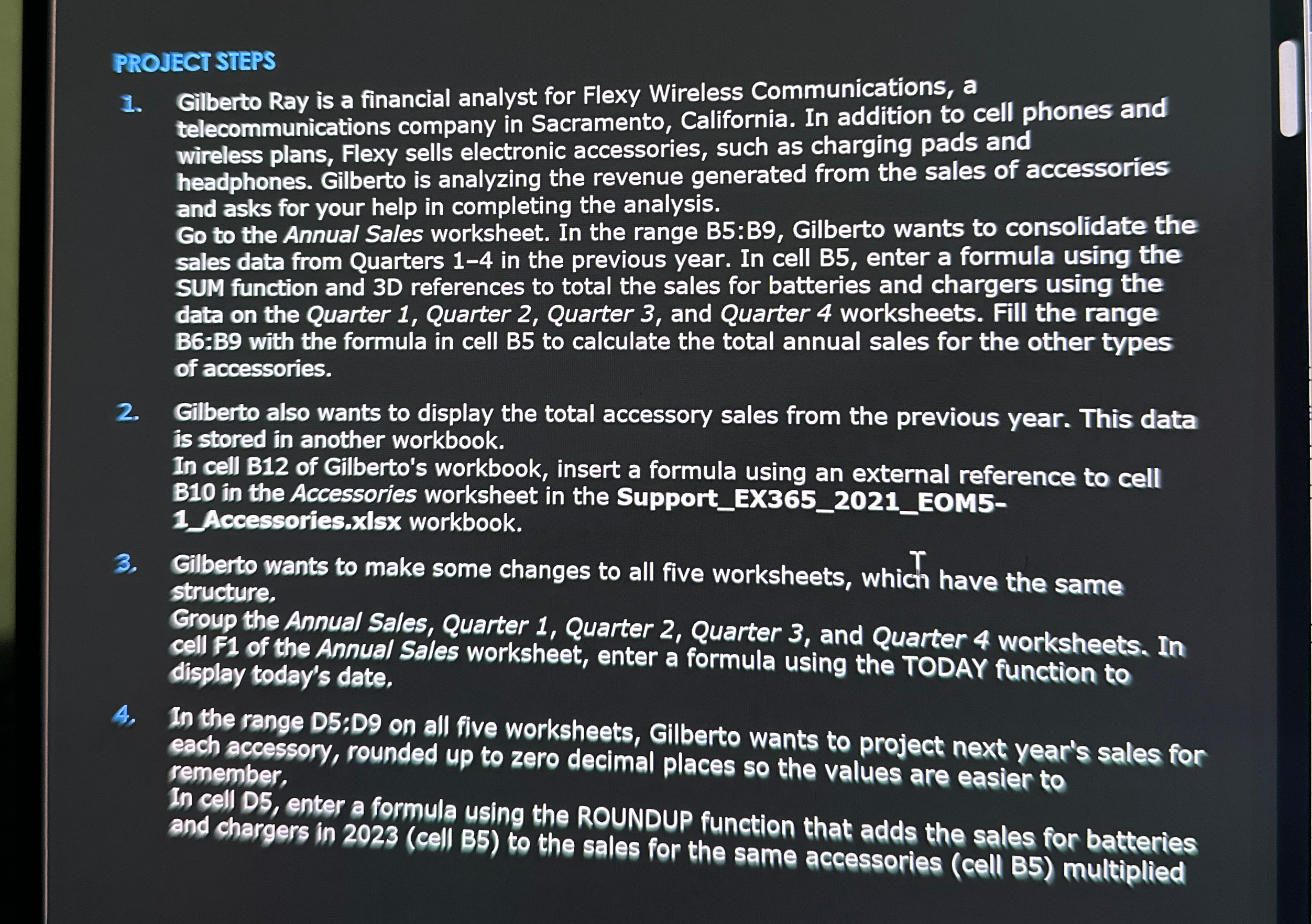
Cilberto Ray is a financial analyst for Flexy Wireless Communications, a telecommunications company in Sacramento, California. In addition to cell phones and wireless plans, Flexy sells electronic accessories, such as charging pads and headphones. Gilberto is analyzing the revenue generated from the sales of accessories and asks for your help in completing the analysis.
Go to the Annual Sales worksheet. In the range B:B Gilberto wants to consolidate the sales data from Quarters in the previous year. In cell B enter a formula using the SUM function and D references to total the sales for batteries and chargers using the data on the Quarter Quarter Quarter and Quarter worksheets. Fill the range B:B with the formula in cell B to calculate the total annual sales for the other types of accessories.
Gilberto also wants to display the total accessory sales from the previous year. This data is stored in another workbook.
In cell B of Gilberto's workbook, insert a formula using an external reference to cell B in the Accessories worksheet in the SupportEXEOMAccessories.xlsx workbook.
Gilberto wants to make some changes to all five worksheets, which have the same structure,
Group the Annual Sales, Quarter Quarter Quarter and Quarter worksheets. In cell of the Annual Sales worksheet, enter a formula using the TODAY function to display today's date.
In the range D;D on all five worksheets, Gillberto wants to project next year's sales for each accessory, rounded up to zero decimal places so the values are easier to remember,
In cell D enter a formula using the ROUNDUP function that adds the sales for batteries and chargers in cell B to the sales for the same accessories cell B multiplied
Step by Step Solution
There are 3 Steps involved in it
1 Expert Approved Answer
Step: 1 Unlock

Question Has Been Solved by an Expert!
Get step-by-step solutions from verified subject matter experts
Step: 2 Unlock
Step: 3 Unlock
 Study Help