







Question: Provide the solution for the swift iOS Single View Application. Specifically provide the working ViewController.swift source code to the following application. Thanks! The application behavior
Provide the solution for the swift iOS Single View Application. Specifically provide the working ViewController.swift source code to the following application. Thanks! 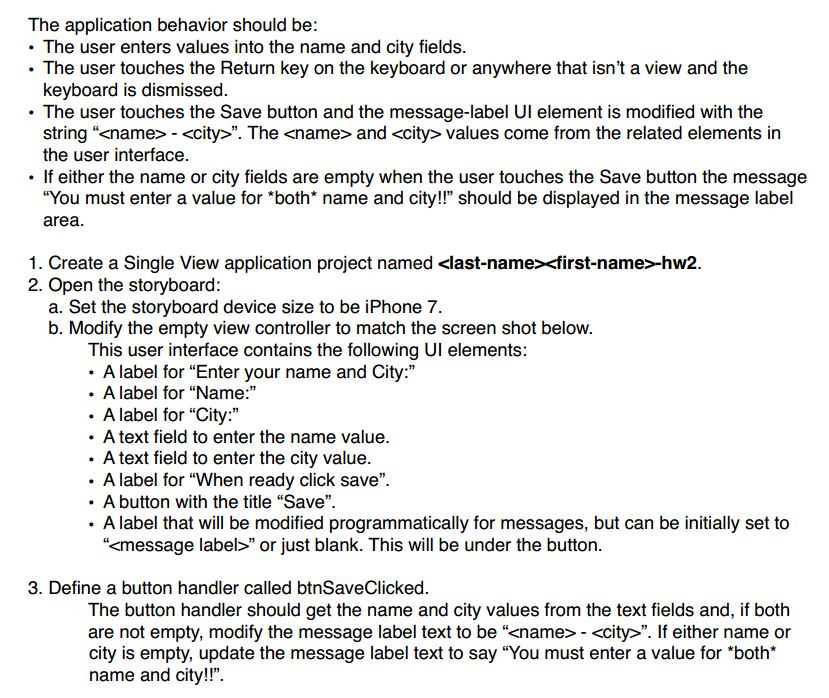
The application behavior should be: The user enters values into the name and city fields. The user touches the Return key on the keyboard or anywhere that isn't a view and the keyboard is dismissed. The user touches the Save button and the message-label UI element is modified with the string " - ". The and values come from the related elements in the user interface. If either the name or city fields are empty when the user touches the Save button the message "You must enter a value for "both* name and city!!" should be displayed in the message label area. Create a Single View application project named -hw2. Open the storyboard: Set the storyboard device size to be iPhone 7. Modify the empty view controller to match the screen shot below. This user interface contains the following UI elements: A label for "Enter your name and City: " A label for "Name: " A label for "City: " A text field to enter the name value. A text field to enter the city value. A label for "When ready click save". A button with the title "Save". A label that will be modified programmatically for messages, but can be initially set to " " Define a button handler called btnSaveClicked. The button handler should get the name and city values from the text fields and, if both are not empty, modify the message label text to be " - ". If either name or city is empty, update the message label text to say "You must enter a value for *both* name and city
Step by Step Solution
There are 3 Steps involved in it

Get step-by-step solutions from verified subject matter experts
 Study Help